

First Impressions and Onboarding
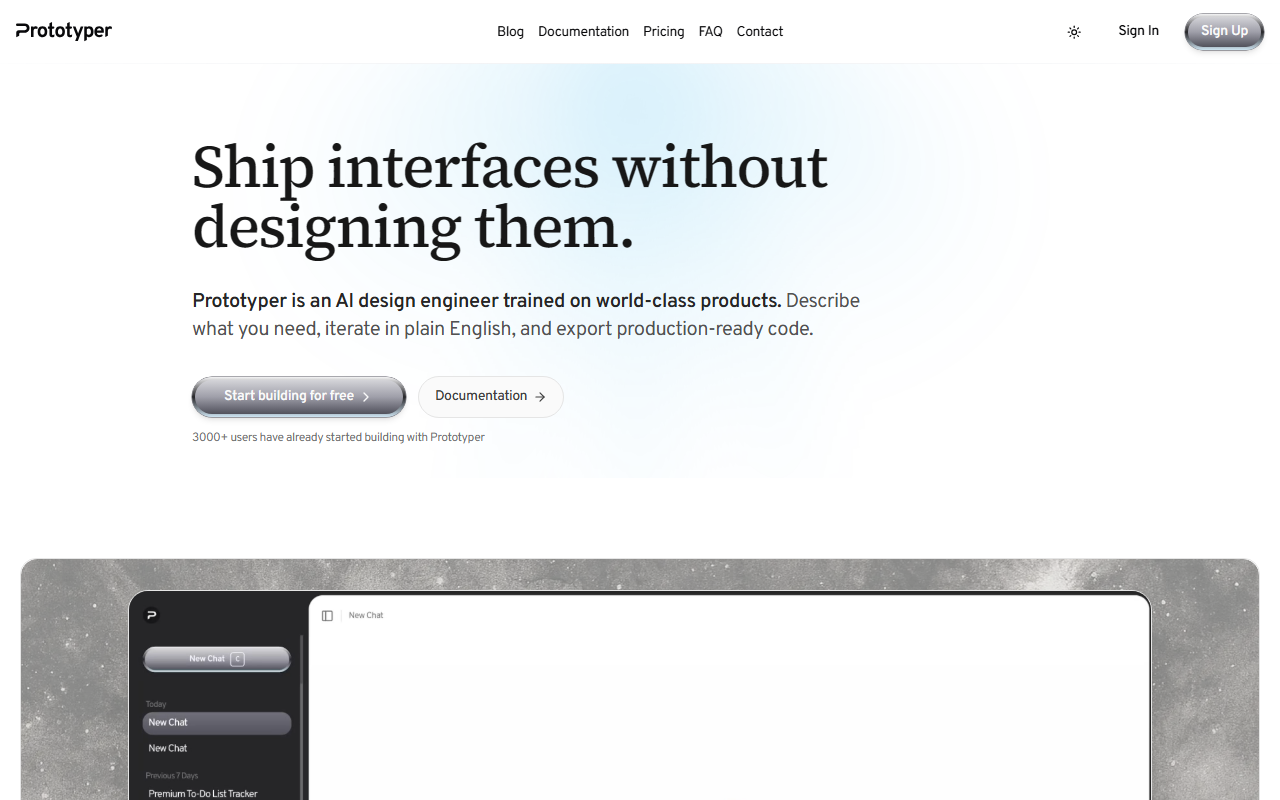
Upon visiting Prototyper, I was greeted by a clean, dark-themed landing page that immediately pushes you to start building. The hero tagline—"Ship interfaces without designing them"—sets clear expectations. After clicking "Start building," I signed up with Google in under ten seconds, no credit card required. The onboarding briefly highlights the Discovery Engine, where you describe an idea and get a working screen. I found the interface minimal: a left sidebar for prompts and theme tokens, a center preview pane, and a right panel for code output. The tool's promise of turning natural language into production-ready React + Tailwind components feels tangible right from the start.
Core Workflow and AI Capabilities
I tested the free tier by describing a login screen with email/password fields and a Google OAuth button. The AI generated a fully functional component in about ten seconds—not just a static mockup but an interactive React element with Tailwind classes. I could click to edit any token (colors, spacing, font) and the preview updated instantly. Prototyper claims its engine preserves tokens and components for lossless round-trips; I verified by exporting a button component, editing it in VS Code, and re-importing—the code still looked clean. Multiplayer presence is built-in: I shared a public link with a colleague, and we could comment on the live preview. The AI understands design patterns from “world-class products,” which is evident in the polished defaults—though the free tier does not allow exporting code. For that, you need the paid plans.
Pricing and Accessibility
Prototyper's pricing is transparent: Starter at $25/month (billed monthly) includes the core workspace and public share links but no export or collaboration. Pro at $59/month unlocks unlimited projects, real-time collaboration, version history, and priority support. Enterprise pricing is on request. If you're a solo developer on a budget, the $25 tier feels limiting—you cannot export React code without upgrading. That said, the free trial gives you a full workspace to evaluate. Compared to Vercel's v0 (which also generates React code but is pay-per-use or subscription-based), Prototyper's strength is its deterministic token engine and built-in design system matching. However, it only supports React and Tailwind; if you work with Vue or Angular, look elsewhere.
Who Should Use Prototyper?
This tool is best for product teams—designers, frontend engineers, and product managers—who want to iterate quickly in code rather than in design tools like Figma or Framer. The AI does not replace thoughtful UX; it accelerates the translation of ideas into working interfaces. A real limitation is the lack of a proper local-first offline mode; you always need internet. Also, the free tier's restrictions mean you cannot fully evaluate the export quality before paying. That said, if you build React apps and value a seamless design-to-code pipeline, Prototyper is worth the Pro subscription. It saves hours of manual CSS tweaking and keeps design tokens synchronized. I recommend trying the free trial for a week—describe a real feature you're building and see if the output matches your expectations.
Visit Prototyper at https://prototyper.co/ to explore it yourself.







Comments