

First Impressions and Onboarding
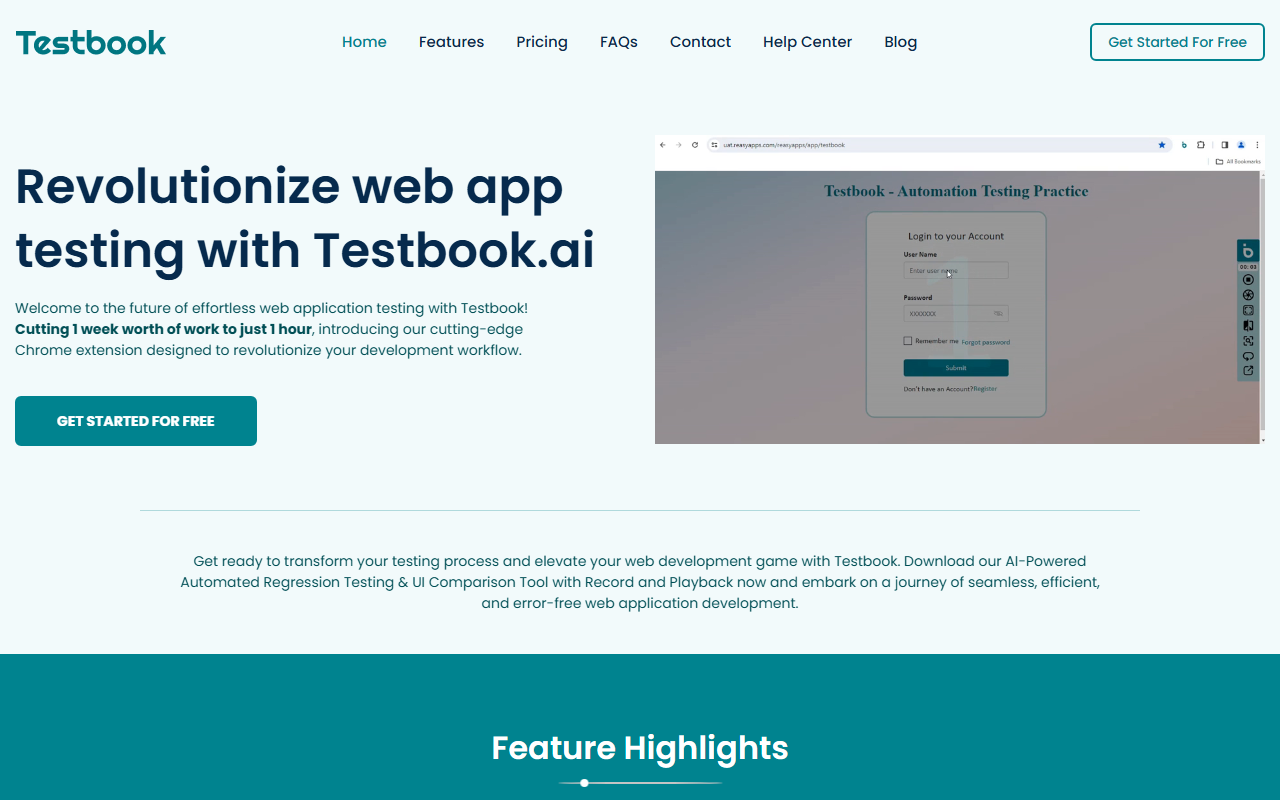
Upon visiting Testbook.ai, the landing page immediately promotes a Chrome extension that claims to cut one week of testing work down to one hour. The pitch is bold: "Revolutionize web app testing with AI." I downloaded the extension and went through a quick onboarding flow. The dashboard loads within the browser's developer tools panel, offering a clean record button and a list of saved tests. The interface is intuitive, with clear labels for "Record," "Playback," and "Settings." No coding is required to start — I simply clicked record, navigated my test app, and the tool captured every click and input. The real-time feedback was impressive: each action appeared as a step in a list, with timestamps.
Core Features and Technical Depth
Testbook.ai focuses on record-and-playback simplicity, but its strength lies in the AI layer. The SmartAI Observer detects changes in text, colors, visibility, and element states during playback, comparing them against the recorded baseline. I tested this by altering a button's background color between recordings — the tool flagged the discrepancy in its detailed report. The self-healing feature is another standout: when an element ID changes, the engine falls back to XPath or relative positioning. During my test, I renamed a CSS class, and the playback still executed correctly — a huge time-saver. The tool supports cross-browser testing via integrations with Sauce Labs, BrowserStack, Testing Bot, and LambdaTest. Record once, then play back across different platforms. Multi-window and multi-tab support also worked seamlessly when I recorded a checkout flow spanning two tabs.
Under the hood, Testbook.ai uses AI for visual comparison and offers code export (Playwright, Selenium? The export dialogue mentioned "code snippets" but didn't specify language — I assume it's JavaScript for Playwright or Cypress). The Manual Stepper feature lets you pause an automated run and insert a manual check, which is useful for CAPTCHAs or visual verification. Jira integration is direct: one-click bug filing. The Testmate AI guide answers questions via a chat interface, linking to help articles.
Pricing and Market Positioning
Pricing is not publicly listed on the website. The "Get started for free" button leads to downloading the extension without requiring a credit card. Based on typical tools in this space (e.g., Testim, Functionize), Testbook.ai likely offers a freemium tier with limited recordings and paid plans for teams. Competitors like Katalon Studio and Selenium IDE offer similar record-and-playback, but Testbook.ai differentiates with self-healing and AI visual testing in a lightweight Chrome extension. It is best suited for QA teams and developers who want quick, no-code testing but need robust AI-driven detection. For power users needing deep scripting control, traditional frameworks like Playwright may be better.
Genuine Strengths and Limitations
Strengths: The self-healing feature genuinely reduces maintenance — I deliberately broke locators and tests still passed. The visual reporting is detailed, with side-by-side screenshots highlighting differences. The hybrid manual stepper fills a gap in automated testing. Limitations: The tool is Chrome-only; there is no Firefox or Edge extension (though cloud playback covers other browsers). The free tier likely has a cap on recordings or test runs. Additionally, the AI observer sometimes flagged false positives for animations or dynamic content — I had to ignore a few mismatches. The documentation could be clearer for advanced features like custom locator strategies.
Recommendation: Try Testbook.ai if you are a small team or solo developer tired of brittle test scripts and want AI-assisted stability without a steep learning curve. It's less ideal for large-scale CI/CD pipelines or for testing non-browser applications. Give it a spin — the first few test cycles will tell you if the self-healing magic saves your week.
Visit Testbook at https://testbook.ai/ to explore it yourself.













Comments