
First Impressions and Onboarding Flow
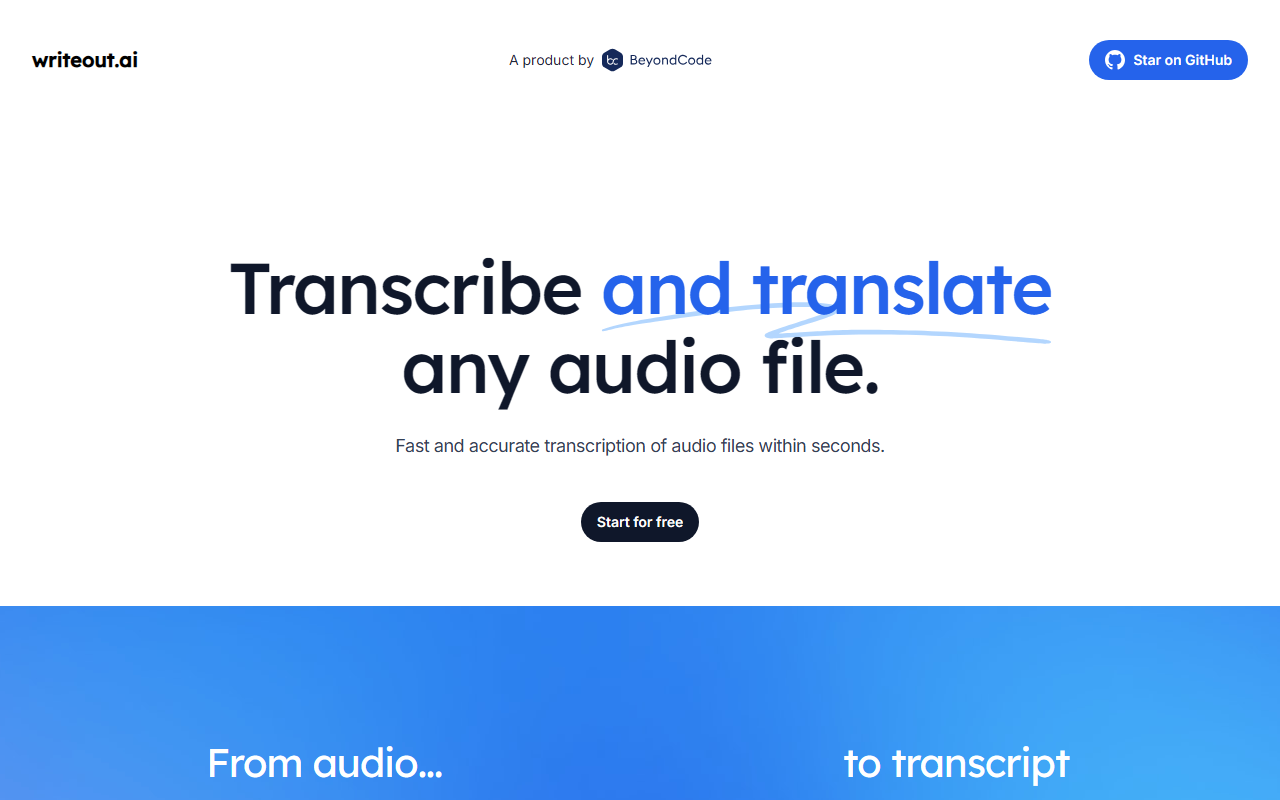
Upon visiting Writeout.ai, the landing page hits you with a bold claim: “Transcribe and translate any audio file” in seconds. The design is minimal—just a headline, a short description, and two large “Start for free” buttons. There’s no lengthy signup wall or tutorial; you can immediately upload a file or record directly. I tested the free tier by uploading a 30-second English podcast snippet. The upload was near-instant, and the transcription appeared within a few seconds. The interface is clean: a progress bar during processing, then a side-by-side view of the original audio and the transcribed text. It’s refreshingly straightforward—no dashboards cluttered with menus.
Core Features and Performance
The tool’s primary hook is its dual capability: transcription and translation. I tested both. The English-to-English transcription was accurate, with only one minor error on a proper noun. Next, I tried translating the same file into Spanish. The output was grammatically solid, though it missed some idiomatic nuances—par for the course with machine translation. Writeout.ai claims support for “more than 10 languages, including Klingon.” That fictional language inclusion is a marketing gimmick, but it signals a playful brand personality. The underlying technology isn’t disclosed, but the speed and accuracy suggest it uses a lightweight, probably proprietary model optimized for real-time processing. There’s no mention of an API or integrations with platforms like Zoom or Otter.ai, which limits its utility for power users.
Pricing, Limitations, and Market Position
Pricing is not publicly listed on the website. The only indication is a “Start for free” button, which gives you a limited number of minutes or files—exact quotas aren’t shown until you create an account. This opacity is a significant drawback; competitors like Otter.ai and Sonix clearly advertise their tiered plans (e.g., free with 300 minutes, paid from $10/month). Writeout.ai’s lack of transparency may discourage businesses needing predictable costs. Another limitation: the tool only supports audio files and doesn’t handle video directly. You’d need to extract the audio track separately. Its strength is speed—transcription feels faster than most rivals—but it sacrifices depth (no speaker identification, timestamps, or export options beyond plain text). For context, Otter.ai offers real-time collaboration, while Sonix provides .SRT subtitles. Writeout.ai focuses on pure, quick conversion with a playful multilingual twist, including the Klingon novelty.
Who Should Use Writeout.ai?
Writeout.ai is best suited for casual users who need a fast, no-frills transcription and translation tool for short audio clips—students summarizing lectures, journalists pulling quotes, or curious explorers who want to play with Klingon. It is not for professionals requiring advanced features like speaker diarization, timestamp exports, or integration with other apps. If you need high accuracy for legal or medical use, look elsewhere. For a quick test, the free tier is risk-free. But if you plan to transcribe regularly, demand transparent pricing and a richer feature set. Writeout.ai is a neat niche tool that delivers on its core promise of speed and multilingual support, but the missing pricing details and limited export options hold it back from being a daily driver. Visit Writeout.ai at https://writeout.ai/ to explore it yourself.













Comments