

First Impressions and Onboarding
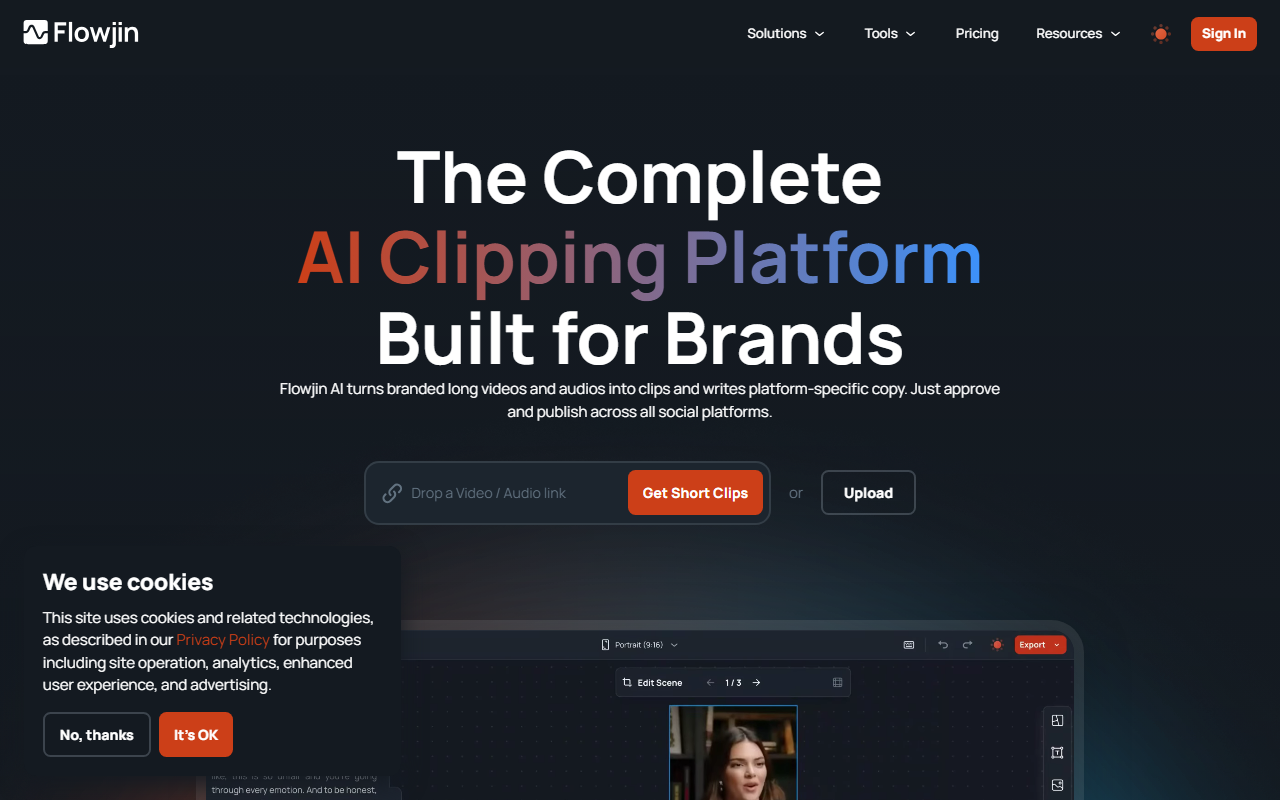
Upon visiting the Flowjin website, the dashboard immediately positions itself as a complete AI clipping platform built for brands. The sign-in flow is straightforward: you can upload a video directly from your device or paste a URL after signing up. I tested the free tier by uploading a 15-minute webinar recording. The interface is clean, with a left-hand sidebar for navigation and a central upload area that accepts video and audio files. After the upload, the AI processes the content and presents a preview of generated clips—typically 6 to 12 short, captioned segments. The auto-generated copy for LinkedIn, YouTube, and X appears in a pane to the right, complete with suggested titles, descriptions, hashtags, and CTAs. The onboarding process took less than two minutes, and the AI delivered its first batch of clips in about three minutes for my 15-minute file.
How Flowjin Works and What It Solves
Flowjin automates a workflow that many content teams handle manually: clipping long-form videos, writing social copy, and scheduling posts. The AI scans the uploaded media for "worthy moments"—typically key statements, high-energy sections, or changes in speaker—and generates short clips with auto-captions, smart cropping, and speaker tracking. It then writes platform-specific posts for LinkedIn, YouTube, and X, which you can tweak before scheduling. One of the most useful features is the single calendar for scheduling across multiple channels, eliminating the need for separate tools like Buffer or Hootsuite. The tool also handles audio-only content, turning podcasts into audiograms and quote clips. During my test, I found the moment detection surprisingly accurate: it picked out three segments that genuinely highlighted key insights from the webinar. The auto captions were correctly timed and the speaker tracking worked well even with slight head movement. Flowjin uses its own proprietary AI models for clipping and copywriting, though the underlying language model details are not publicly disclosed.
Pricing and Market Position
Flowjin offers a single pricing tier starting at $19 per month, which includes AI video clipping. The website breaks down the cost against comparable standalone tools, claiming that replacing Opus Clip ($19), Veed.io ($29), Typefully ($25), Repurpose.io ($25), Jasper.ai ($59), Canva ($19), and Otter.ai ($17) would total $203 per month. This comparison positions Flowjin as a cost-effective all-in-one solution. However, the $19 tier is the base; for full access to video editing, social media scheduling, and advanced features, users likely need the higher plans, though specific tier details are not explicitly listed beyond the one price. Compared to competitors, Opus Clip focuses solely on AI clipping with less copywriting, and Veed.io is a full video editor without the social scheduling. Flowjin’s strength is its integrated pipeline from clipping to publishing. The website claims over 87k uploaded content, 38k videos generated, and 70.1k minutes of social-ready clips, indicating a growing user base. Testimonials from directors at Input Output, Collab Land, and Serotonin lend credibility for enterprise use.
Strengths, Limitations, and Recommendation
Flowjin’s greatest strength is its seamless end-to-end workflow: you can go from a long video to scheduled social posts in one platform. The AI copywriter is genuinely useful, generating context-aware hashtags and CTAs that reduce manual effort. The speaker tracking and smart crop work well for monologues and interviews. However, I noticed a few limitations. The free tier restricts the number of uploads—after three files, you must upgrade. The AI occasionally misses moments that a human editor would pick, especially in highly technical content where subtle points are important. Also, the platform currently supports only LinkedIn, YouTube, and X for direct publishing; Instagram and TikTok require manual export. Flowjin is best suited for founders, marketing leads, social media managers, and agencies who regularly produce long-form video content (webinars, podcasts, interviews) and need to repurpose it efficiently. If you need deep custom video editing or support for more social channels, consider alternatives like Opus Clip or Descript. For most brand-focused teams, Flowjin’s all-in-one approach saves significant time and money.
Visit Flowjin at https://flowjin.com/ to explore it yourself.













Comments