

First Impressions and Onboarding
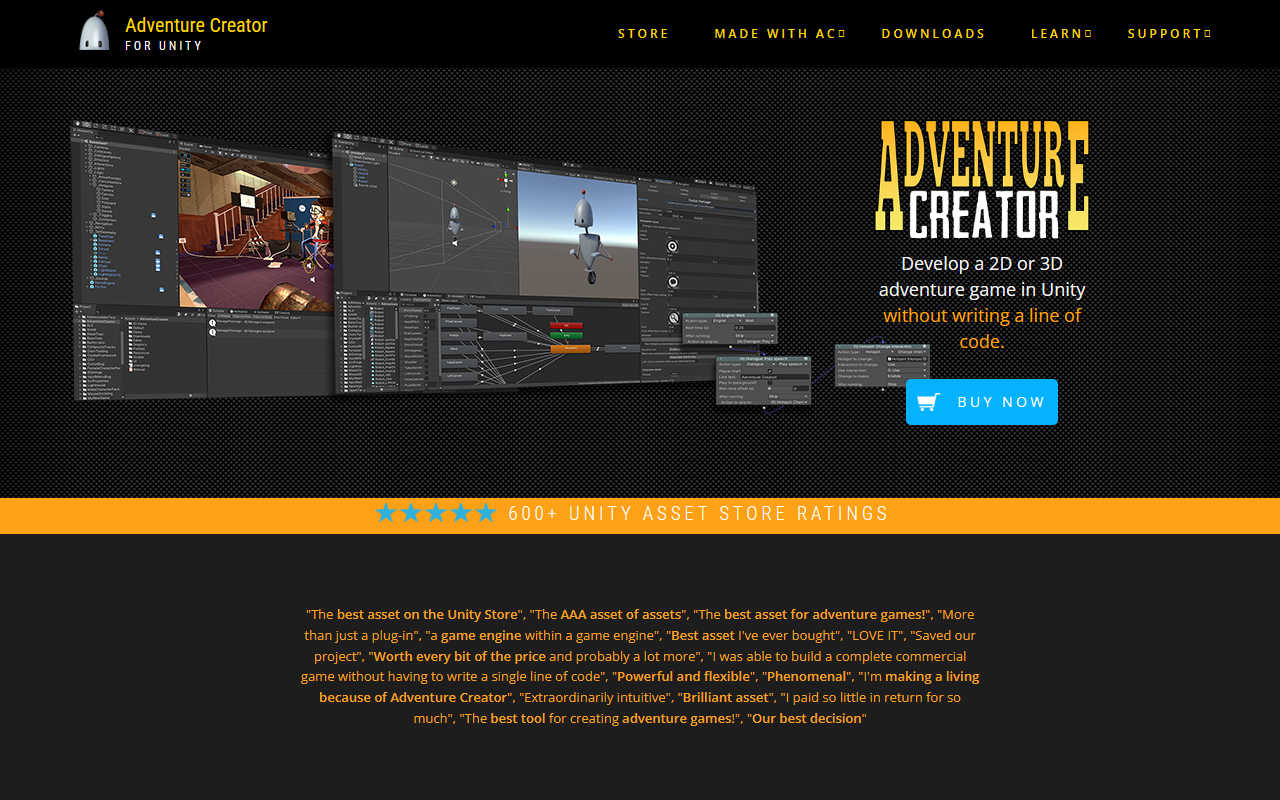
Upon visiting the Adventure Creator website, I was greeted by a clean, focused landing page that immediately communicates its core promise: develop a 2D or 3D adventure game in Unity without writing a line of code. The page is packed with glowing user testimonials—over a dozen quotes from developers praising its flexibility, power, and ease of use. I clicked through to the "Downloads" section and grabbed the 2D demo to get a feel for the workflow without committing to a purchase. The demo loads as a Unity project using Adventure Creator, and within minutes I was placing hotspots and setting up a simple interaction chain. The interface inside Unity is well-organized: a dedicated menu bar for Adventure Creator tools, an ActionList editor that feels like a visual scripting language, and clear documentation accessible from the start. The onboarding is smooth for anyone familiar with Unity's interface, though newcomers may need a few hours with the tutorials.
Core Features and Workflow
Adventure Creator is a full toolkit designed specifically for the adventure game genre. Its visual-scripting system, built on ActionLists, lets you create puzzles, dialogue trees, cutscenes, and inventory management by dragging and dropping actions—no C# required. I tested this by building a simple door-opening puzzle: add a hotspot, attach a look action, then a use action with an inventory item. The whole process took under a minute. The tool supports 2D, 2.5D, and 3D perspectives, and includes built-in support for point-and-click, first-person, and third-person controls. It also handles localisation, save/load systems, Quick Time Events (QTEs), and voice-over lip-sync integration. The flexibility is impressive: you can mix perspectives or switch between verb-coin and one-click interfaces. For seasoned programmers, the documented API and event hooks allow deep customization. The source code is included, so you can tweak every aspect if needed.
Integration and Ecosystem
Adventure Creator plays nicely with a wide range of popular Unity assets, including Playmaker, Ultimate Character Controller, and TextMesh Pro. The developer, Icebox Studios, maintains an active community with a forum, wiki, and scripting guide. The asset has over 600 ratings on the Unity Asset Store, and the testimonials reveal a loyal user base—several developers claim they shipped commercial games without writing a line of code. Multi-platform deployment is straightforward: you can build for PC, Mac, WebGL, iOS, Android, and with custom scripting, consoles. However, pricing is not publicly listed on the website; you must visit the Unity Asset Store to see the current price. A free demo project is available, but there is no free tier for the full tool. Compared to alternatives like Adventure Game Studio (AGS) or Visionaire Studio, Adventure Creator offers tighter integration with Unity’s engine and a more modern editor interface, but it requires a Unity license and is not free.
Verdict: Who Should Use Adventure Creator?
Adventure Creator is a powerhouse for Unity developers—especially artists, designers, and storytellers—who want to create classic adventure games without deep programming skills. Its ActionList system is intuitive, and the breadth of built-in features covers most genre needs. I found the community support responsive and the documentation thorough. However, the tool has limitations: it is tied to Unity, so you cannot export to other engines; the price can be high for hobbyists (though the exact amount varies); and the learning curve for Unity novices may be steep even with visual scripting. This tool is best suited for teams or individuals already using Unity for game development who need a robust adventure game framework. If you are looking for a free or standalone solution without Unity, consider AGS instead. Visit Adventure Creator at https://adventurecreator.org/ to explore it yourself.










Comments