

First Impressions and Onboarding
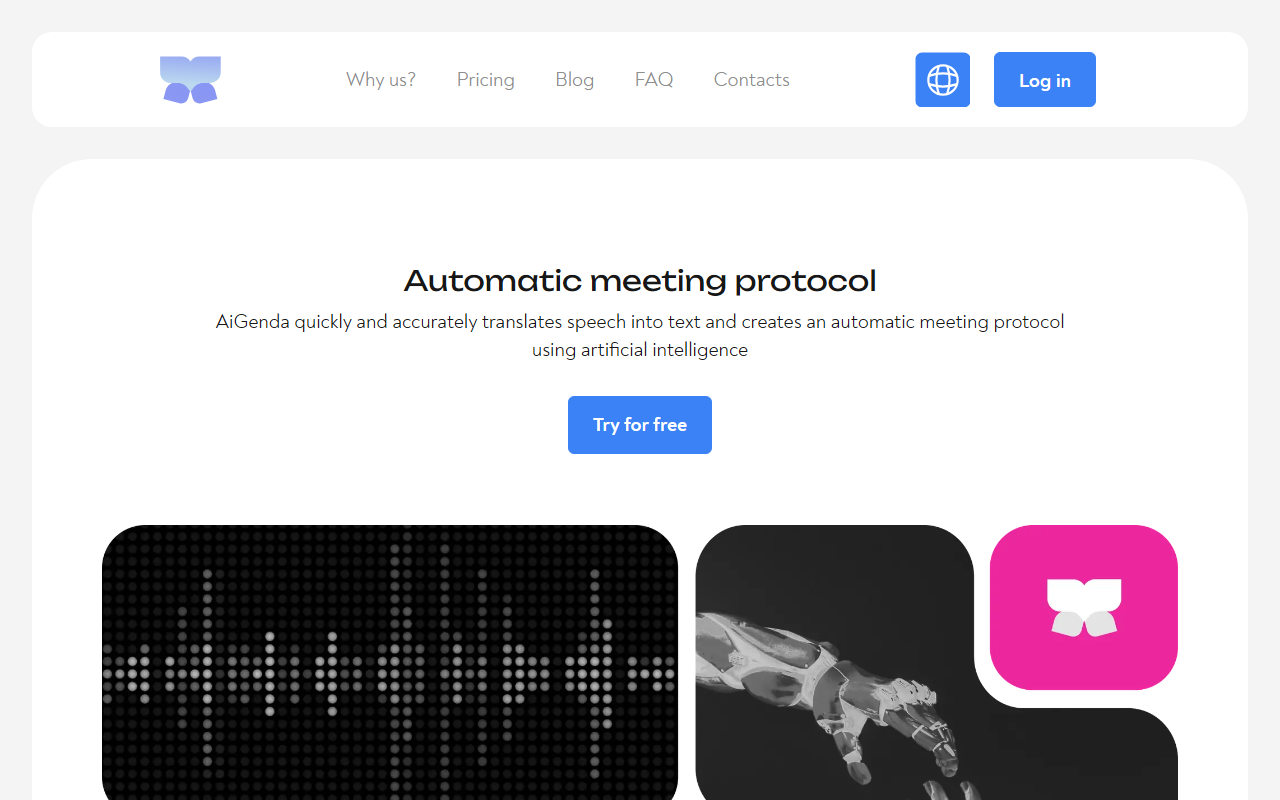
Upon visiting AiGenda at aigenda.tech, I was greeted by a clean, multilingual landing page. The Russian-language default can be switched to English, but the interface retains a slight Eastern European design sensibility. Registering took under a minute—just an email and password. Once logged in, the dashboard presents a minimal workspace: an upload button for video/audio files, a list of past meetings, and a clear call to invite the bot to a live call on Zoom, Google Meet, or Telemost. I immediately tested the free tier by uploading a 10-minute recorded team stand-up in English. Processing took roughly three minutes—well within the promised five—and the resulting transcript appeared alongside a bulleted summary and speaker timestamps.
Features and Performance
At its core, AiGenda is an AI meeting assistant that converts speech to text with what the site claims is over 98% accuracy. My test bore that out: the transcript captured industry jargon like “sprint backlog” correctly and handled overlapping speakers reasonably well by labeling each with timecodes. The summary, however, was a mixed bag—it correctly identified key decisions but occasionally missed nuance in emotional exchanges. The tool supports ten languages, including Russian, English, German, and French, which is a boon for multilingual teams.
Beyond transcription, AiGenda offers meeting note search, enabling you to retrieve a specific decision from weeks ago without scrubbing through audio files—a workflow I found genuinely useful for project retrospectives. The Telegram bot integration lets you forward audio messages directly for processing, a handy shortcut for mobile users. For live meetings, you invite the bot via a calendar link or a direct room URL; it joins silently and exits after the meeting ends, posting results to your dashboard within minutes.
Pricing and Value
AiGenda’s pricing is tiered in Russian rubles, which may be a barrier for international users without a local payment method. The Free plan includes 150 minutes of transcription per month with low processing priority, no editing or export capabilities, and sharing only via link. For casual users, this is a decent trial but won’t sustain heavy use. The Start tier at 990 RUB/month (~$11 USD) unlocks 540 minutes, high-priority processing, editing, and PDF summary exports. The Pro tier at 1890 RUB/month (~$21 USD) doubles the minutes to 1,200 and retains all features. Compared to Western competitors like Otter.ai (10 hours free, then $16.99/month) or Fireflies.ai (free 5 hours, then $10/month), AiGenda’s pricing is competitive on paper, but the reliance on Russian servers and a narrower language-to-English pipeline may affect accuracy for non-Russian speakers. I also found the lack of direct integration with Microsoft Teams or Slack a notable gap.
Who Should Use AiGenda?
AiGenda is best suited for small to medium teams working primarily in Russian or English, especially if they use Zoom, Google Meet, or Telemost. The fast turnaround and decent accuracy make it a solid choice for taking quick meeting notes without manual note-taking. However, power users who need advanced analytics, CRM integration, or enterprise-grade security may find the feature set too shallow. The tool’s limitation on editing and exporting on the free plan is restrictive, and the processing priority system can feel arbitrary during peak hours.
In summary, AiGenda delivers on its core promise of automatic, accurate meeting summaries at a fair price. It’s not yet a full-fledged enterprise solution, but for small remote teams wanting to save time on note-taking, it’s a worthwhile experiment. I recommend starting with the free tier—you’ll quickly decide if the occasional missed nuance is a tradeoff you can live with.
Visit AiGenda at https://aigenda.tech/ to explore it yourself.










Comments