

First Impressions and Onboarding
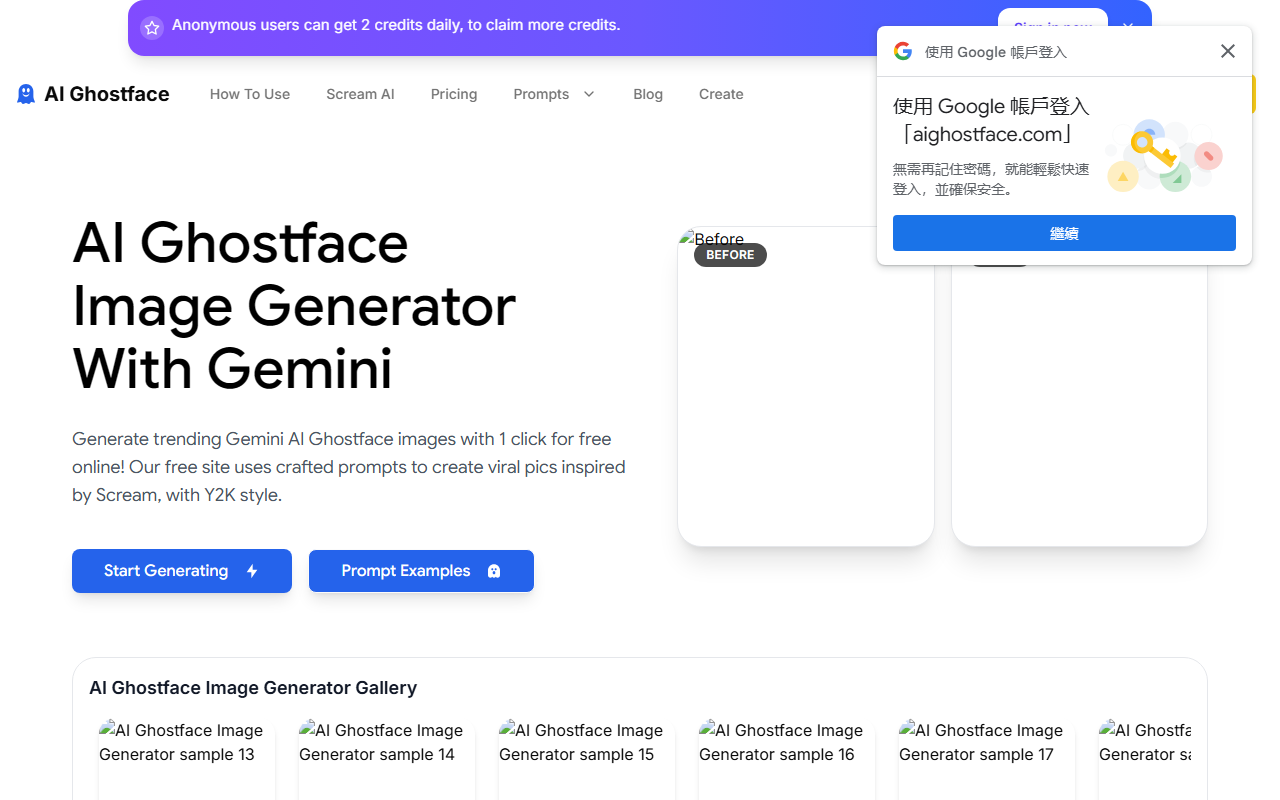
Upon visiting AIGhostface, I was immediately struck by its niche focus. The landing page is dominated by a gallery of striking “before and after” images, each transforming a standard selfie into a Y2K-style portrait with the Ghostface killer lurking in the background. The site’s design is vibrant and nostalgic, featuring neon pinks and dark tones that perfectly match the spooky-cute aesthetic. The onboarding is straightforward: I could either browse prompt examples or jump straight into generating. I clicked “Start Generating” and was prompted to sign in. After a quick registration, I landed on the main editor. The interface is clean, with a single upload area for a reference image (up to 20MB) and a large text box for entering a detailed prompt. A counter shows 863/2000 characters used, and a “Run” button is marked with “2 Credits.” The entire flow feels optimized for a single-purpose, viral trend—no complex settings or model selection. Just upload, describe, and generate.
Core Functionality and Technical Details
AIGhostface leverages Google’s Gemini AI for image generation, though the website does not specify which exact Gemini model. The tool is designed to merge a user’s uploaded photo with a Y2K aesthetic—think satin bedding, corded phones, pink clips on hair—while adding a menacing Ghostface in the background. The prompt I tested was taken from the example: “Create a photo of me in a dreamy y2k style portrait… the ghostface killer should be behind her standing at her…”. After clicking “Run,” the generation took about 15 seconds. The result was a high-resolution image that preserved my facial features, with the Ghostface figure dimly lit and looming in the doorway. The grain effect and lighting felt authentic to the 90s-style filter described. Notably, the tool does not allow choosing multiple outputs per run; it generates a single image for each credit spent. There is no batch mode or resolution adjustment visible in the free tier. The gallery shows user creations with impressive engagement numbers (e.g., 1.4M, 3.3M), suggesting a viral community on platforms like TikTok.
Pricing and Target Audience
Pricing is not publicly listed on the website. The only hint is the “2 Credits” display on the Run button, implying a credit-based system common among free AI tools. New users likely receive a limited number of free credits, with additional credits available via subscription or one-time purchase. I could not find a pricing page, upgrade button, or usage limits described anywhere. This opacity may frustrate heavy users who want to scale their creations. The tool is clearly aimed at social media creators—especially TikTok users—who want to ride the viral wave of horror-chic aesthetics. Unlike Midjourney or DALL-E, which offer broad creative control, AIGhostface is hyper-specialized. It is not suitable for general image generation or professional design work. Its strength lies in its simplicity and trend-focused output. For anyone looking to quickly create spooky-cute profile pictures or content that screams “Y2K nostalgia,” this tool delivers. But if you need fine-tuned style control or commercial-grade results, you’ll be better served by Stable Diffusion or Adobe Firefly.
Conclusion and Recommendation
AIGhostface earns points for its focused execution and on-trend appeal. The generation quality is solid for its niche, and the interface requires zero learning curve. I genuinely enjoyed turning a mundane selfie into a dreamy horror scene. However, the lack of transparent pricing and the credit cap (if any) could be a barrier. The tool also lacks features like negative prompting, seed control, or the ability to export in different resolutions. Its best use case is for viral TikTok memes and personal experimentation—not for commercial projects. I recommend trying it if you want a quick, fun twist on a classic horror icon. But if you need more flexibility or plan to generate dozens of images, wait for clearer pricing or explore alternatives like the free tier of Bing Image Creator. Visit AIGhostface at https://aighostface.com/ to explore it yourself.










Comments