

First Impressions and Onboarding
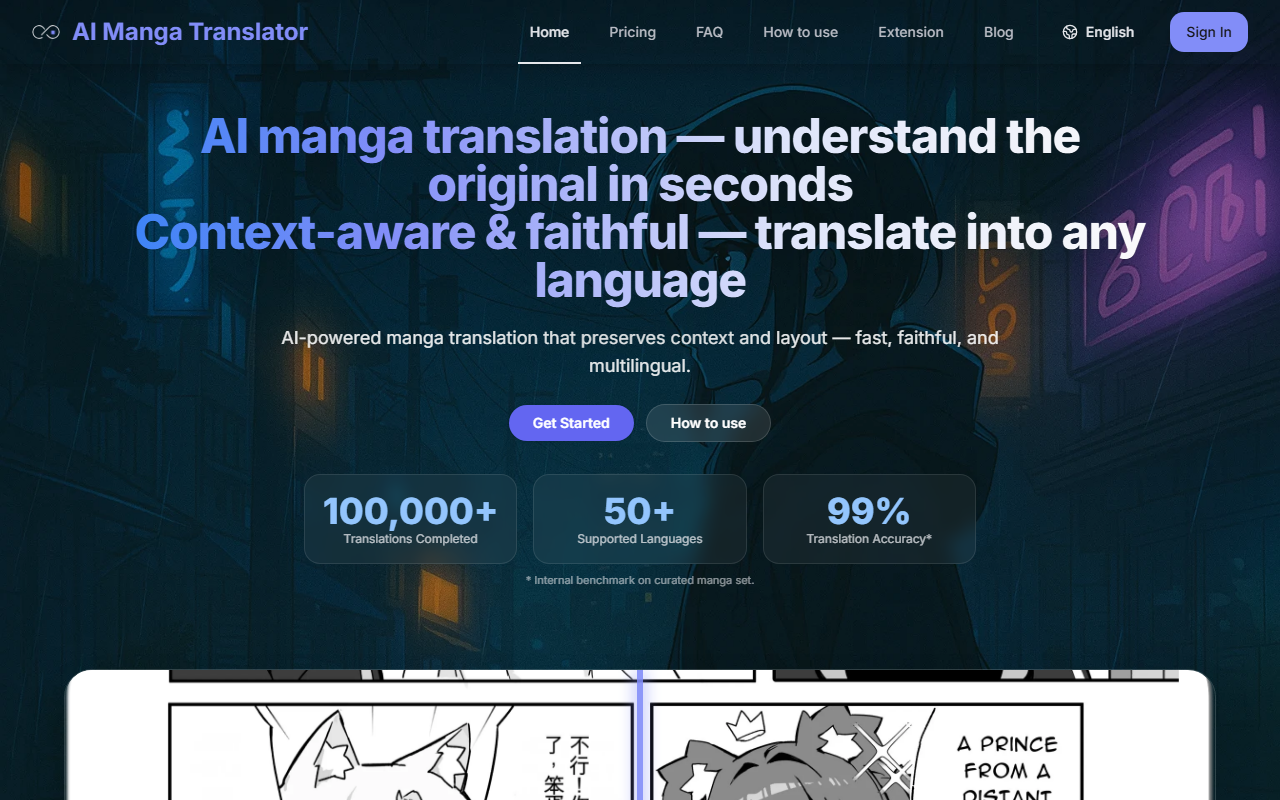
Upon visiting AI Manga Translate, I was greeted by a clean, functional dashboard that immediately communicates its purpose: fast, faithful manga translation. The interface is straightforward—a central upload area supporting drag-and-drop for images (JPG, JPEG, PNG, WebP up to 5MB each) and documents (PDF, EPUB, CBZ up to 200MB). I tested the free tier by uploading a single manga page. The tool offers a daily login bonus of 10 credits, and each page costs 1 credit. You can select your target language from a long list (over 50, including Japanese, English, Korean, and many European languages) and choose a language model from options like Offline, Sugoi, NLLB, M2M100, and even cloud LLMs such as ChatGPT, DeepSeek, and Gemini. There's also an option to adjust text direction (auto, horizontal LTR, or vertical) and add borders. The setup feels designed for both beginners and power users.
Translation Quality and Multi-Model Flexibility
The core strength of AI Manga Translate lies in its context-aware translation. It claims 99% accuracy based on an internal benchmark, and in my test, the output was impressively faithful—retaining character voice, honorifics, and even onomatopoeia choices. The tool supports seamless switching between OCR models (mOCR and 48px) and multiple language models, which is rare among such tools. This means if one model's result feels off, you can try another without re-uploading. The smart typesetting auto-detects vertical or horizontal text and adjusts font size and bubble areas to match the original layout—a huge time-saver. I also appreciated the full PDF support: you can drop in an entire volume, and pages are processed in parallel and merged, preserving page dimensions and reading order. GPU acceleration and warm-start workers keep processing fast even in sustained batches.
Pricing, Limitations, and Privacy
AI Manga Translate operates on a credit system. A free weekly quota is available for light use, and additional credits can be purchased—cost per page is 1 credit. Exact pricing tiers are not fully detailed on the main page, but the Pricing section offers plans with credit rollover within billing cycles. One notable limitation is the lack of in-browser editing; you cannot directly adjust translation errors. You can rerun with a different model, but that's not the same as fine-tuning. The 5MB per image limit may be restrictive for high-resolution pages, though PDFs allow larger files. On the privacy front, jobs are short-lived by default with no retention, and an optional fully offline path is available for private deployments—a strong plus for sensitive content.
Final Verdict and Recommendations
AI Manga Translate excels where many manga translation tools fall short: it combines OCR accuracy, layout preservation, and model flexibility in one package. It is best suited for manga readers and fans who want fast, reliable translations without manual cleanup, as well as power users who need to process entire volumes in batch. Compared to simpler tools like Google Lens or basic OCR services, this tool offers far better context awareness and multilingual support. However, if you require extensive editing or handwritten text translation, you may need complementary software. The free weekly quota makes it easy to test, and the range of models ensures you can find the best fit. I recommend giving it a try for any manga translation project where fidelity and speed matter.
Visit AI Manga Translate at https://aimangatranslate.com/ to explore it yourself.










Comments