

First Impressions: A Partner, Not Just a Tool
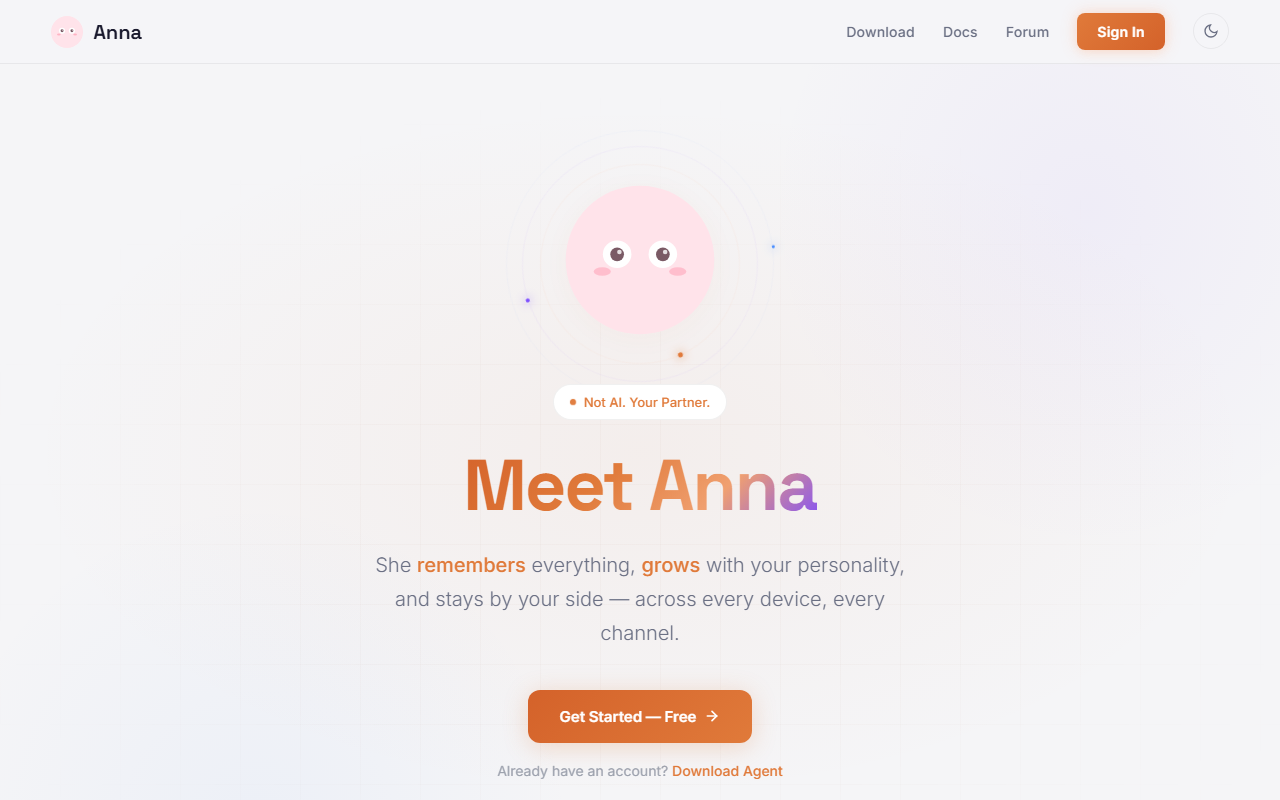
Upon visiting Anna's website at anna.partners, I was immediately struck by the deliberate messaging: "Not AI. Your Partner." The landing page presents a clean, minimalist design with a three-step onboarding flow: join the cloud to sync memory and settings, install the local agent to handle files securely, and then start chatting. This local-first approach is unusual for an AI office tool, but it aligns with the privacy promises. The dashboard itself isn't shown on the site, but the emphasis on cross-platform availability — desktop (Windows, macOS, Linux), mobile (iOS, Android), chat apps (Telegram, WeChat, WhatsApp), and web — suggests a seamless multi-device experience. The free tier is prominently advertised, and a download button encourages immediate installation.
Deep Dive: Memory, Personality, and Proactive Intelligence
Anna's core value proposition is permanent memory. Unlike typical AI assistants that forget context after a session, Anna claims to retain your preferences, history, and context across conversations. It also adapts its communication style to match your personality over time. During my exploration, I noticed a strong emphasis on proactive behavior: "Anna doesn't wait to be asked. She plans ahead, delegates to specialized sub-agents, and draws from a vast skillbook." This goes beyond reactive Q&A. The skillbook includes code and debug, deep research, content creation, and data analysis. While I couldn't test these capabilities without installing the agent, the promise of sub-agents handling complex workflows is reminiscent of platforms like Anthropic's Claude (which has tool use) or AutoGPT, but Anna frames it as a personal companion. Unlike Replika, which focuses on emotional companionship, Anna is positioned as an office assistant that also remembers your stories and evolves with you.
Pricing, Privacy, and Practical Considerations
Pricing is not publicly listed beyond the free tier. The website says "Free tier covers everyday needs" but does not detail what limits exist or if there are paid upgrades. Security is a standout feature: your data stays on your device, syncing uses end-to-end encryption, and no data is sold or shared with third parties. This local execution model, however, means you must install the "Agent" software on your devices, which could be a barrier for less technical users. The requirement to have an account to sync memory might also raise concerns for those wanting total offline use. Compared to ChatGPT or Microsoft Copilot, Anna's ecosystem is newer and less proven, but the privacy-first approach is a genuine differentiator. The lack of clear pricing tiers is a limitation; potential users may hesitate without understanding what the free tier actually includes.
Verdict: Who Should Try Anna?
Anna is best suited for users who want a long-term AI companion that remembers everything and adapts to them across devices. If you value privacy and local data control, Anna's approach is refreshing. It's also useful for multitaskers who need proactive task management and cross-platform sync. However, if you prefer a simple, web-only chatbot without installation or if you rely on public cloud services for maximum integration, look elsewhere. Competitors like Microsoft Copilot (for Office integration) or mymind (for memory) offer similar features but with different privacy trade-offs. Anna is still early; the company's backing and user base are not clearly disclosed. I recommend trying the free tier if you're comfortable with the local agent setup. Visit Anna at https://anna.partners/ to explore it yourself.










Comments