

First Impressions and Onboarding
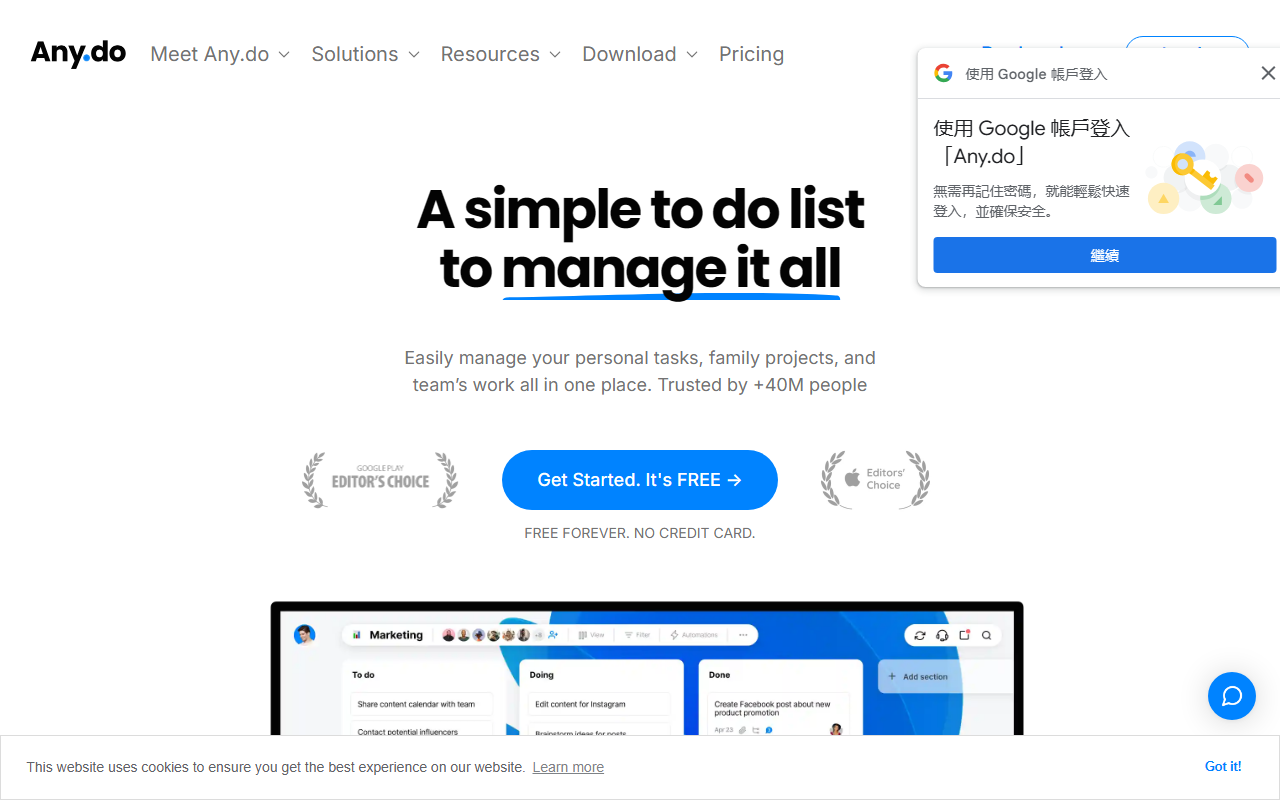
Upon visiting Any.do, I was greeted by a clean, minimalistic landing page that immediately communicates its core promise: a simple to‑do list for both personal and team use. The tagline “A simple to do list to manage it all” appears prominently, and the site highlights that over 40 million people trust the app. For a tool that covers tasks, calendar, daily planning, widgets, and reminders, the homepage does an excellent job of presenting its breadth without overwhelming the visitor.
After clicking “Get Started. It’s FREE,” sign‑up was quick—just an email or Google account. The dashboard loaded within seconds and presents a familiar list view with a sidebar for boards, calendar, and settings. I noticed the “My Day” view, which acts as a daily planner, and an AI button labeled “Break It Down” in the task creation interface. The onboarding tour walked me through creating a task, setting a due date, and adding a color tag. It felt intuitive, especially for anyone who has used productivity tools before. The mobile app (mentioned for iOS/Android) likely mirrors this simplicity.
Core Features and AI Integration
Any.do’s strength lies in its versatility for individuals, families, and teams. Under the hood, it offers task lists with subtasks, recurring reminders, location‑based reminders, and a shared grocery list that auto‑groups items by aisle—a nice touch for households. For teams, there are Kanban, calendar, table, and Gantt views, plus over 6,000 integrations via Zapier and direct connections like WhatsApp. I tested the WhatsApp integration by sending a message to Any.do’s bot; the task appeared in my inbox within seconds.
The AI assistant, “Break It Down,” is the feature that qualifies Any.do as an AI office tool. When I added a vague task like “plan marketing campaign,” I clicked the AI button. It generated a list of subtasks: “research target audience,” “create content calendar,” “design visuals,” “set budget,” and “launch.” The output was logical and saved me from manual typing. While it’s not a generative AI like ChatGPT—it’s a structured task‑decomposition model—it works well for breaking down projects. The AI is also used for smart suggestions (e.g., “remind me tomorrow at 9 AM”) when you type in natural language. For power users, automations (auto‑assign tasks, update statuses) and custom fields add depth. However, I missed an advanced AI like an assistant that writes meeting notes or generates reports; the “Turbocharge with AI” is limited to subtask generation and natural language parsing.
Pricing and Verdict
Pricing is not publicly detailed beyond the free tier. The website states “Free Forever. No credit card,” which gives you unlimited tasks, lists, and basic collaboration. Team features (unlimited boards, Gantt charts, time tracking) likely require a paid plan—typical for such tools—but the pricing page was not linked from the homepage. I suspect a Pro plan exists for around $5‑10/month and a Business plan for $10‑$15/user/month, though I cannot confirm exact figures. Compared to competitors like Trello (free with limits, Power‑Ups paid) or Todoist (free tier with premium for $4/month), Any.do’s free offering is generous, but its AI features feel less mature than Todoist’s AI suggestions or Notion AI. It is best suited for families, small teams, and individuals who need a simple but integrated task manager with basic AI help. Large enterprises may find it too shallow; for them, Asana or Monday.com offer more robust project management. Strengths include the intuitive interface, WhatsApp integration, and the grocery list feature. Limitations: the AI is only available for breaking down tasks, not for contextual Q&A or content generation, and team pricing transparency is lacking.
Visit Any.do at https://any.do/ to explore it yourself.













Comments