
First Impressions: A Streamlined Onboarding Experience
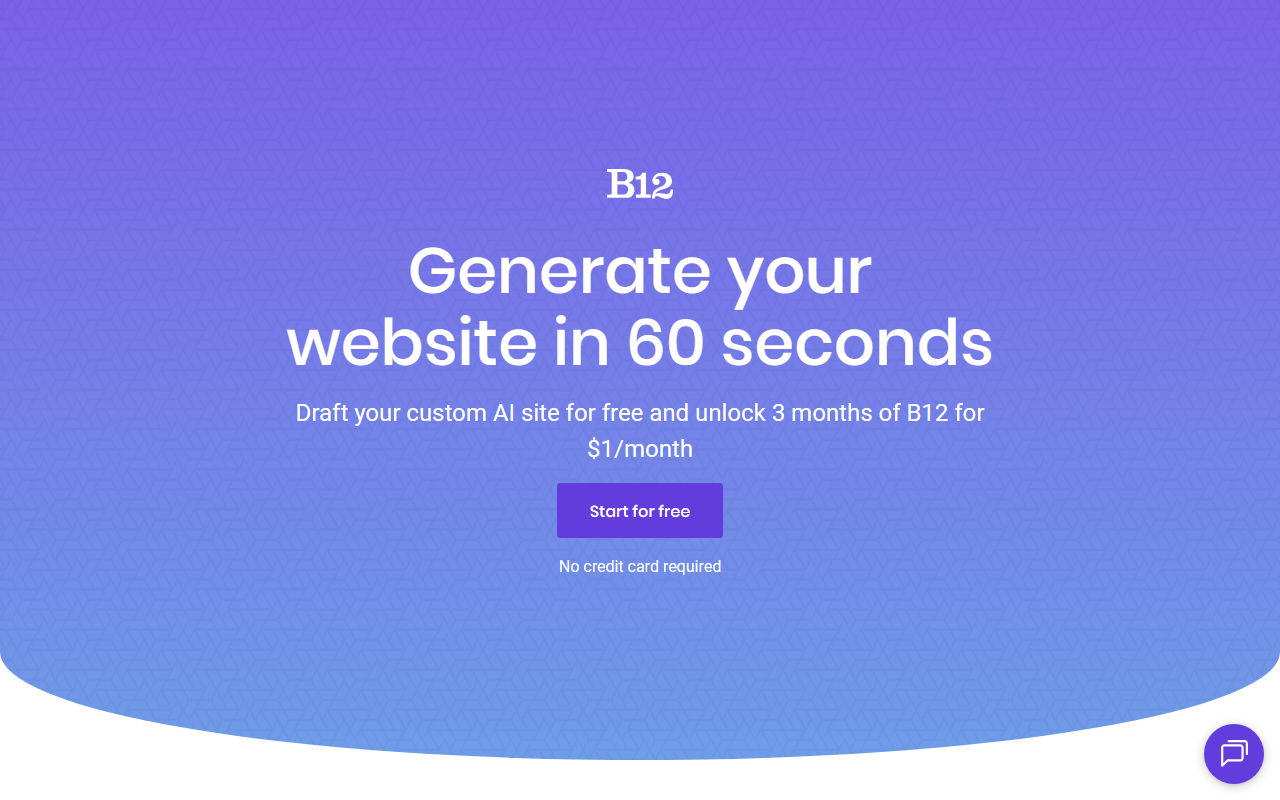
Upon visiting B12's website, the message is clear: get a website launched in minutes. The hero section prompts you to describe your idea, with examples like "Online plant shop" or "Marketing agency site in French." The limited-time offer of $1 per month for three months is prominently displayed, repeated multiple times across the page. I clicked the "Sign up now" button to test the free tier. The onboarding flow is impressively simple: you type a brief description of your project, and B12 immediately generates a draft site. No long questionnaires, no design templates to choose from initially. The AI takes your text and produces a multi-page website with placeholder content, images, and a layout. Within about 30 seconds, I had a functional site for a fictional bakery. The dashboard then presents a clean editor where you can tweak text, swap images, and adjust colors. B12 also offers a "Remix" feature for existing projects, allowing you to start from a community-generated design, which speeds up the process even more.
AI-Generated Designs: Quality and Customization
B12's AI clearly leverages a mix of predefined templates and generative components. The initial output for my bakery site included a home page, menu, about, and contact page — all with realistic placeholder text and stock photos that matched the theme. The design was modern, responsive, and looked professional. I could click on any element to edit it, and B12's interface feels like a drag-and-drop builder, though heavy lifting is done by the AI. However, I noticed that deeper customization, such as adding custom CSS or complex layouts, is not available in the basic editor. The AI also generates a color palette and font pairings that are coherent. A standout feature is the human support: B12 promises changes within 24 hours if you email their team, which is a nice hybrid of AI speed and human polish. Compared to other AI website builders like Wix ADI or Jimdo, B12 appears more focused on service-based businesses and freelancers. The result is a site that looks like a professional designed it, but without requiring manual effort. That said, the AI sometimes pulls irrelevant stock images or generic copy that you must replace. For example, the bakery site had images of pastries that didn't match my actual menu — a minor fix but worth noting.
Pricing, Integrations, and Who It's For
Pricing is not fully transparent beyond the $1 per month introductory offer. The website does not list standard monthly rates after the trial period, which is a limitation for budget-conscious users. Based on industry context, B12 likely charges a premium for the AI+human support model. The platform supports essential integrations: you can connect a custom domain, analytics, and add ecommerce functionality for an extra fee. B12 also offers SEO basics and SSL certificates out of the box. The tool claims over 4 million websites created, which suggests a large user base. For technical users, there is no public API or code export, so you are locked into their ecosystem. Strengths include incredible ease of use, fast generation, and a striking design output that rivals traditional builders. Limitations include limited customization for advanced users, lack of code access, and unclear long-term pricing. This tool is best suited for small business owners, freelancers, and agencies who need a polished, low-maintenance website quickly and don't require deep technical control. It is less ideal for developers wanting a headless CMS or for large-scale ecommerce stores. Alternatives like Wix offer more flexibility, while Duda provides multiedit capabilities for agencies. In summary, B12 is a solid choice if you value speed and professional appearance over granular control. Visit B12 at https://b12.io/ to explore it yourself.










Comments