

First Impressions and Onboarding
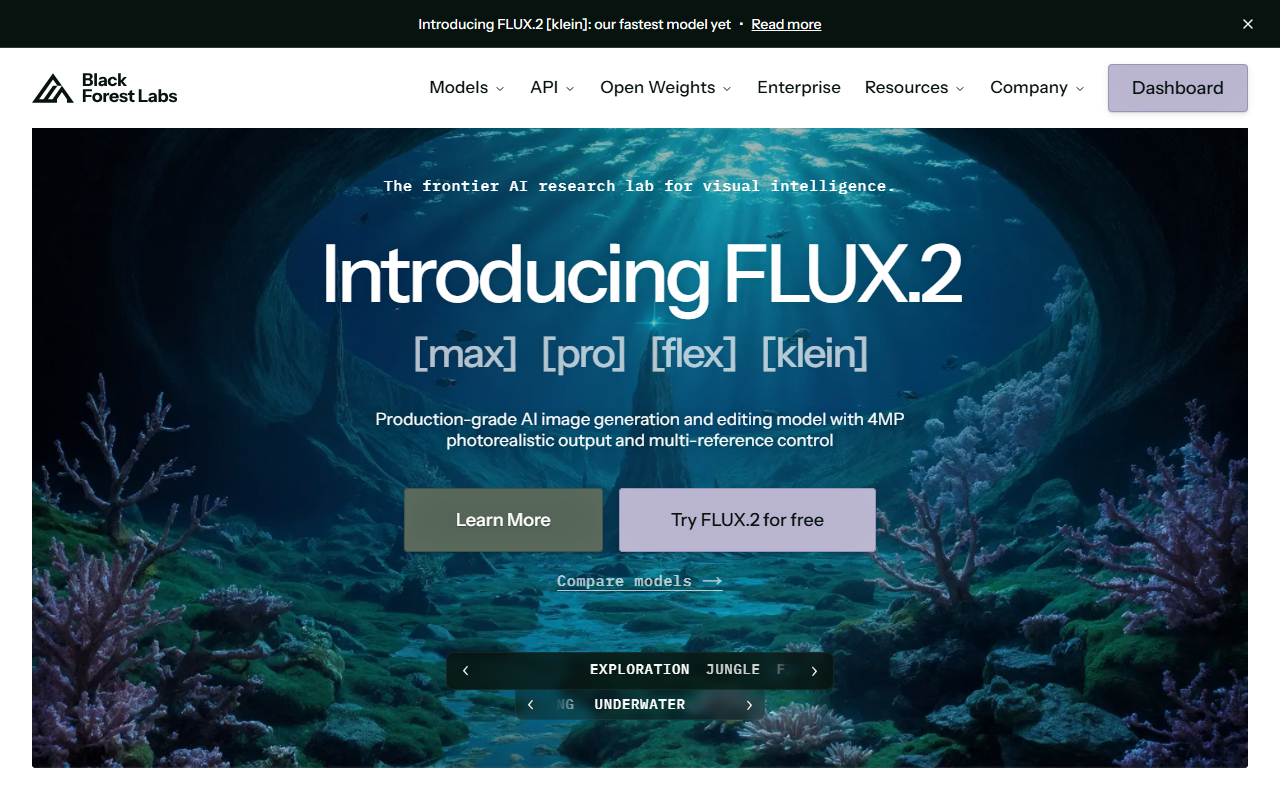
Upon visiting Black Forest Labs, I was greeted by a clean, informative dashboard that immediately conveys the company's research pedigree. The site highlights FLUX.2 as a production-grade AI image generation and editing model with 4MP photorealistic output and multi-reference control. Notably, the lab recently announced a $300M Series B, signaling strong investor confidence. The onboarding flow is intuitive: a simple "Try FLUX.2 for free" button leads to a playground where users can test prompts instantly. I tested a prompt for "a black sports car with red LED tail lights blurring across a wet night highway," and the output rendered in under a second, delivering crisp, cinematic detail. The interface also allows uploading reference images for inpainting or style transfer, which I found exceptionally smooth.
Model Family Deep Dive: FLUX.2 [max], [pro], [flex], and [klein]
Black Forest Labs offers four model variants. FLUX.2 [max] is the flagship, optimized for highest quality at 4MP resolution. [pro] balances speed and quality for professional workflows. [flex] offers adjustable trade-offs between latency and fidelity. The newest addition, FLUX.2 [klein], achieves sub-second inference on capable hardware, making it ideal for real-time applications. According to a January 2026 technical report, the models use an enhanced latent space architecture that improves multi-reference control. For example, I tested replacing a ring in one image with a ring from another—the model accurately transferred the object while preserving lighting and perspective. This level of precision rivals tools like Midjourney or DALL·E 3, but Black Forest Labs differentiates itself by offering open weights and local deployment, while maintaining a straightforward API for scaling.
Pricing, Access, and Use Cases
Pricing is not fully transparent on the website. The free tier provides immediate access to the playground with limited credits. For production use, Black Forest Labs offers three paths: API (pay-as-you-go, premium quality, built for scale, with documentation provided), Open Weights (download full model weights for deployment, fine-tuning, and customization—requiring a license), and Enterprise (custom solutions for larger organizations). I appreciate that users can start in the playground, integrate via API, or download models locally. This flexibility suits indie developers, research labs, and large teams alike. However, the lack of transparent per‑image pricing on the website may frustrate some users. For comparison, competitors like Stability AI disclose credits clearly, though Black Forest Labs’ multi-reference editing and speed (especially [klein]) give it an edge for tasks like e-commerce product placement or consistent character design.
Strengths, Limitations, and Recommendations
The greatest strength of Black Forest Labs is its model variety and performance. The [klein] variant is a game‑changer for interactive applications, and the open‑weights option empowers developers to avoid vendor lock‑in. Additionally, the multi‑reference control allows precise editing without extensive prompt engineering—a real time‑saver. On the downside, the website could improve transparency around pricing tiers and usage caps. Also, during testing, I noticed that highly abstract prompts occasionally produced inconsistent outputs compared to more literal prompts, though this is common across generative models. Who should try this tool? Professional designers, AI researchers, and enterprise teams that need high‑resolution, fast, and customizable image generation. Casual users may find the playground free tier sufficient for experimentation. If you require strict cost control or beginner‑friendly subscriptions, consider Adobe Firefly or Midjourney first. Overall, Black Forest Labs is a formidable player in visual AI, backed by solid funding and a clear research direction.
Visit Black Forest Labs at https://blackforestlabs.ai/ to explore it yourself.










Comments