

First Impressions and Onboarding
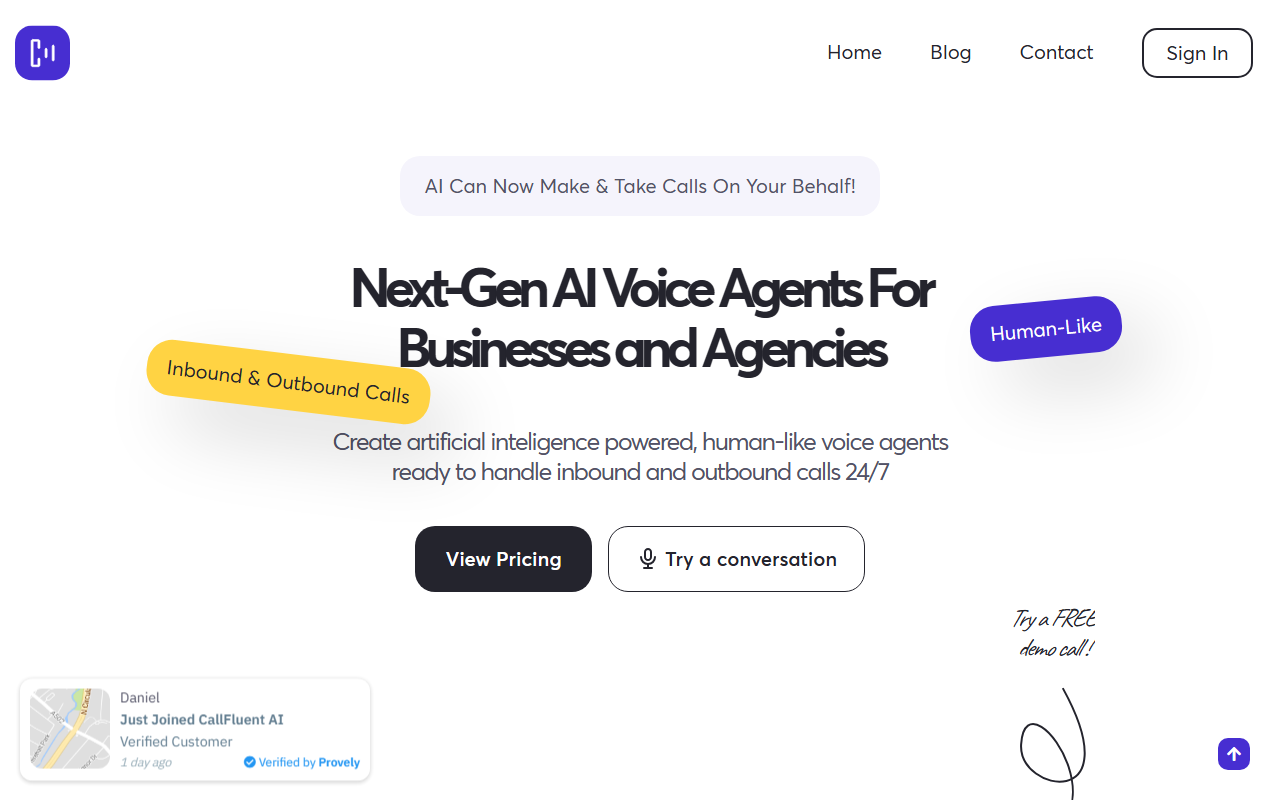
Upon visiting CallFluent's website, I was greeted by a clean landing page with a prominent "Try a conversation" button and a demo call interface. The dashboard, once you sign up, is intuitive: a sidebar with call history, advanced settings, realtime actions, and API & forms sections. The free demo call connected me almost instantly with "Nick", a pre-trained AI agent that answered questions about CallFluent's features. The voice was natural, with minimal latency (claimed 500 ms). Onboarding literally took under a minute — you enter a name, choose a voice from the library of 400+ neural options, define your prompt, and connect a phone number or web call widget. No coding required.
I observed that the platform offers both web and phone call deployment. You can embed the agent on your website without a phone number or attach it to a real number for PSTN calls. The setup flow is clearly designed for non-technical users, with tooltips and templates for common scenarios like booking reminders or customer support.
Key Features and Integrations
CallFluent boasts a rich feature set. The voice quality is impressive, with over 400 neural voices and 140 accents. There is also a one-click ElevenLabs integration for custom voice cloning. The agent understands context and can handle interruptions naturally, as I experienced during the demo. For outbound campaigns, the system supports scheduled calling, and for inbound, it can route based on IVR-like logic.
Integrations are a strong point: native connections to GoHighLevel for CRM and calendar, Google Calendar for booking, and Zapier, Make, n8n for workflow automation. You can also pipe in your own OpenAI model via API key, or use Twilio for carrier connectivity. The platform sends real-time webhook data, enabling live dashboards and follow-up actions. Support for 40+ languages makes it viable for global teams.
Use Cases and Audio Quality
CallFluent provides several pre-recorded use cases: appointment reminders, payment follow-ups, delivery updates, and outreach campaigns. I listened to a few samples — the dental clinic reminder and the real estate inquiry — and the agents sounded remarkably human, with appropriate pauses, tone shifts, and emotional nuance. The system can also be set to transfer to a human agent when escalation is needed. Testimonials from users like Carlos Lunardini highlight quick setup and excellent support, while James Moss mentions easy white-labeling for agencies.
However, I did notice that in some demo clips, the voice occasionally hesitated or repeated itself when faced with complex questions. This is a common limitation of current AI voice agents, especially when not fine-tuned. For straightforward tasks (FAQ, booking, reminders), the quality is excellent; for highly nuanced sales conversations, you may need to invest time in prompt engineering.
Pricing is not publicly listed on the website. The site has a "View Pricing" button, but the actual tiers were not displayed without signing up. This is a transparency drawback compared to competitors like Vapi or Retell AI, which list per-minute rates. CallFluent does claim "100k+ minutes processed daily" and "5K+ support agents deployed," indicating enterprise traction.
In summary, CallFluent is a solid choice for business owners, agencies, and support teams that want to automate phone interactions without coding. Its ease of use and voice quality stand out. However, if you need transparent per-minute pricing or custom model training, you might compare with dedicated developer platforms. For most common use cases, CallFluent delivers a polished experience.
Visit CallFluent at https://callfluent.com/ to explore it yourself.










Comments