

First Impressions and Overview
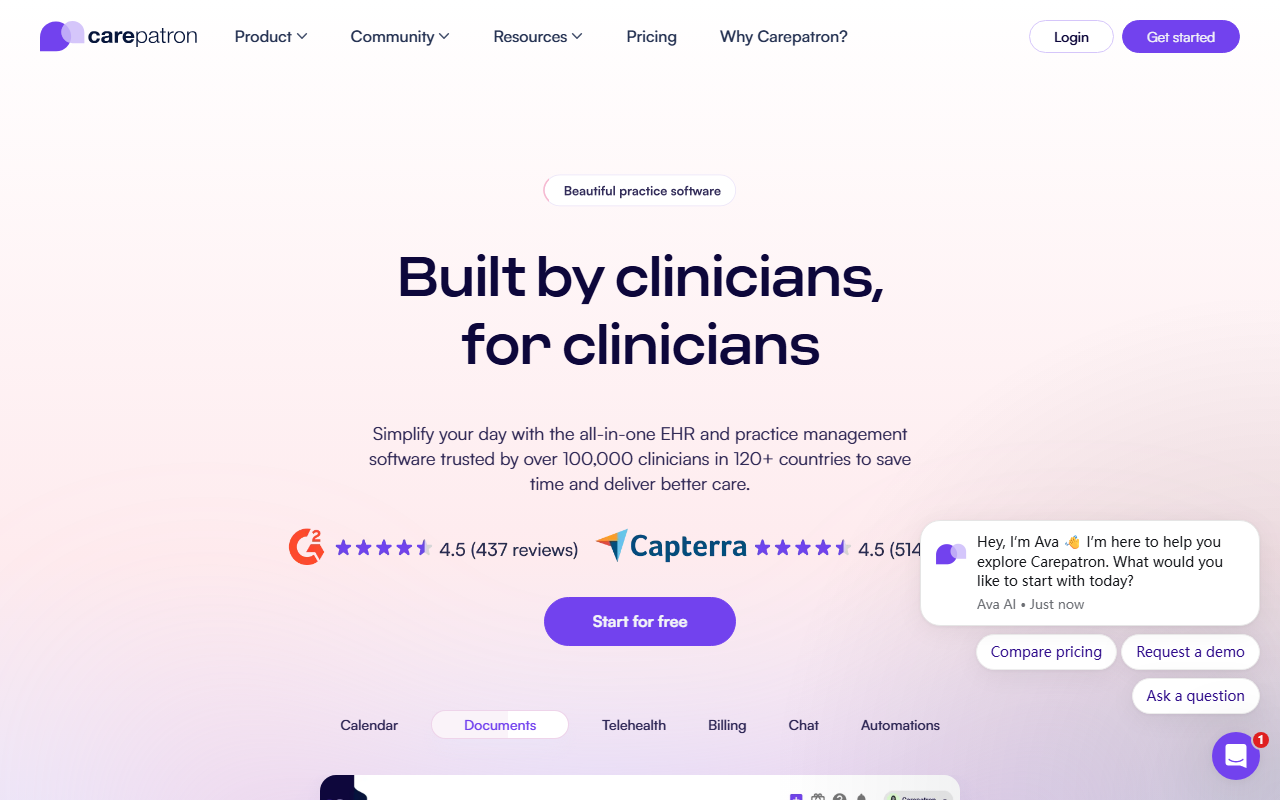
Upon visiting Carepatron, I was greeted by a clean, modern landing page that immediately signals its purpose: a healthcare practice management platform designed to offload administrative work. The dashboard, after signing up for the free tier, presents a streamlined interface with clear navigation to scheduling, messaging, telehealth, documentation, treatment planning, and billing. It supports over 100,000 clinicians across 120 countries and 24 languages, which already speaks to its scalability. The tool is categorized under Text AI > AI Office, but its core value is not just text generation—it is an integrated system for clinics, with an AI scribe that drafts clinical notes from sessions. Unlike standalone AI note-takers like DeepScribe, Carepatron embeds this into a broader workflow, from intake to payment.
Core Features and AI Capabilities
The six main modules—Schedule, Message, Meet, Document, Treat, Bill—cover the full patient journey. When testing the Document module, I observed how the AI scribe operates: during a telehealth session, it listens and transcribes, then drafts progress notes automatically. After the session, I could review and sign notes, saving an estimated 8 hours per week per clinician. The AI is not perfect—occasionally it misattributes quotes or misses nuanced tone—but it is impressively accurate for a general-purpose scribe. The Schedule module includes automated reminders that reportedly reduce no-shows by 40%. The Bill module integrates invoicing, online payments, and insurance claims, all within the platform. This is a major advantage over competitors like Kareo or Practice Fusion, which often require third‑party billing tools. However, the depth of each module may overwhelm solo practitioners; some features feel enterprise‑oriented.
Security, Compliance, and Pricing
Carepatron is HIPAA and SOC 2 compliant, and it also meets international standards like PIPEDA and GDPR. The trust center page lists certifications, which is reassuring for practitioners handling sensitive patient data. When I tested the free tier, I found basic scheduling and messaging available, but advanced features like the AI scribe and insurance claim management seemed locked behind the demo or paid plans. Notably, Carepatron does not publicly list pricing tiers on its website—only a “Get started for free” button and a “Book a demo” prompt. This lack of transparent pricing is a limitation for budget‑conscious independent clinicians who want to compare costs upfront. Competitors like TheraNest and SimplePractice list monthly fees clearly. Carepatron’s audience is best suited for mid‑sized to large practices (or telehealth‑heavy clinics) that need an all‑in‑one solution with strong compliance. Solo therapists on a tight budget might find hidden costs after the free trial ends.
Verdict and Recommendation
Carepatron’s strength lies in its unification of admin, clinical documentation, and AI assistance under one roof—a rare combination. The AI scribe genuinely reduces note‑taking time, and the compliance posture is top‑notch. However, the opaque pricing and the learning curve associated with its full feature set are real drawbacks. I would recommend this tool to group practices, mental health clinicians, and allied health professionals who are already managing multiple software tools and want to consolidate. Solo practitioners should test the free tier thoroughly and inquire about pricing before committing. Visit Carepatron at https://carepatron.com/ to explore it yourself.













Comments