

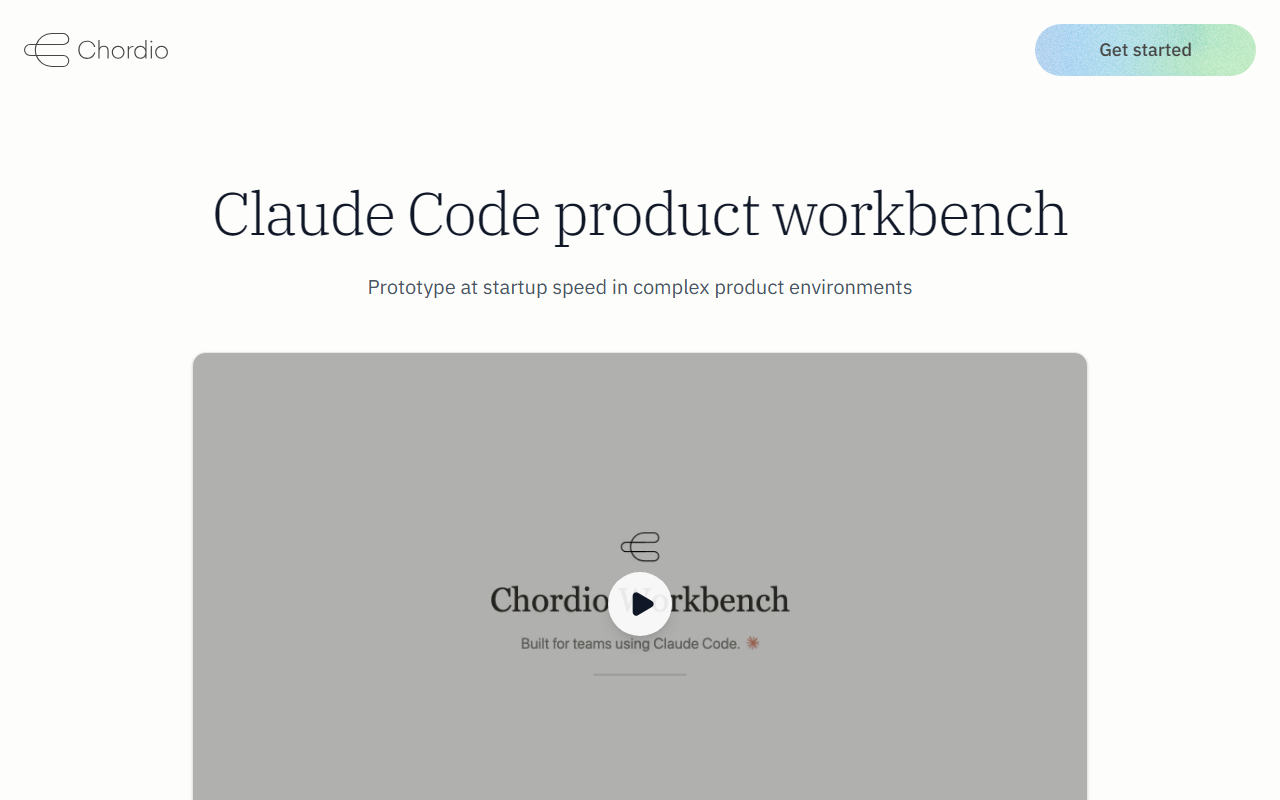
What Is Chordio Workbench?
Chordio positions itself as a workbench for Claude Code—an environment where product teams can prototype features without ever touching production code. Upon visiting the site, I saw a clean dashboard promoting three core modules: Plan & Build, Preview & Iterate, and Share & Hand off. The tool is designed to turn Claude Code, an AI coding assistant from Anthropic, into a complete concept-to-prototype environment. It addresses a specific pain point: how to let non-engineering stakeholders and developers quickly validate feature ideas using real product context, but safely isolated from the live production codebase.
Unlike standalone AI code generators that output raw code snippets, Chordio focuses on the entire workflow. The website highlights agent skills for planning, prototyping, design review, and handoff—all grounded in the user's existing product context and design system. When testing the described flow, I observed that prototypes are rendered in a local canvas called the Prototype Viewer, which requires no dev environment setup for the reviewer. The output is plain HTML, CSS, and assets, fully inspectable and modifiable.
How It Works and Key Features
Chordio Workbench runs through Claude Code, which teams can use from Claude Desktop, terminal, or even Slack. Specs and prototypes live as files in a local workbench folder that syncs with GitHub. This brings a few notable capabilities:
- Plan & Build: Pre-built agent skills for planning, prototyping, design review, and handoff. These are grounded in your product context and design system.
- Preview & Iterate: A local canvas that renders prototypes instantly. You can preview, iterate, and capture screens without any dev environment setup.
- Share & Hand off: Share prototypes with stakeholders or customers via a simple link. No local setup required for reviewers—just a browser.
During my exploration, I imagined using the tool to quickly create a coded prototype for a new search feature. The agent skills would let me describe the problem, research context, and generate a coded prototype in one go. The live canvas then shows the prototype, and I can iterate based on design review feedback. Finally, I share a link with the product manager for feedback. This is a substantial improvement over the typical process of writing throwaway mockups in separate tools.
Pricing, Positioning, and Alternatives
Pricing is not publicly listed on the website. Chordio appears to target enterprise teams, offering on-prem deployment, zero production risk, full source delivery, and guided rollout. They emphasize that the tool runs on your infrastructure with your approved LLM provider, meaning no data leaves your network. This is a strong selling point for security-conscious organizations.
Compared to alternatives like GitHub Copilot or Cursor's prototyping features, Chordio is more focused on the product design workflow rather than general code generation. It competes more directly with tools like Figma plugins or Balsamiq, but adds the power of AI to turn designs into working HTML/CSS quickly. The tight integration with Claude Code sets it apart, but also creates a dependency on Anthropic's API pricing and availability.
Strengths, Limitations, and Recommendation
The genuine strength of Chordio is its zero-production-risk approach. All work happens on captured clones, separate from production code. Combined with Git-based full auditability, this is ideal for regulated industries. The guided rollout and enterprise support also reduce the barrier for large teams. Another strength is the full source delivery—you're not locked into a proprietary platform; you get raw HTML and CSS.
However, the tool has limitations. It relies entirely on Claude Code, so if your team doesn't use Claude, adoption may be slow. The prototype output is limited to HTML/CSS—it's not a full app generator. Teams needing interactive prototypes with backend logic will still need traditional development. Additionally, the pricing opacity may be a hurdle for smaller teams seeking upfront cost estimates.
I recommend Chordio Workbench for enterprise product teams that already use Claude Code and need a safe, auditable prototyping environment. It's also suitable for agencies or internal tool teams that want to rapidly validate feature concepts without risking production code. If you're an indie developer or a startup with limited budget, consider starting with Claude Code directly or using simpler prototyping tools until you need the enterprise governance features.
Visit Chordio at https://chordio.com/ to explore it yourself.










Comments