

First Impressions and Onboarding
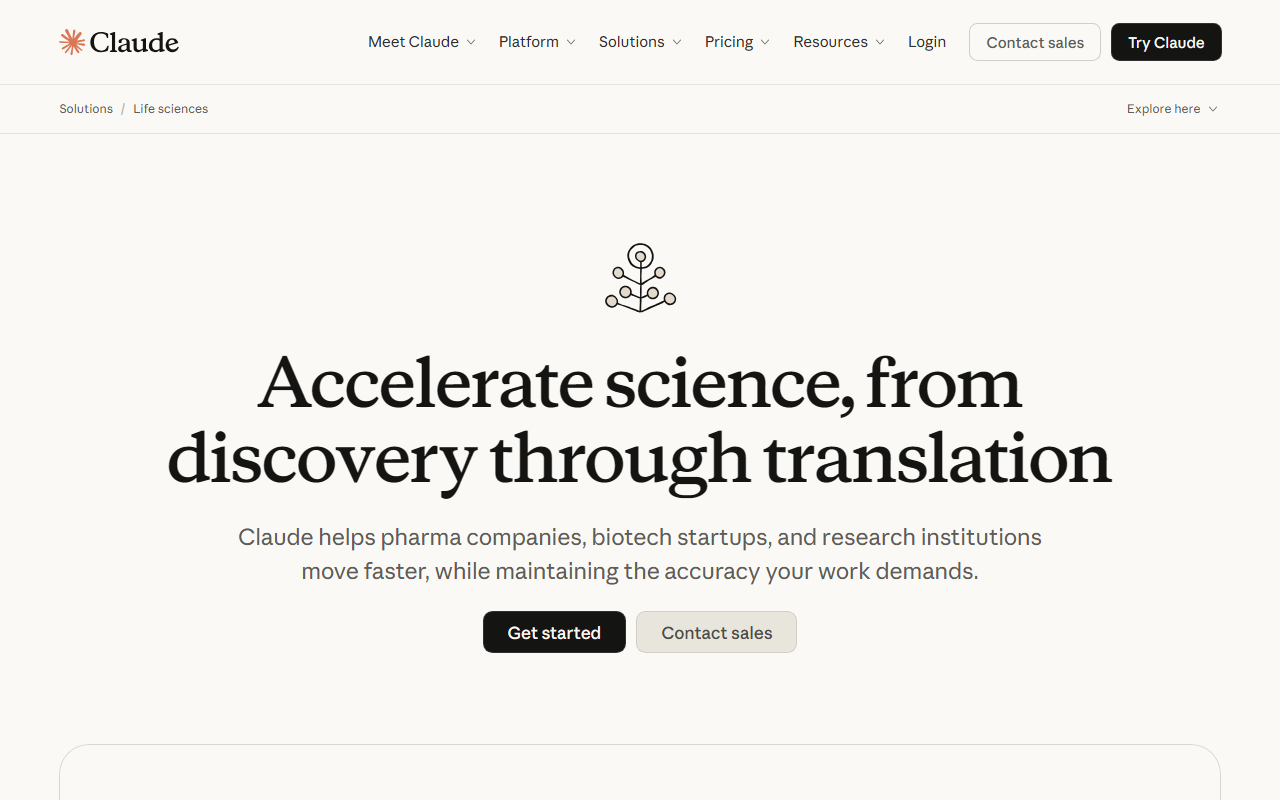
Upon visiting claude.com, I'm greeted by a clean, dark-themed landing page with a tagline 'Think fast, build faster.' The interface immediately offers a choice to sign in with Google, email, or SSO. I opt for 'Continue with email' and am prompted to accept Anthropic’s privacy policy. Within seconds, I'm in the dashboard. The free tier requires no credit card, which is refreshing. The chat window is minimal—a text input at the bottom with a send button, plus a project sidebar on the left. I notice an option to upload images and PDFs directly. The onboarding is frictionless; no tutorial pop-ups, just a blank conversation ready to go. I start by asking Claude to summarize a recent news article I pasted. The response comes in under two seconds, with clear paragraph breaks and cited sources when relevant. It also offers to follow up with bullet points, showing its proactive style.
Models and Core Capabilities
Claude offers three underlying models: Opus (most capable), Sonnet (balanced), and Haiku (fastest). In the settings, I can switch between them, though the free tier defaults to Haiku. The tool isn't just a chatbot—it’s a platform with dedicated products. Claude Code is a coding agent that can generate and debug code. Claude Cowork appears to be a collaborative workspace for teams. The dashboard also shows integrations: a Chrome extension, a Slack app, and plugins for Excel, PowerPoint, and Word. I tested the free tier's file analysis by uploading a PDF of a financial report. Claude extracted key numbers and generated a table in its response—no formatting issues. It also offered to create a plot, but that feature is behind the Max plan. Another standout is Extended Thinking: Claude can show its reasoning chain for complex problems, which is invaluable for debugging or logic verification. The tool also supports web search (opt-in), memory across conversations (for Pro and above), and remote MCP connectors for custom tools.
Pricing and Plans
Claude’s pricing is transparent and structured. The Free plan ($0) includes web chat on desktop and mobile, file upload analysis, and basic web search. The Pro plan is $17 per month if billed annually ($200 upfront) or $20 monthly. It adds Claude Code, Cowork, unlimited projects, memory, higher usage limits, and access to more models like Sonnet and Opus. The Max plan starts at $100 per month and offers 5x to 20x more usage than Pro, plus priority access and early features. There are also Team and Enterprise tiers aimed at organizations; pricing for those requires contacting sales. Notably, usage limits apply to all but the free tier—Claude displays a token counter in the UI. When I hit the free limit after about 50 long queries, it asked me to wait an hour. This is a limitation for heavy users considering the free tier.
Position in the Market and Recommendations
Claude competes directly with ChatGPT and Google Gemini. Its main strength is nuanced, safety-conscious responses backed by Anthropic’s constitutional AI approach. The writing quality feels more thoughtful and less verbose than some alternatives. The extended thinking feature is a strong differentiator for developers. However, Claude lacks a massive plugin ecosystem like ChatGPT’s GPT Store, and its web search is not always enabled by default. Also, the free tier’s limits are stricter than, say, Gemini’s free offering. Overall, Claude is best suited for writers, analysts, and developers who need coherent, well-reasoned output and are willing to pay for higher usage. If you need heavy automation or a broad plugin marketplace, look at ChatGPT. If you require deep Google integration, consider Gemini. For me, Claude’s balance of safety and capability makes it a daily driver for drafting reports and refactoring code. Strengths: Excellent reasoning, multiple models, strong integrations with office tools. Limitations: Usage caps on free tier, limited plugin ecosystem. Visit Claude at https://claude.com/ to explore it yourself.













Comments