

First Impressions and Onboarding
Upon visiting creately.com, I was immediately drawn to the promise of "From Idea to Execution - 10x Faster with AI Diagrams." The landing page is clean and emphasizes an infinite whiteboard, 1000+ templates, and easy sharing. After clicking "Start a Workspace," I was prompted to sign up with Google or email. The onboarding wizard quickly asked about my primary use case—diagramming, whiteboarding, or project management—and then presented a sample canvas pre-populated with a flowchart and a sticky note. Within two minutes, I was editing shapes and typing notes. The interface resembles a hybrid of Lucidchart and Miro, with a left sidebar for templates and a top toolbar for drawing tools. The free tier is fairly generous: up to 3 workspaces and 5 collaborators per board. But I noticed no pricing page anywhere, which raises questions about upgrade costs later.
Core Features and AI Integration
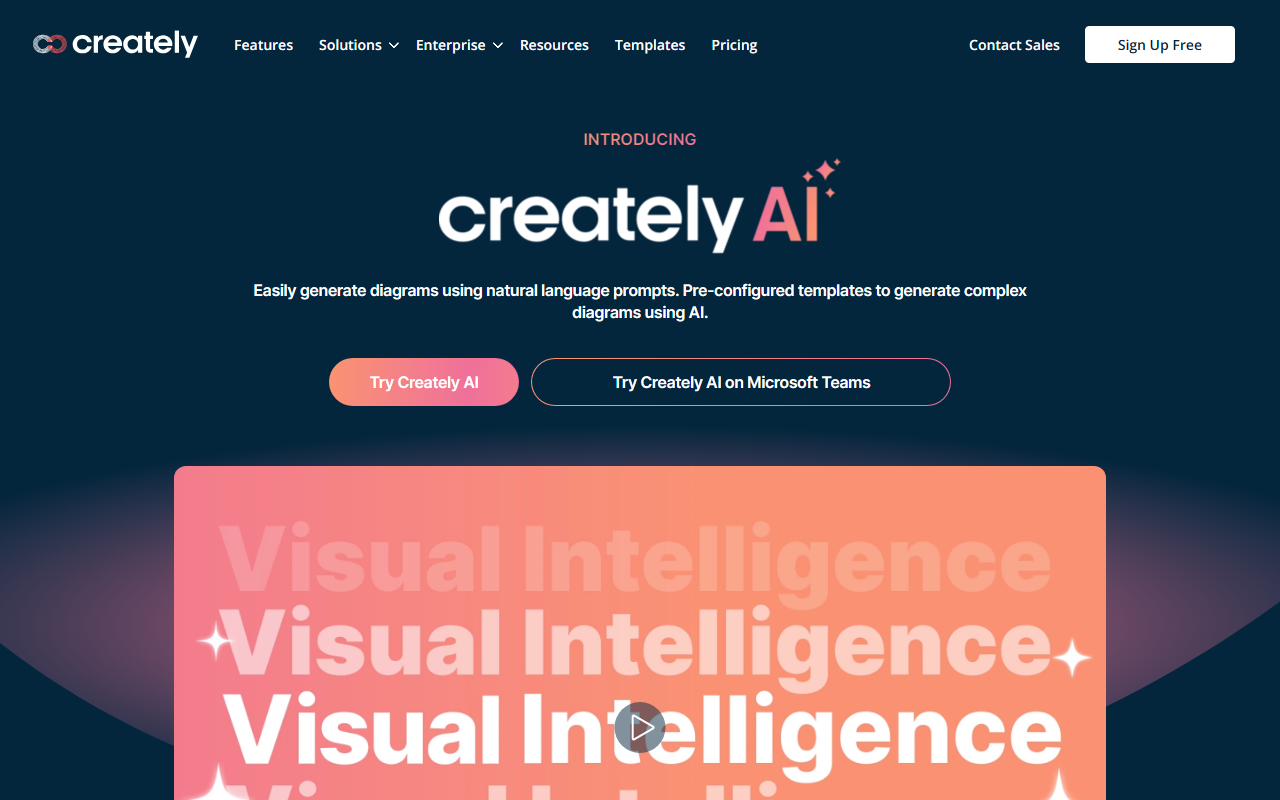
Creately is more than just a diagramming tool. It offers specialized toolkits for Product, Software, IT, HR, Marketing, and Sales—each with pre-built templates and data-linked visual apps. The standout addition is VIZ, the AI assistant. When I tested the "Diagram with Prompts" feature, I typed "Create a flowchart for a customer support ticket workflow" and within seconds VIZ generated a basic flowchart with swimlanes for "New Ticket," "Assign Agent," "Resolve," and "Close." I could then refine it with additional prompts or manual edits. The AI also offers "Multi Perspective Visualizations," letting me convert a mind map into a flowchart or a timeline with a single click. This is genuinely useful for brainstorming sessions where you need to pivot between frameworks. Another strong point is the custom database: you can create a data table behind shapes and link them across multiple boards—ideal for tracking tasks or requirements while keeping visuals in sync. Integrations include Slack, Google Drive, Confluence, and Jira, with 2-way sync for live data updates.
Pricing and Market Positioning
Pricing is not publicly listed on the website, which is a significant drawback. The homepage boasts over 10 million users and 1000s of teams, but without transparent pricing, potential buyers may hesitate. Based on competitor benchmarks—Lucidchart starts at $7.95/month per user, Miro at $8/month per user—Creately likely falls in a similar range, but the lack of clarity is frustrating. Enterprise features like ISO 27001 and SOC 2 Type 2 compliance, data residency, and 24/7 live support suggest a premium product aimed at medium to large organizations. Smaller teams or freelancers might find the free tier sufficient for basic diagramming, but they may quickly hit limits. Unlike Miro, which focuses heavily on sticky-note whiteboarding, or Lucidchart, which excels at technical diagrams, Creately tries to be an all-in-one work management platform on a visual canvas. This ambition is both a strength (versatility) and a limitation (potential feature bloat).
Final Verdict
Creately shines when you need to link visuals to live data and workflow processes. The AI integration is genuinely helpful for generating initial drafts and exploring different perspectives. However, the opaque pricing and slightly steep learning curve (especially around custom databases) may deter casual users. I recommend it for product teams, IT managers, and marketing ops who require a single source of truth for visual planning. If you only need occasional mind maps or flowcharts, lighter tools like Diagrams.net or even Canva’s whiteboard may suffice. For those ready to commit to a data-driven visual workspace, Creately is worth a trial—just be prepared to contact sales for a quote. Visit Creately at https://creately.com/ to explore it yourself.













Comments