

First Impressions and Onboarding
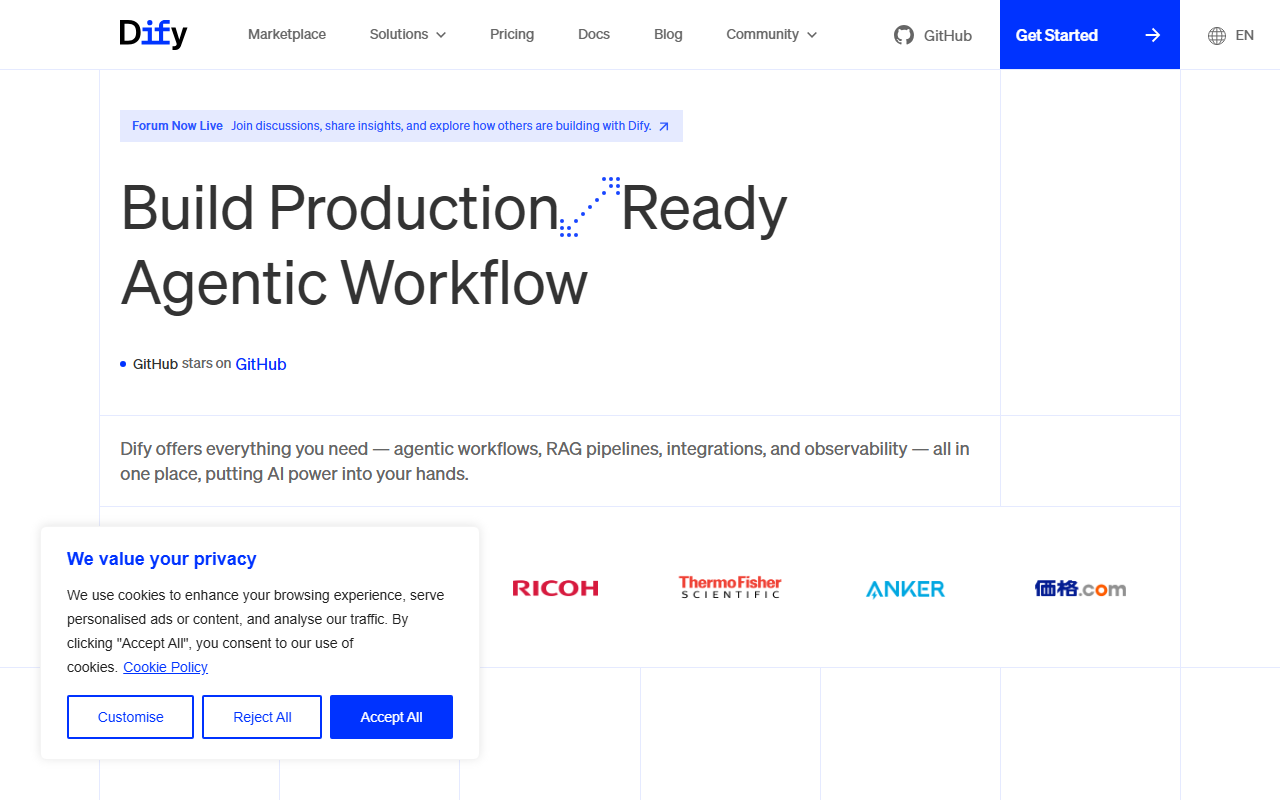
Upon visiting dify.ai, I was greeted by a clean, modern landing page that immediately highlights its core value proposition: building production-ready agentic workflows. The top navigation offers clear links to Marketplace, Solutions, Pricing, Docs, Blog, Community, and GitHub. I clicked “Get Started” and was walked through a simple sign-up process. Within minutes I was inside the dashboard, which presents a visually intuitive drag-and-drop canvas. The free tier allows you to experiment with core features—I started by creating a simple RAG pipeline using some sample documents. The interface responded smoothly, and I appreciated the built-in prompt editor alongside a chat preview panel. Everything felt polished and developer-friendly, echoing the open-source ethos visible in its active GitHub community.
What Makes Dify Stand Out?
Dify is not just another AI development framework; it is an agentic workflow builder designed to streamline the entire lifecycle from ideation to deployment. At its heart is a visual workflow editor where you can connect nodes for LLMs, tools, knowledge bases (RAG), and conditional logic. This makes it accessible even for non-developers while offering depth for engineers. One standout feature is native MCP (Model Context Protocol) integration, allowing you to publish your agent as a universal MCP server—a forward-looking move for interoperability. Dify also lets you switch between dozens of large language models, including open-source and proprietary ones, right from the same interface. I tested swapping from GPT-4o to Claude 3.5 Sonnet in a single click; the response comparison tool is invaluable for debugging. The platform supports RAG pipelines out of the box, making it easy to ingest PDFs, websites, and databases into your agent’s context. Furthermore, Dify offers a rich plugin ecosystem (Tools) and a Backend-as-a-Service model, so you can focus on logic rather than infrastructure. For teams, collaboration features like version control and workspace management are built in.
Pricing and Target Audience
Pricing is not explicitly listed on the main website’s scraped content, but Dify is fundamentally open-source—the repository boasts tens of thousands of stars on GitHub. You can self-host the Community Edition for free, which includes all core capabilities. For those who prefer a managed experience, Dify offers cloud plans (likely tiered by usage and team size) through their website. A “Talk to Us” link suggests enterprise plans with custom SLAs. This makes Dify a strong fit for developers, startups, and internal AI teams who need a flexible, self-hosted solution. Compared to alternatives like LangChain (which is more of a low-level library) or Flowise (a simpler no-code tool), Dify strikes a balance between power and usability. It is best suited for teams that want to move from prototype to production quickly without locking into a specific LLM provider.
Limitations and Verdict
While Dify excels in flexibility, it has real limitations. The visual workflow editor, though intuitive, can become cluttered for complex multi-agent systems. Debugging large graphs sometimes required exporting the JSON—a more robust debugger would be welcome. Additionally, as an open-source project, the cloud documentation sometimes lags behind the rapid release cycle. I also noticed that some advanced features (e.g., MCP server publishing) require delving into the docs, which may intimidate less technical users. That said, the community is active and responsive on GitHub and their new forum.
My honest recommendation: try Dify if you are building any kind of AI-powered application, from customer support bots to automated research agents. Its open-source nature, multi-LLM support, and mature RAG capabilities make it a standout in the Dev Framework category. For teams already frustrated with vendor lock-in or complex orchestration, Dify offers a refreshing alternative. Start with the free self-hosted version to see if it fits your workflow.
Visit Dify at https://dify.ai/ to explore it yourself.










Comments