

First Impressions: Onboarding and Interface
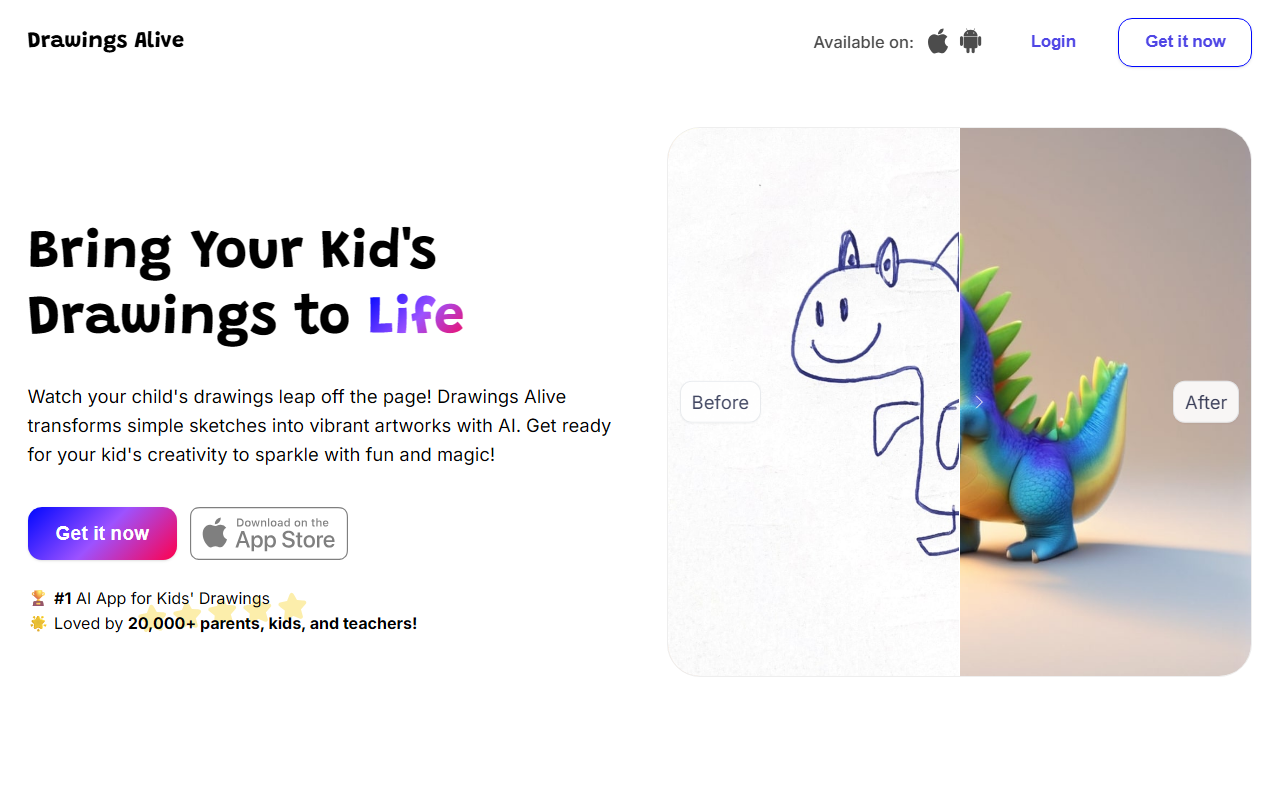
Upon visiting the Drawings Alive website, I’m greeted by a bright, playful design that immediately targets parents and teachers. The homepage showcases bold claims: “#1 AI App for Kids’ Drawings” and “Loved by 20,000+ parents, kids, and teachers!”. The interface is clean and minimal, with a clear call-to-action to “Get it now” or “Try the Web App”. I clicked “Try the Web App” and was prompted to create an account. The onboarding flow is simple: upload a drawing, write a short description, and let the AI work. The web app loads quickly and offers a straightforward canvas. I uploaded a simple stick-figure drawing of a dog, added a description (“a cute dog wagging tail”), and hit transform. Within about 40 seconds, the AI returned a polished, colorful illustration. The processing time matches the FAQ’s claim of under one minute. The dashboard after login shows your gallery and a “Create New” button. Overall, the experience feels frictionless, though no free trial is explicitly offered — only paid subscriptions start immediately after sign-up.
Core Features: From Sketches to Animation and 3D
Drawings Alive does more than just clean up kids’ drawings. It offers three core outputs: still images, animated videos, and 3D models. The image transformation is the baseline — it takes a sketch and produces a vibrant artwork. The AI is instructed by the user’s text description, which helps when the sketch is too abstract. I tested this with a messy crayon drawing of a house; with the description “a cozy cottage with a red roof,” the result was surprisingly detailed, adding windows and a chimney. The video feature creates 6-second animations where the character moves, dances, or plays. I turned the same dog drawing into a looping animation of the dog wagging its tail and jumping. It worked well, though the starter plan limits videos to one per month. The 3D model feature uses augmented reality — you can place the transformed drawing in your real environment via your phone’s camera. I tested this on iOS 16, and the model appeared on my desk with reasonable texture and lighting. The technology behind Drawings Alive is not disclosed in detail, but it likely uses a custom GAN or diffusion model fine-tuned for children’s artwork. The platform accepts JPG and PNG files only. Unlike tools like DALL·E that generate from text, Drawings Alive specifically preserves the child’s original composition while enhancing it.
Pricing and Value for Money
Drawings Alive offers three subscription tiers: Starter ($5/month or $59/year), Hobby ($8/month or $99/year — marked “Most Popular”), and Artist ($17/month or $199/year). All plans include images, videos, and 3D models, but with different monthly quotas. Starter gives 50 images, 1 video, and 1 3D model per month. Hobby bumps to 200 images, 5 videos, and 5 models. Artist offers 500 images, 10 videos, and 10 models. Yearly plans save up to 45%, which is competitive for a niche AI tool. The pricing is reasonable compared to general AI art services like Midjourney ($10–$60/month) but those aren’t tailored to kids’ drawings. Drawings Alive focuses on a specific use case, so the value for families or teachers is high — especially with full commercial licensing included in all plans. However, there is no free tier, and the refund policy is strict: no refunds once AI generation has started, citing high costs. The payment system uses Stripe, so security is bank-level. For light users, the $5/month plan might feel limiting due to only one video per month. Overall, the pricing aligns with the target audience of parents and educators who want a safe, easy, and fun way to enhance children’s creativity.
Final Verdict: Strengths and Limitations
Drawings Alive genuinely delivers on its promise to bring kids’ drawings to life. The key strengths are its ease of use, multi-format output (image, video, 3D with AR), and clear focus on preserving the child’s original art style. The commercial license and ownership are major pluses for schools or content creators. The FAQ transparently addresses concerns about drawing quality and ownership. However, there are limitations. The AI struggles with highly abstract or messy sketches unless you provide a very specific description. Also, the lack of a free trial makes it harder to test before committing, and the no-refund policy is a risk for those who might not get satisfactory results. Additionally, the video and 3D features are throttled on the cheapest plan. For families who only want photo transformations, the Starter plan suffices. For serious hobbyists or classrooms, the Hobby or Artist plans are better. Drawings Alive is best for parents who want to encourage their children’s creativity with minimal friction, and for teachers looking for a classroom activity that produces shareable digital art. If you need a more flexible AI art generator for general use, look elsewhere — but for its specific niche, Drawings Alive is currently the top choice. Visit Drawings Alive at https://drawingsalive.com/ to explore it yourself.










Comments