

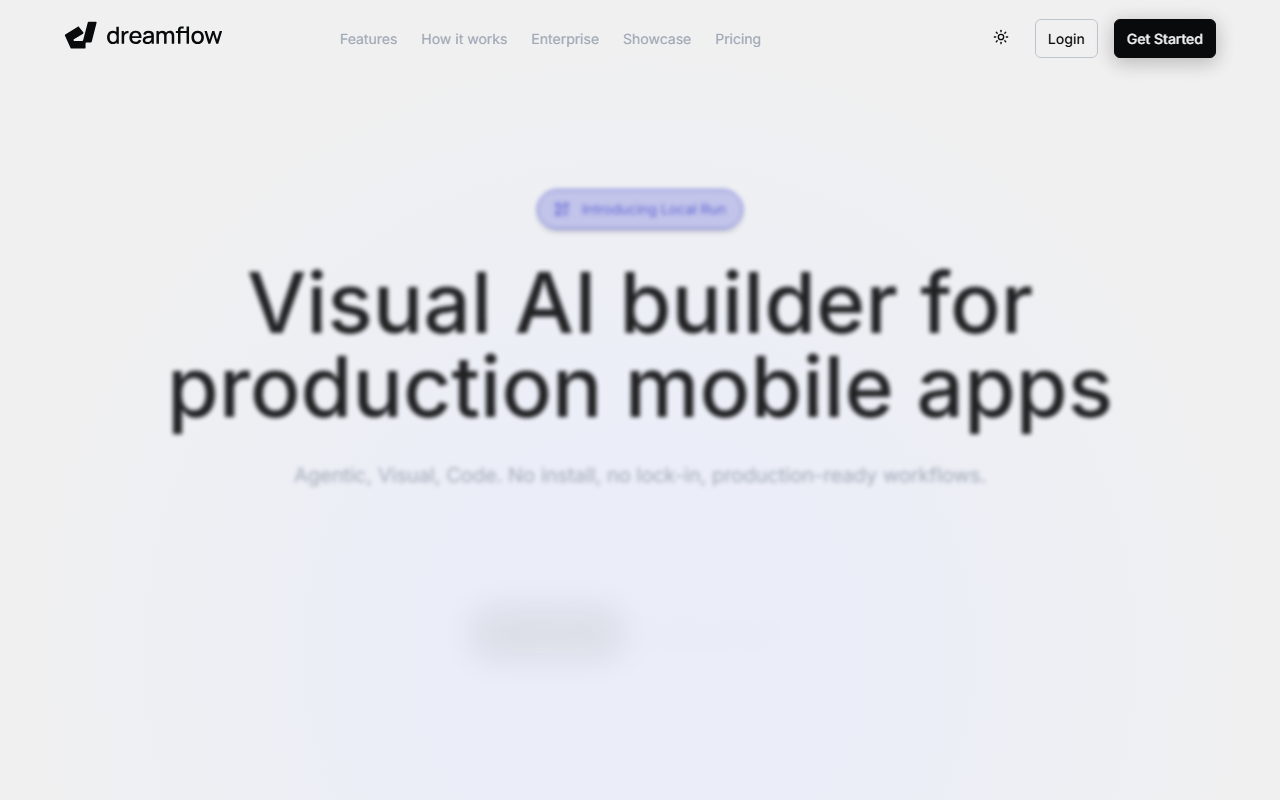
First Impressions and Onboarding
Upon visiting Dreamflow's website, I was immediately struck by the polished, developer-friendly design. The tagline "Build apps like you're from the future" sets high expectations, and the dashboard lives up to them. As someone who has tried many no-code and AI-assisted development tools, the onboarding felt refreshingly direct: you start by describing your app in natural language. The free tier grants 10 one-time AI credits, which I used to generate a basic React Native-like Flutter wireframe. The interface is split into three surfaces—agentic chat, a visual canvas, and a code editor—each staying in perfect sync as I made changes. I noticed that even on the free plan, the AI responded with context-aware suggestions, like adding a Firebase Auth wrapper when I mentioned a login screen. The visual canvas felt familiar to anyone who has used FlutterFlow, which makes sense given Dreamflow is built by that same core team.
Core Features and Workflow
Dreamflow's standout feature is what it calls "Tri-Surface Editing." You can switch between prompting an AI agent, dragging UI components on a visual canvas, or diving into raw Dart code—every change reflects across all three surfaces instantly. During testing, I edited a button's color in the visual editor and watched the corresponding code update in real time. The AI is powered by context-aware generation; it understands common patterns like form validation or list-view rendering and scaffolds them without hallucinating. Backend integration with Firebase or Supabase is available out of the box, and I was able to link a Firestore collection to a list view in under two minutes. The local run feature, still in beta, let me simulate the app on my device directly from the browser. For deployment, the Hobby tier unlocks Play Store and App Store submission, while the Pro tier adds Git version control and priority model access.
Pricing and Target Audience
Dreamflow offers four tiers: Free ($0/month), Hobby ($20/month), Pro ($90/month), and Enterprise (custom). The free plan is surprisingly generous—it includes private projects, visual and code editing, managed backend integrations, and web deployment. The main limitation is the one-time 10 AI credits, which forced me to be strategic. Hobby, at $20/month, adds mobile store deployment, full code export, and 100 credits per month. Pro, the most popular plan, adds Git integration and priority premium models for $90/month. Enterprise is for teams, with dedicated support and private cloud deployment. Compared to competitors like Bolt.new or v0.dev, Dreamflow excels at full-stack mobile app production because it is built on Flutter and offers an actual visual editor. However, it is less suited for simple web landing pages or prototypes that don't need mobile deployment. I'd recommend Dreamflow to Flutter developers who want AI acceleration and to no-code builders ready to scale to production apps.
Verdict
Dreamflow is genuinely impressive. The sync between AI, visual, and code editing is the closest I've seen to the "holy trinity" of development. The team behind FlutterFlow has clearly learned from its predecessor's strengths—the visual canvas is smooth, and the AI produces better code than most generic copilots because it understands Flutter's widget tree. On the downside, the free-tier credit cap is restrictive, and the tool is inherently tied to Flutter, meaning non-Flutter developers will need to learn Dart to fully utilize the code surface. Additionally, while the AI handles common patterns well, edge-case logic still requires manual coding. That said, if you are serious about shipping a production mobile app rapidly, Dreamflow is one of the best options available today. I walked away with a working Firebase-backed app in under thirty minutes—something that would have taken me a full day otherwise. Visit Dreamflow at https://dreamflow.app/ to explore it yourself.













Comments