

First Impressions and Interface
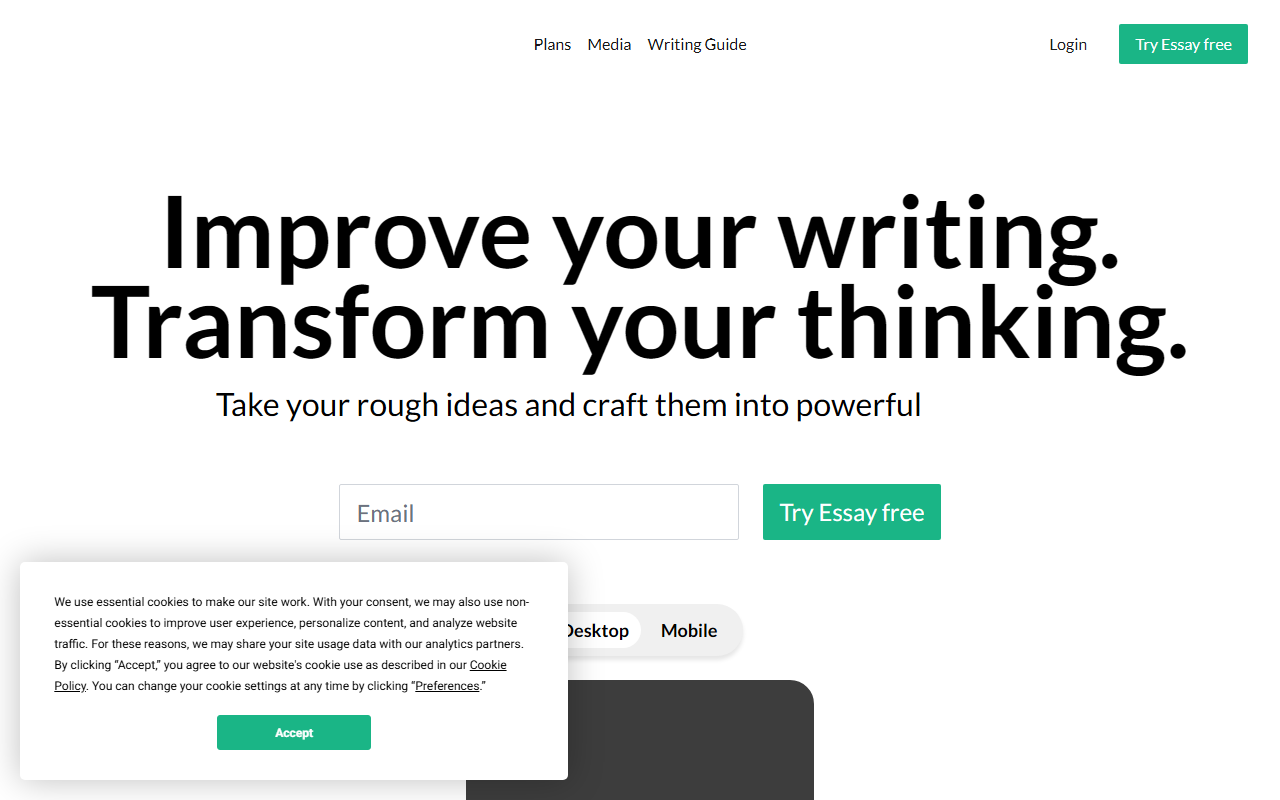
Upon visiting Essay.app, I was immediately struck by the clean, almost minimalist design. The landing page prominently displays three dynamic counters: 223,705 dedicated writers, 425,563 projects in progress, and 48,115,161 ideas refined. These numbers hint at a growing community, though they felt slightly static during my visit. A bright banner announces the launch of Essay Mobile, which suggests the tool is expanding beyond desktop. The interface itself is divided into clear stages—Plan, Produce, Edit, Share—a direct reflection of the structured writing method developed by Dr. Jordan B. Peterson, who is credited as a backer. I clicked the “Try Essay free” button and was taken to a playground demo. The demo loads a sample essay and lets you explore tools like Outline, Rewrite, and Notes without signing up. It was refreshing to see a functional trial rather than a gatekeeping email form.
Core Features and Workflow
Essay is not an AI writing generator in the mold of ChatGPT or Jasper. Instead, it provides a guided workflow for turning rough ideas into polished arguments. The Outline tool is central: you can create a skeleton structure, drag sections to reorder them, and link notes directly to outline points. In the playground, I experimented with the Rewrite feature. It presents the current sentence and lets you play with word choice and structure, creating variations side by side. This is ideal for those who struggle with editing—it encourages experimentation without fear of losing the original. The Reorder tool lets you evaluate each sentence’s position within a paragraph and adjust the flow. I also tested the Topic Tool, which asks you questions to help find a direction. It felt more like a reflective prompt than a generative brainstorm, which aligns with the Peterson philosophy of writing as thinking. Notes are linked to specific sentences, and the Feedback feature allows sharing with peers using predefined categories like “argument” or “clarity.” The distraction-free Produce mode hides everything except the text, pushing you to write without self-censorship.
Who Benefits and Who Should Look Elsewhere
Essay is best suited for students, academics, and professionals who write long-form, argument-driven documents—think essays, research papers, or proposals. The structured method forces you to plan before producing, which can reduce writer’s block and improve logical flow. If you admire Jordan Peterson’s approach to writing and communication, you’ll feel at home here. However, this tool is not for everyone. If you need quick AI-generated drafts, SEO content, or marketing copy, you’ll be frustrated by the lack of generative capabilities. Unlike competitors like Grammarly (which focuses on grammar and style) or Scrivener (a full manuscript organizer), Essay is laser-focused on the process of structuring an argument. It also lacks a built-in grammar checker—you’ll need to export or use another tool for that. The mobile app is a nice addition, but the core experience still feels desktop-first. I also noticed no collaboration for real-time co-editing; “Feedback” is asynchronous.
Pricing, Limitations, and Verdict
Pricing is not publicly listed on the website, which is a red flag for transparency. The only option offered is a free trial, and after that, you likely must pay a subscription. I could not find the exact tiers during my review, so proceed with caution and expect a paid plan. The biggest limitation is the learning curve: Peterson’s method is prescriptive and may feel rigid for creative writers. Additionally, the tool does not integrate with Google Docs or Word—you work entirely within its ecosystem. On the strength side, the development is clearly thoughtful: the Outline-to-Produce-Repeat loop mirrors how good writers actually work. The Rewrite and Reorder features are genuinely useful for polishing arguments. If you’re serious about improving your writing structure, Essay provides a rare, guided framework. I recommend trying the free playground to see if the method clicks. For students and academics who want to move beyond surface-level edits, it’s worth the investment—provided the pricing aligns with your budget.
Visit Essay at https://essay.app/ to explore it yourself.










Comments