

First Impressions and Onboarding
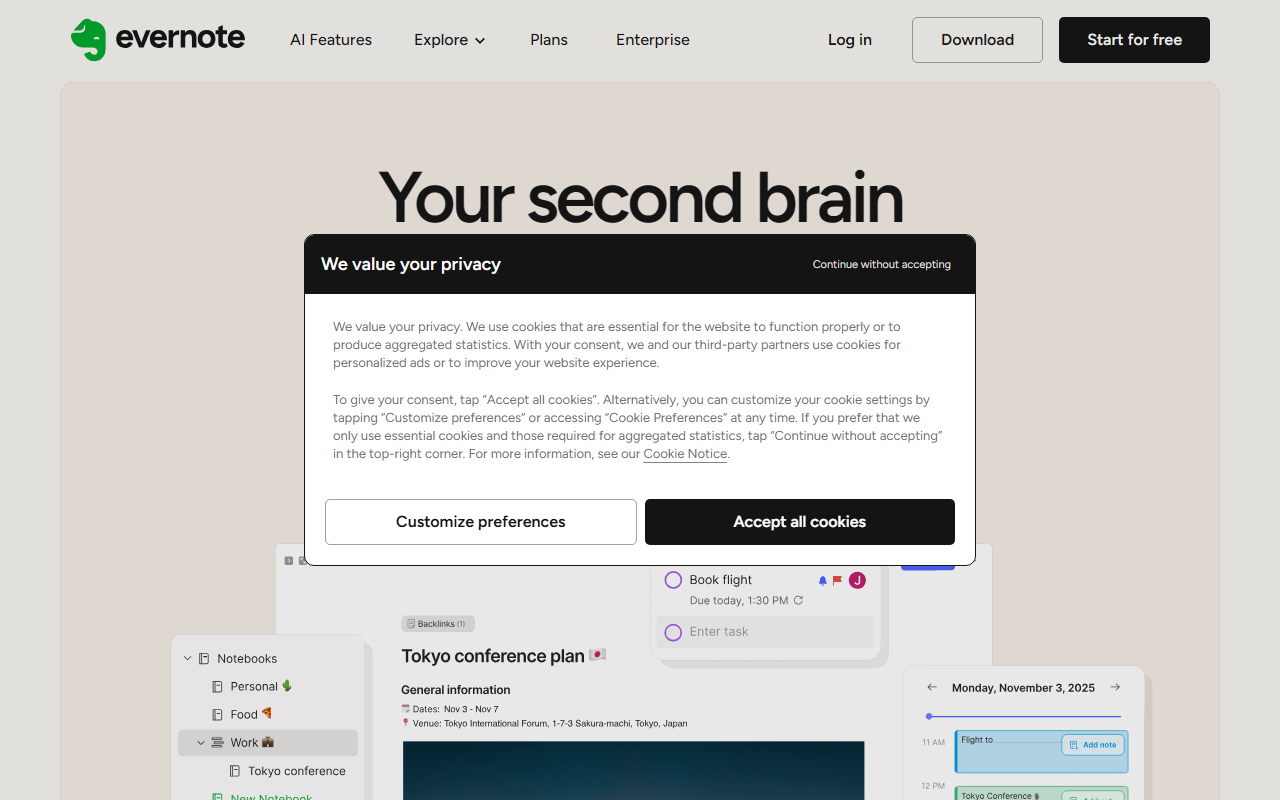
Upon visiting evernote.com, the landing page greets you with the tagline 'Your second brain' and an immediate call to action to download the app. The site is clean and focuses on key features: Templates, Notebooks, Search, Tasks, Calendar, Web Clipper, Collaboration, and AI Features. I clicked through to try the free tier. The signup flow is quick—email and password, then a brief tutorial on creating a first note. The interface on desktop (I tested the Windows app) is familiar: a left sidebar with notebooks, a central note list, and an editor. It feels polished but slightly cluttered compared to minimalist rivals. The onboarding suggests creating a note with a template; I chose a meeting notes template. The editor supports rich text, attachments, and checkboxes. AI features appear as a separate sidebar icon—a sparkle. Clicking it opens an AI assistant panel within the note. I typed a short summary request; it responded in about three seconds with a decent bullet-point list. The free tier limits AI actions per month (I hit a cap after a few queries). Overall, first impressions are positive for note-taking fundamentals, but the AI integration feels bolted on rather than deeply woven.
Core Features and AI Capabilities
Evernote v11's selling point is the 'second brain' concept—capturing everything from clippings to voice memos to tasks. The Web Clipper is still one of the best in class: I clipped a long article from a news site, and it preserved formatting, images, and links cleanly. The Search function uses OCR on images and handwriting, which is powerful. The new AI features include AI-powered note summarization, automatic tagging, and a 'clean up' option that reformats messy notes. In testing, the AI summarizer worked well on a 2,000-word note, condensing it to three key points. Automatic tagging was less accurate: it assigned generic tags like 'business' and 'ideas' even for a personal journal entry. The AI assistant can also generate ideas, rewrite text, and create to-do lists. It uses Evernote's proprietary models, not GPT-4 (the site doesn't specify, but response style is less nuanced). A notable limitation: AI features are not available in the offline mode, and the free tier restricts usage to 5 AI queries per month. For collaboration, real-time editing works smoothly with comments and task assignment, but the interface lags behind Notion's more fluid co-editing. The Calendar integration links events to notes, but you need a Google or Outlook account. Tasks are basic—no dependencies or Gantt charts. For power users, this may feel undercooked.
Pricing and Market Position
Pricing is not publicly listed on the website during my review; the page only offers 'Get Evernote Free' and 'Already have an account? Log in.' This omission is frustrating for potential buyers. Historically, Evernote offers a Free tier (60 MB monthly upload, 1 device), Personal ($7.99/month, 10 GB upload, unlimited devices), Professional ($9.99/month, 20 GB upload, AI features), and Teams ($14.99/user/month). But without transparent pricing on the site, users must click through to find it. In the market, Evernote competes with Notion (which offers a free tier with no upload cap but a block limit), OneNote (free with Office), and Roam Research (pricier but with bidirectional links). Evernote's strength is its longevity and reliability—it has been around since 2008 and has a large user base. However, its AI features are less advanced than those in newer tools like Mem or Reflect (which use GPT-4 natively). The company, owned by Bending Spoons, has been investing in AI, but the road ahead is uncertain. Best suited for individuals who want a mature, cross-platform note organizer with basic AI assists. Not ideal for teams needing heavy project management or for researchers requiring advanced note linking.
Final Verdict and Recommendations
Evernote's AI features are a promising step, but they feel like an add-on rather than a core rethinking of the note-taking paradigm. The summarization and cleanup are genuinely helpful for long notes, but the limited free tier and lack of transparent pricing hurt accessibility. Strengths: excellent web clipper, robust search, and cross-platform sync. Real limitations: AI features are gated behind paid plans, the editor is not as flexible as Notion's, and the UI can feel dated. My recommendation: try the free tier for basic note-taking and clipping. If you need AI, the Professional plan is where you'll find value, but consider competitors first. For serious AI-powered research, look elsewhere. Visit Evernote at https://evernote.com/ to explore it yourself.










Comments