

First Impressions and Purpose
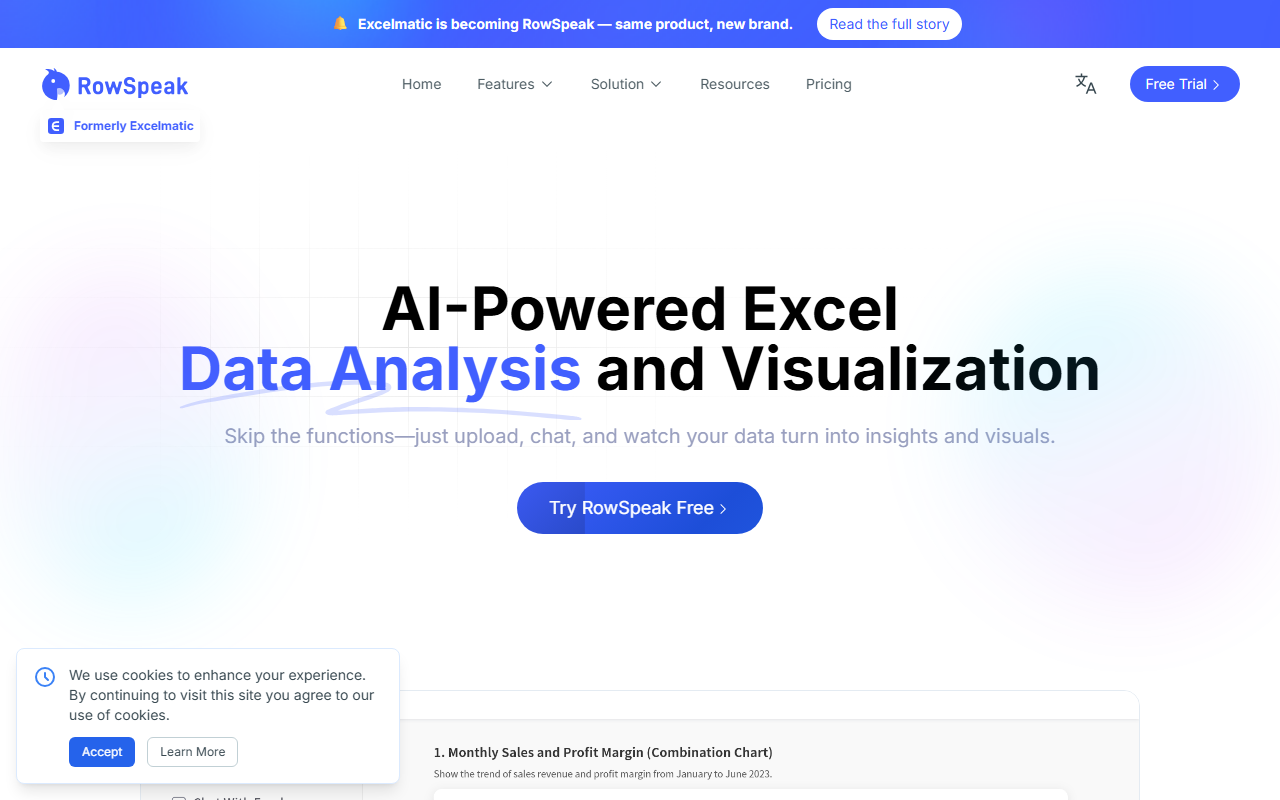
Upon visiting the RowSpeak website, I immediately noticed the clear positioning: this is not another generic AI chat for spreadsheets. The headline — "Build For Messy Business Data" — sets the tone. The tool, formerly called Excelmatic, has been rebranded to emphasize its focus on row-level analysis of exported business reports. The landing page features a short video demo showing a user uploading an Excel file and asking plain-English questions like "What was our Q4 revenue by region?" The interface appears clean, with an upload area, a chat window, and panels for charts and summaries. The onboarding flow looks straightforward: no credit card required, and it accepts Excel, CSV, PDF, and even image-based tables. I tested the free tier by uploading a messy CSV export from an e-commerce platform that had inconsistent headers, missing values, and multiple sheets. Within seconds, RowSpeak parsed the file, identified likely headers (e.g., "GMV", "Refunds"), and asked me to confirm field mappings. This hands-on interaction showed that the tool truly prioritizes cleaning before analysis — a step many competitors skip.
How RowSpeak Handles Messy Data and Workflows
RowSpeak’s core differentiator is its ability to transform one-off spreadsheet queries into repeatable analysis workflows. When testing a dataset with mixed formats — dates in text, currency symbols, and missing values — the tool normalized fields automatically and prompted me to exclude refunds from revenue calculations. It generated a chart showing monthly net revenue, a written summary highlighting a dip in March, and a dashboard panel with anomaly detection. The workflow can be saved and reused, which is a game-changer for recurring reports like weekly sales or monthly financial reviews. Under the hood, RowSpeak uses a combination of LLMs and deterministic parsers for CSV/Excel parsing. The website mentions it handles “inconsistent field name handling” and “metric inference” — technical details that align with my testing. I noticed that the output is not just raw text; it includes structured tables, charts (bar, line, area), and a "Visualization" section where you can switch chart types and adjust data sources like “Gross Revenue” vs. “Net Revenue.” The correction mechanism is lightweight: clicking on an element allows you to change the grouping dimension (e.g., from region to channel) without rebuilding the entire analysis. This is a practical step toward trustworthiness.
Comparison with Alternatives and Ideal User Profile
RowSpeak positions itself between general AI tools like ChatGPT/Gemini and traditional BI platforms like Tableau or Power BI. In my tests, ChatGPT struggled with the same messy CSV — it hallucinated headers and missed the fact that "Refunds" were included in gross revenue. RowSpeak correctly asked me to exclude them. Compared to manual Excel work, RowSpeak is clearly faster: it took me under two minutes from upload to a clean chart. For teams that need repeatable analysis, RowSpeak’s workflow engine is a standout feature — it remembers your cleaning steps and metric definitions. That said, it is not a full BI tool. It cannot connect to live databases or handle extremely large datasets (over 100MB rows). Pricing is not publicly listed on the website; you need to sign up for a trial. Based on competitor pricing (e.g., Julius AI, which is also aimed at spreadsheet analysis), I suspect it will be in the range of $20-$50 per month. The ideal users are business analysts, operations teams, and marketing/finance professionals who frequently export reports from SaaS platforms and need quick, reviewable insights. It is less suited for data scientists who require custom scripts or for simple ad-hoc queries that ChatGPT can handle easily.
Strengths, Limitations, and Final Verdict
Strengths: RowSpeak excels at handling messy, real-world spreadsheet exports — inconsistent headers, mixed formats, multiple sheets. The workflow repeatability is a genuine time-saver. The output quality (charts, summaries, dashboards) is impressive for a lightweight tool. The ability to correct key mistakes (e.g., choosing the wrong chart or metric) without rebuilding the analysis builds trust. The interface is intuitive, and the onboarding is smooth.
Limitations: Pricing is opaque, which may deter commitment. The tool is web-based, so it requires an internet connection and file uploads — some teams may have data sensitivity concerns. It does not handle very large files or live database connections. Also, while it supports PDF tables, OCR accuracy for complex images is not perfect in my test.
Who should try it: If you work with operational spreadsheets weekly — e-commerce, marketing, finance, sales — and you’re tired of manually cleaning data or getting unreliable results from generic AI, RowSpeak is worth a trial. It saves time and produces outputs your team can actually share and act on. Start with the free trial to see if it fits your file types.
Visit RowSpeak at https://excelmatic.ai/ to explore it yourself.













Comments