

First Impressions and Onboarding
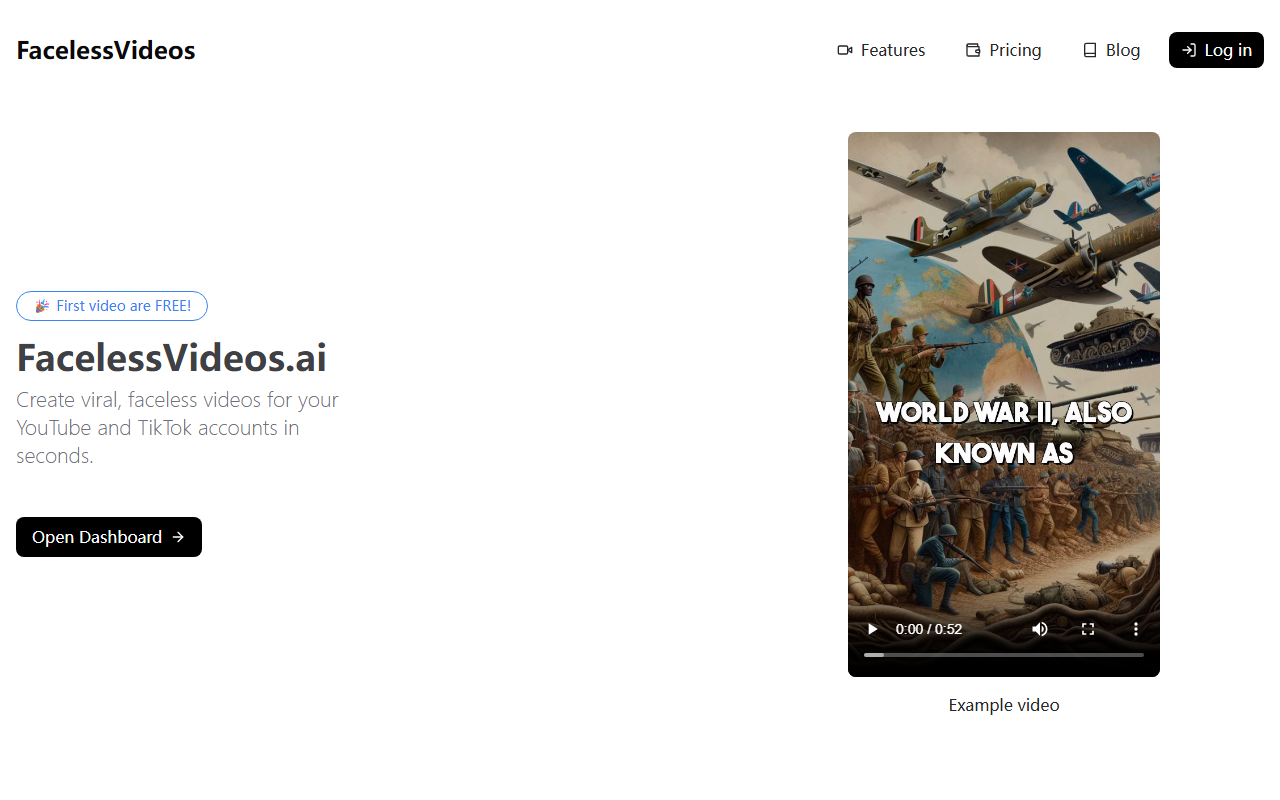
Upon visiting FacelessVideos.AI, the homepage immediately highlights the core promise: create viral, faceless videos for YouTube and TikTok in seconds. The dashboard is minimalistic — a single text box labeled “Write a prompt” sits front and center, with a “Generate video” button below. There is no complex setup or tutorial required. I appreciated that the free tier allows a first video at no cost, which lowers the barrier for testing. The example videos shown (history of blues, salsa, rock and roll) are simple slideshows with text overlays and background music — no human face, no voiceover. This approach positions the tool squarely for educational or list-style content where the message matters more than the presenter.
Testing the Free Video Generation
I decided to test the free tier by typing “The history of jazz” into the prompt. Within about 15 seconds, the system returned a 30-second video. The output consisted of static images (likely pulled from a stock library) with a title card, bullet-point-style text, and a generic royalty-free music track. The quality was adequate for a quick TikTok or YouTube Short, but not cinematic. The text alignment and transitions felt a bit rushed, and there was no option to customize the background, font, or pacing beyond the initial prompt. This is a clear trade‑off for speed and simplicity. For creators who need a constant stream of short, informational content without editing, the tool delivers. However, anyone expecting polished motion graphics or voice narration will be disappointed — the tool currently focuses purely on text‑and‑image montages.
Pricing and Value for Content Creators
The pricing page lists four tiers: Starter ($19.99/month for 15 videos), Daily ($29.99/month for 30 videos), Pro ($49.99/month for 75 videos), and Advance ($99.99/month for 200 videos). All plans include unlimited storage and a per‑second cost that scales down with volume. The cheapest plan works out to about $0.022 per second, which is competitive for automated video generation services. Unlike some alternatives like InVideo or Pictory, which offer more editing controls, FacelessVideos.AI focuses purely on speed and volume. The lack of a free trial beyond the first video is a limitation, but the entry price is low enough for serious testers. For small YouTube channels or TikTok accounts posting daily, the Daily plan offers a reasonable balance of cost and output quantity.
Strengths, Limitations, and Who Should Use It
Strengths: The tool excels at rapid, hands‑off creation of faceless short videos. The interface is straightforward, and the generated videos are ready to upload with minimal tweaking. The pricing is transparent and affordable for high‑volume users. Limitations: Customization options are extremely limited — no choice of music, image selection, or text animation. The video quality feels basic, and the tool currently only supports text‑and‑image slideshows, not AI‑generated voiceover or motion graphics. There is also no API or integration with social platforms for direct publishing. This tool is best suited for content creators who prioritize quantity over quality — for instance, history channels, motivational quote pages, or educational fact accounts on TikTok and YouTube Shorts. If you need highly branded, polished visuals or human narration, look elsewhere. For rapid, faceless content, FacelessVideos.AI delivers on its core promise.
Visit FacelessVideos.AI at https://facelessvideos.ai/ to explore it yourself.










Comments