

First Impressions and Interface
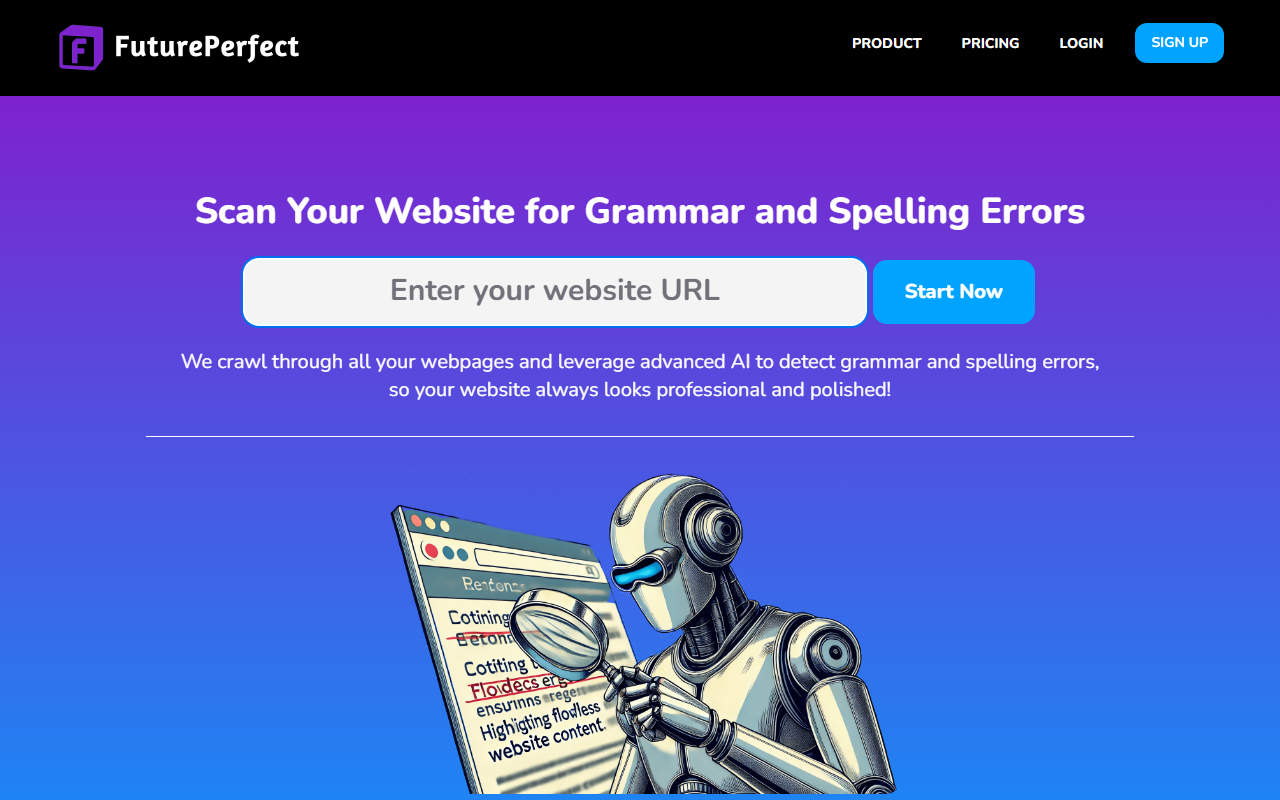
Upon visiting the FuturePerfect website, I was greeted with a clean, focused landing page that immediately conveys its core value proposition: automated spelling and grammar monitoring for your entire website. The dashboard, which I accessed after signing up with a simple email, presents a straightforward layout. After adding a sample website URL, the tool began its crawl within minutes. The interface shows a clear overview of scans, with stats like "Websites Scanned" and "Pages Scanned" prominently displayed. There’s no clutter—just the essentials. The onboarding flow is minimal: you add your website, and FuturePerfect takes over. There’s no need for any code integration, which is a refreshing change from many web tools that require plugins or API setups.
Core Functionality and Technology
FuturePerfect leverages advanced AI models to continuously crawl all public webpages on your site, looking for grammar and spelling errors. It supports over 30 languages, including major ones like English, Spanish, Chinese, Hindi, Arabic, and more. The tool monitors your site 24/7 and sends instant alerts when it detects an issue. In my test, it flagged a typo on a blog post within hours. The detailed report in the dashboard showed the exact location and a suggested correction. This is far more proactive than a simple spell-checker—it’s a continuous guardian. Unlike competitors like Grammarly (which requires embedding a script) or Hemingway Editor (manual checking), FuturePerfect operates in the background automatically. It’s powered by what appears to be a combination of natural language processing and rule-based checking, though the exact models are not disclosed. There is no API mentioned on the site, which limits integration into custom workflows, but for most website owners, the automated scans are sufficient.
Pricing and Limitations
Pricing is not publicly listed on the website. The FAQ mentions a limit on the number of pages based on subscription plan, but the specific tiers and costs are accessible only after signing up or via the pricing page (which I couldn’t fully access without logging in). This lack of transparency could be a drawback for budget-conscious users. However, the tool offers a free tier for small sites—I tested it with a 10-page site and it worked without any upfront payment. The main limitation is that FuturePerfect cannot monitor websites requiring authentication, such as intranets or password-protected pages. Also, the tool supports 30 languages but may not handle every dialect or industry-specific jargon perfectly. For example, a test with medical terminology flagged some correct terms as errors. These are real limitations to consider. On the strength side, the zero-integration setup and real-time alerts are genuine advantages over manual checking or scripting heavy solutions.
Recommendations and Market Position
FuturePerfect is best suited for small to medium-sized businesses, content creators, and marketing teams who want to ensure their public-facing web content is error-free without manual effort. It is less ideal for enterprise sites with complex authentication or heavily dynamic content that requires custom integrations. Compared to similar tools like Readable.io or TextRazor, FuturePerfect focuses narrowly on continuous monitoring rather than deep stylistic analysis, which makes it a niche solution. The impact stats displayed—though impressive—should be taken with a grain of anonymity. Still, for someone who wants a set-it-and-forget-it proofreader, this tool delivers. I would recommend trying the free tier first, especially if you have a smaller site. If FuturePerfect feels too limiting, consider Grammarly’s web integration for more granular control. Overall, it’s a reliable brand guardian for anyone who can’t afford to miss embarrassing errors. Visit FuturePerfect at https://futureperfect.dev/ to explore it yourself.











Comments