

First Impressions and Onboarding
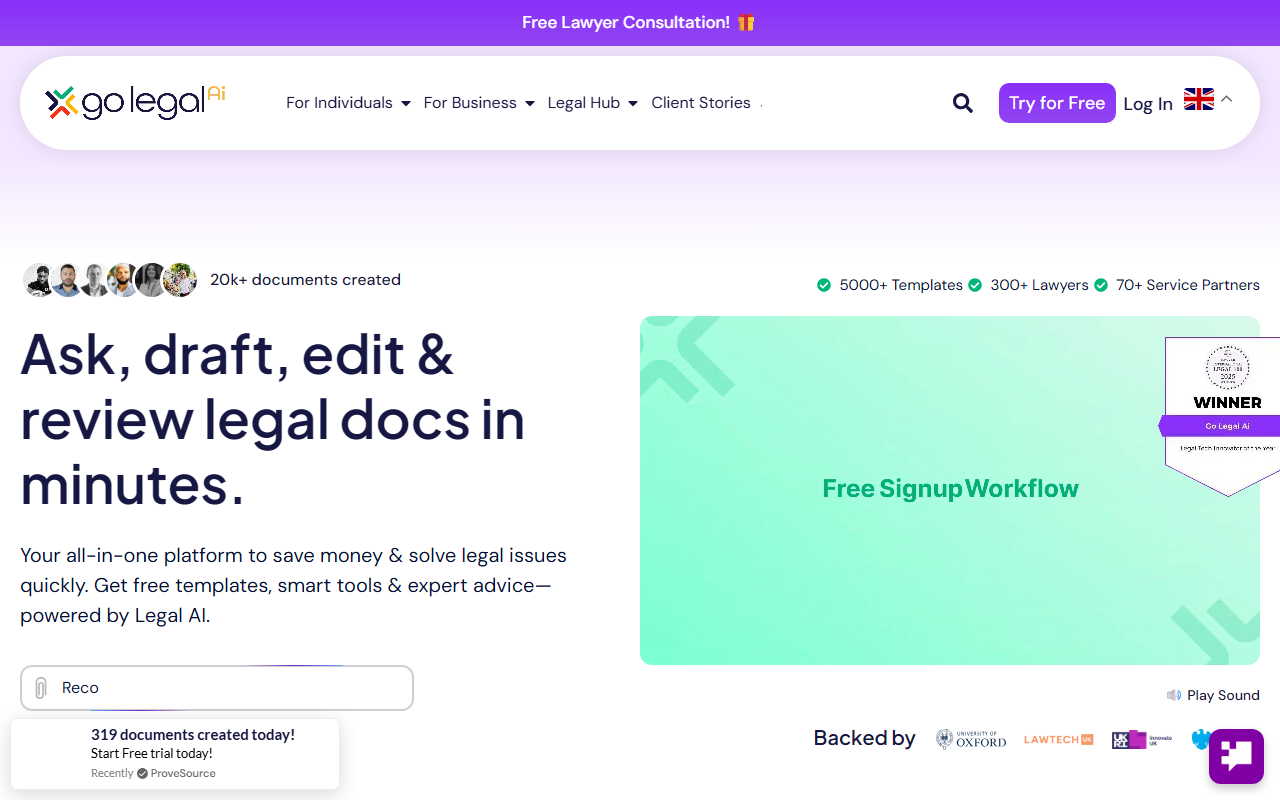
Upon visiting Go Legal AI, I was struck by the clean, modern dashboard that immediately highlights the platform's value proposition: 'UK’s #1 Consumer Legal Tech Platform.' The hero section showcases key templates like Loan Agreement, Section 8 Notice, and Statutory Demand, making it clear this tool is built for real-world legal needs. The onboarding flow is straightforward—I clicked 'Try for Free' and was prompted to sign up with Google or email. No credit card required for the free tier, which is a welcome relief. The interface offers a sidebar with clear navigation: Templates, Rapid Review, Expert Access, and Ask Go Legal AI. I appreciated the step-by-step guide that walked me through selecting a template, editing it with AI, and collaborating with others. The platform also emphasizes its social mission: 'Each Sign Up = Gift of Water,' which adds a feel-good factor. Overall, the experience felt polished and intuitive, even for a legal non-expert like myself.
Core Features: AI Document Creation and Review
Go Legal AI's strength lies in its AI-powered document creation and review. The platform boasts over 5,000 lawyer-approved templates spanning contracts, notices, wills, and more. When I tested the free tier, I selected a simple 'Letter before Action' template. The AI guided me through a series of questions—party names, amount owed, deadlines—and generated a tailored document in under two minutes. The editor allows further tweaks, and the AI flags missing clauses or potential risks. The 'Rapid Review' feature is particularly impressive: upload a document (or use one from the library), and the AI performs a traffic light analysis, highlighting risky clauses and suggesting amendments. It also runs scenario testing and compliance checks against industry standards. For businesses, the Risk & Insolvency Tracker integrates with court data to provide real-time supply chain risk alerts—a feature I haven't seen in competing tools like LegalZoom or Rocket Lawyer. The 'Ask Go Legal AI' chatbot uses a lawyer-trained AI to answer legal questions, offering more context-aware responses than generic ChatGPT. Collaboration and e-signature are baked in, making it a truly end-to-end platform.
Pricing and Plans
Go Legal AI offers four tiers, though the website only prominently displays three: Free, Power Up (£29/month), and Go Flexi (£5–50/month). The free plan includes access to templates (limited to 3 downloads per month), a 30-minute lawyer consultation, basic editing, and pay-as-you-go access to lawyers. It's a solid entry point for one-off needs. The Power Up plan at £29/month (or £20.30/month billed annually) unlocks unlimited template downloads, AI-powered reviews, two lawyer consultations per month, and the Business Health Check tool. This is where the platform shines for small businesses—the value proposition of replacing a £20k legal team for £1/day is compelling. The Go Flexi plan scales from £5 to £50/month, adding custom workflows, team collaboration, bulk document upload, and the Insolvency & Claims Tracker. It's best for growing teams. Notably, there is no annual contract lock-in, and the 30-day money-back guarantee adds confidence. Pricing is transparent for the base tiers, but add-ons like lawyer consultations beyond the included ones have variable costs, which could be clearer.
Who Should Use Go Legal AI?
Go Legal AI is best suited for UK-based small business owners, freelancers, landlords, and individuals who need affordable legal documents without hiring a solicitor for every contract. The AI's training on UK law and the 300+ lawyer network make it particularly relevant for users in England and Wales. Competitors like LegalZoom have broader US coverage, but Go Legal AI's local expertise and real-time risk tracking give it an edge for British users. However, it has limitations: the free tier is restrictive, and users with very complex or litigation-heavy needs may still require dedicated counsel. The platform's reliance on templates and AI review may not substitute for nuanced legal advice in high-stakes disputes. Overall, I recommend this tool for anyone who wants to save time and money on routine legal tasks—try the free plan to test the template library and AI review, then upgrade if you need more frequent support. Visit Go Legal AI at https://go-legal.ai/ to explore it yourself.










Comments