

First Impressions and Onboarding
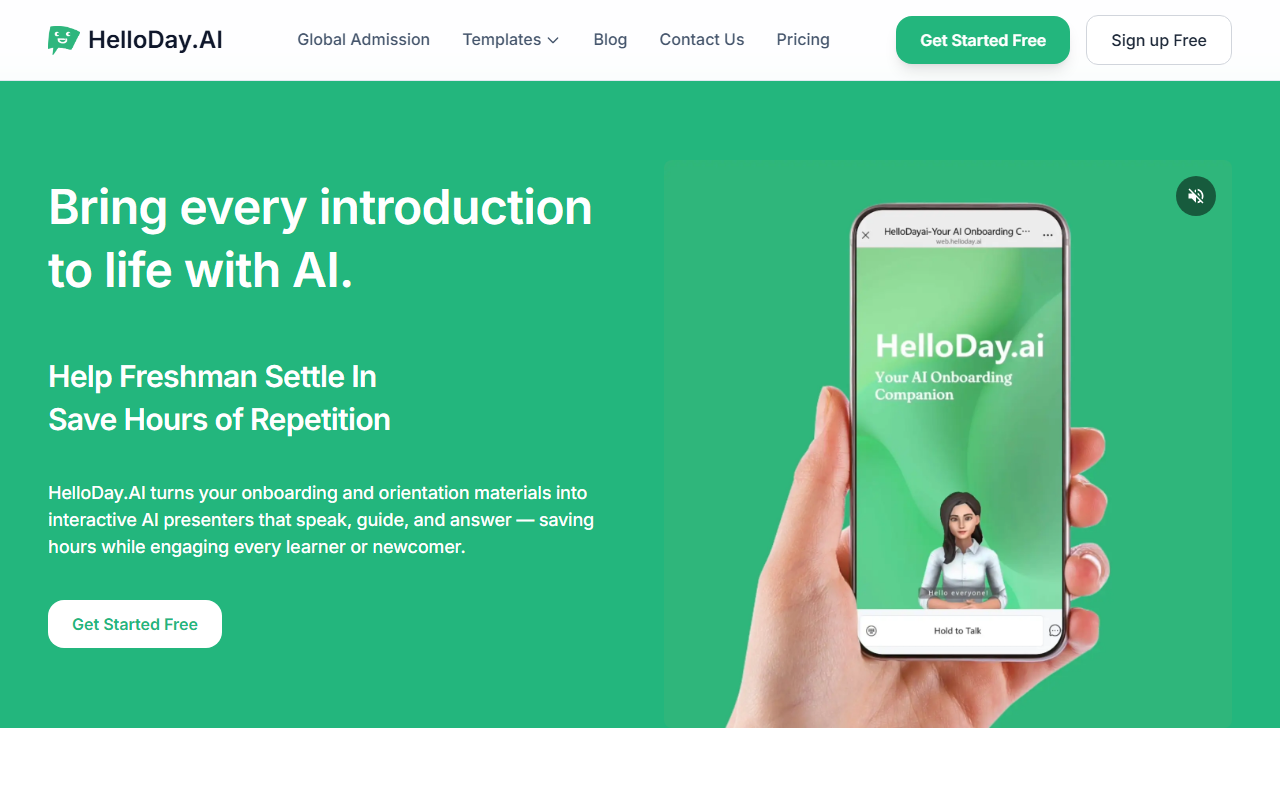
Upon visiting the HelloDay.ai website, I was greeted by a clean, modern interface with clear calls to action. The hero section immediately highlights the core value proposition: turning onboarding materials into interactive AI presenters that speak, guide, and answer questions. A free sign-up button is prominently displayed, though the sign-up flow itself is behind a modal. During my exploration, I noticed the site offers several demo options for different verticals — university, corporate, K-12, and international programs — each with a dedicated “Try Demo” button. This structured approach makes it easy for a prospective user to quickly understand how the tool applies to their context.
Core Features and Technology
HelloDay.AI is not just a chatbot; it is a complete orientation assistant that converts static PDFs, slide decks, and documents into a conversational AI knowledge base. The platform supports uploading PDFs, which are automatically indexed and turned into an interactive QA system. New learners can ask questions in natural language and get instant answers derived from the uploaded materials. The AI also features a “Knowledge Base” editor that lets administrators review, edit, and expand the content to improve accuracy. Engagement tracking is built in — administrators can see completion rates, spot inactive users (3+ days), and export reports for HR or academic compliance. Perhaps the most impressive technical highlight is the multilingual support: HelloDay.AI claims to handle over 20 languages, allowing international students or global employees to ask questions in their native tongue without requiring human translators. The underlying AI seems to leverage large language models (likely GPT-class), though the exact model is not publicly specified. No API access is mentioned on the site, but the platform appears to be a fully hosted SaaS solution.
Pricing and Market Positioning
HelloDay.AI’s pricing is refreshingly simple and aggressively low: $1 per user per month for both higher education and corporate customers. This contrasts sharply with traditional orientation costs ranging from $200–500 per new hire. For context, competitors like Enboarder and Talmundo offer onboarding platforms but often charge per-employee fees that are significantly higher, and they typically do not include AI-driven conversational QA or multilingual capabilities natively. Another alternative, such as Intercom’s chatbot, can be adapted for onboarding but lacks the dedicated document ingestion and tracking features HelloDay.AI provides out of the box. The tool is clearly positioned for cost-sensitive institutions and companies that want to scale orientation without proportional expense. However, the pricing page does not list any enterprise tier or custom options — what you see is likely the only plan. For very large deployments, the flat $1/user fee may be a bargain, but power users might want advanced customization or dedicated support that is not advertised.
Strengths and Limitations
The tool’s greatest strength is its value proposition: reducing onboarding costs by up to 99% while still offering a conversational, multilingual, and trackable experience. The ease of converting a PDF into an interactive assistant is genuinely impressive for any institution that currently hands out printed guides. The engagement tracking feature saves HR and orientation coordinators hours of manual follow-up. On the downside, the platform’s reliance on text-based QA means it is limited when rich multimedia or hands-on training is required — it cannot simulate physical campus tours or lab safety drills. Additionally, the sample demos feel slightly scripted; real-world performance will depend on how well the knowledge base is curated. The absence of any API documentation or third-party integrations may frustrate larger organizations that want to connect HelloDay.AI with their existing LMS or HR systems. Finally, as a relatively new player (no large community size or notable funding announcements are visible), some buyers might want more traction before committing.
Who should use HelloDay.AI? Universities and companies that rely heavily on repetitive Q&A during orientation — answering the same questions about campus maps, benefit forms, or policy handbooks — will see immediate value. It is especially useful for international programs where language barriers inflate costs. Teams that need a simple, one-step deployment without complex IT setup will find HelloDay.AI straightforward. Conversely, organizations requiring full-scale learning management with assessments, video production, or deep integrations should look elsewhere or wait for future product expansions. Overall, HelloDay.AI delivers on its promise of affordable, AI-driven orientation.
Visit HelloDay.ai at https://helloday.ai/ to explore it yourself.











Comments