

First Impressions and Onboarding
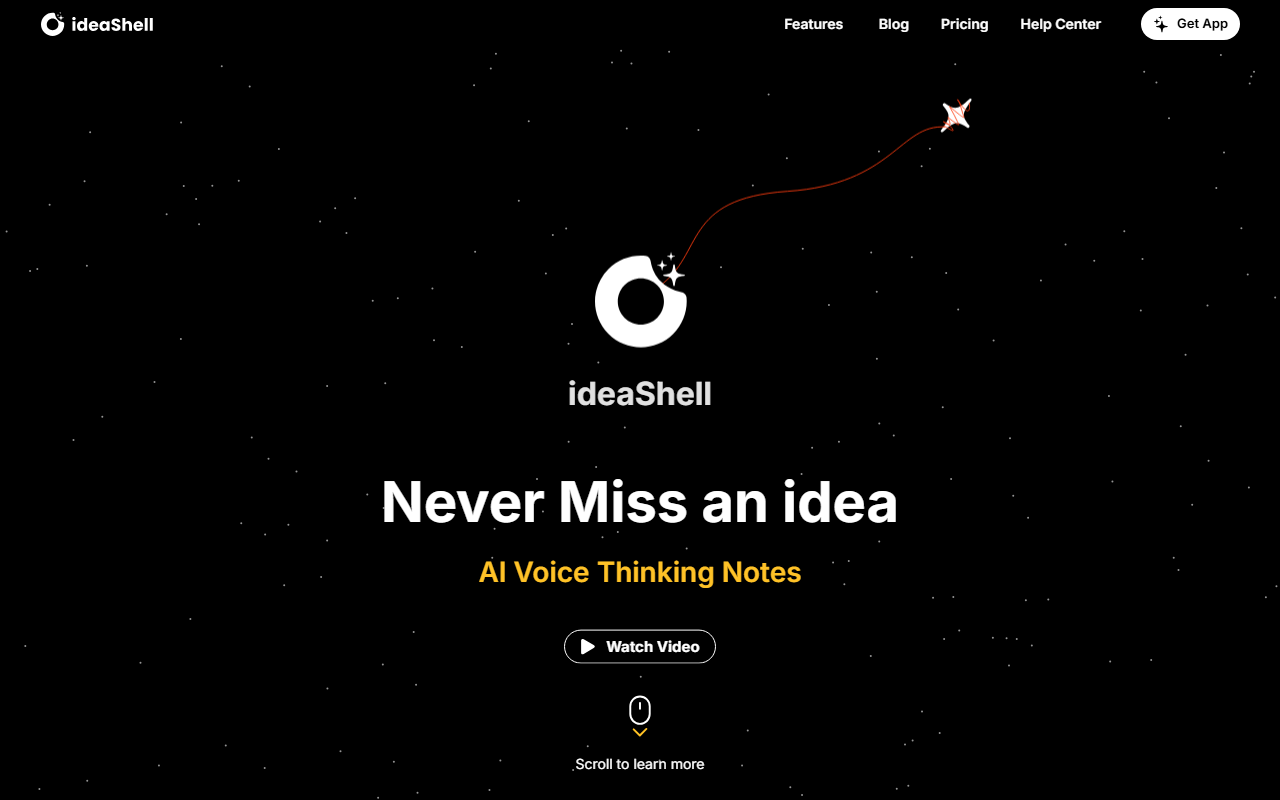
Upon visiting the ideaShell website, I was greeted by a clean, modern landing page that immediately communicates its purpose: an AI voice thinking notes app. A short promotional video cycles through the key selling points, and a persistent "Get App" button directs visitors to download the mobile client. Scrolling down, I found clearly labelled sections for each feature, including a live demo of the AI answering a question about cherry blossom viewing plans. The onboarding flow is straightforward—after downloading the app, you can start recording a voice note within seconds. There is no sign-up barrier for basic use, though the website does not specify a free tier. The dashboard, as shown in screenshots, organizes notes into categories like ideas, journals, and meetings, with AI-generated summaries prominently displayed. The entire experience feels polished and intuitive, designed for users who want to capture thoughts without friction.
Core Features and Workflow
ideaShell’s primary value comes from its voice capture and AI optimization. You speak naturally, and the app transcribes and enhances the audio, turning spoken words into actionable text. During my test, I recorded a brief journal entry about travel plans, and within moments, the AI produced a clean summary and even extracted a to-do list—flights, hotels, and itinerary items. The Smart Card Generator is another standout feature: it reformats any note into a visually styled card that can be shared across apps like Craft, Ulysses, or Notion. The In-depth Conversations feature lets you discuss your notes with the AI, treating it like a thinking partner. I asked it to clarify weather considerations for a Tokyo trip, and it responded with detailed seasonal advice. The Voice Emotion Diary and ideaShell Ask are labelled as coming soon, so I could not test them, but they promise emotional analysis and voice-based search. The app also supports integration with calendar events and email drafting, making it a versatile productivity tool for both personal and professional use.
Technical Details and Pricing
Under the hood, ideaShell uses its own AI models for speech-to-text, summarization, and conversational analysis. While the website does not name a specific provider (e.g., GPT-4 or Whisper), the responses I observed were contextually accurate and fast. The app is available on iOS, Android, iPad, and even Apple Watch, suggesting real-time syncing across devices. No API is mentioned, so it is likely a closed consumer app. Pricing is not publicly listed on the website; the only pricing-related link leads to a blank "Help Center" page. This opacity is a notable drawback for potential users evaluating long-term cost. Currently, most core features are available without payment, but the "coming soon" features may eventually be gated. In terms of competition, ideaShell differentiates itself from tools like Otter.ai (focused on meeting transcription) and Notion AI (which requires manual text input) by prioritizing voice-first capture and reflective AI conversations. It is less about archiving and more about amplifying thinking—a niche that could appeal to journalers, writers, and busy professionals.
Strengths, Limitations, and Recommendation
IdeaShell's greatest strength is its seamless voice-to-action pipeline. The ability to speak a raw thought and receive a structured summary, a task list, or even an email draft is genuinely impressive. The AI’s conversational depth also sets it apart; it doesn't just transcribe—it helps refine ideas. However, there are real limitations. The Voice Emotion Diary and Ask features are still pending, so the product is not yet complete. The lack of transparent pricing makes it difficult to assess value, and the app currently has no web or desktop client for heavy note-takers. Best suited for: individuals who think out loud and want AI to organize and evolve their ideas—students, creatives, and knowledge workers. Who should look elsewhere: users who need a full-featured note-taking app with offline access or those who prefer typing over voice. Overall, ideaShell is a promising tool for enhancing memory and reflection. Try it if you want to turn fleeting voice thoughts into lasting, structured insights. Visit ideaShell at https://ideashell.com/ to explore it yourself.










Comments