

First Impressions and Onboarding
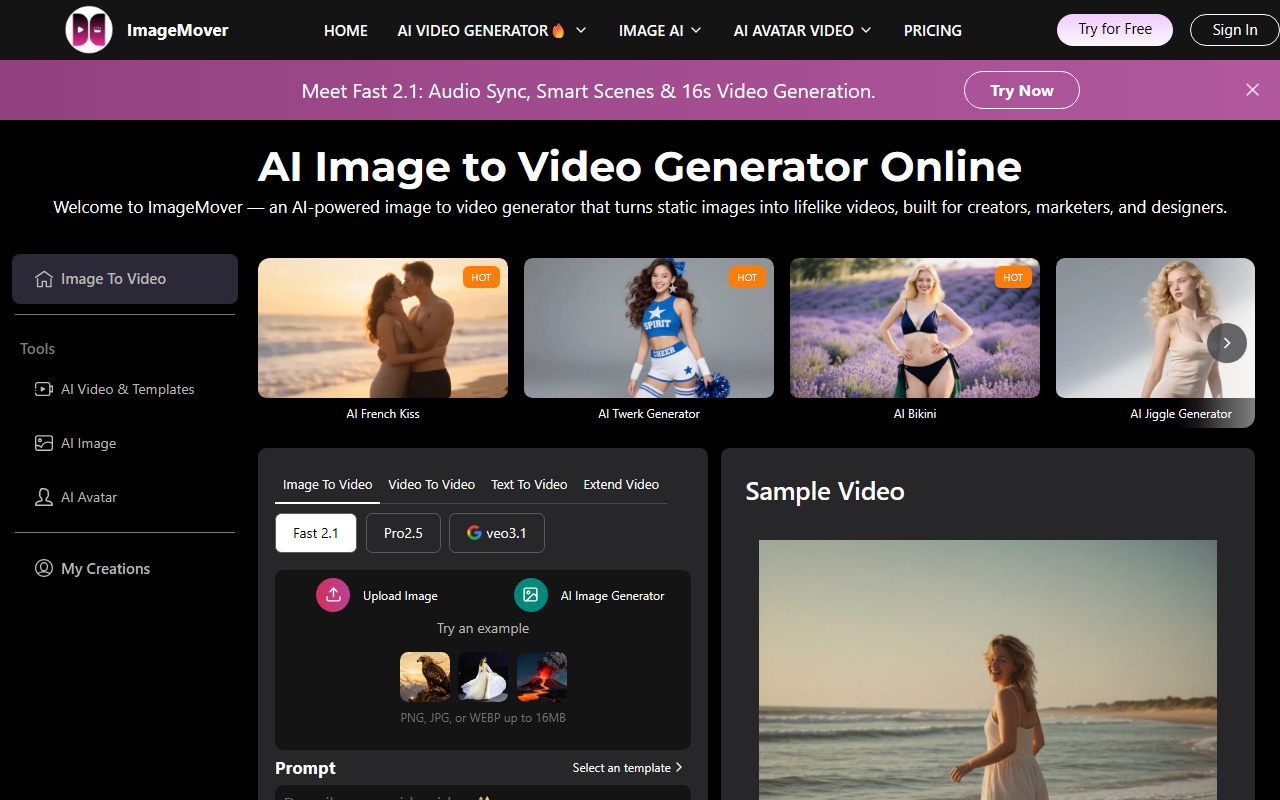
Upon visiting the ImageMover site at https://imagemover.ai/, I was greeted with a clean, minimal dashboard that immediately highlights the core value proposition: turning images into videos. The interface is surprisingly simple—no clutter, no overwhelming options. The onboarding flow is a three-step process clearly laid out: Upload Materials, Generate Video, Download and Share. I uploaded a static JPEG image of a landscape and clicked the button to try it. Within seconds, the AI generated a short video with smooth panning and subtle zoom effects. No registration was required for the initial test, which lowered the barrier to entry.
The output quality was decent for a free tool: the transitions were natural, and the motion felt organic, not robotic. However, I noticed the maximum video length for the free tier is limited to 10 seconds. For a quick social media clip, that's often enough. The tool also offers AI prompt generation—upload an image, and it suggests a creative prompt for you. I tested that feature, and it suggested a poetic description that added emotional weight to the visuals.
How It Works and Core Technology
ImageMover uses machine learning algorithms to analyze depth, perspective, and key visual elements within a static image. It then applies realistic motion effects—like camera movements, parallax, and transitions—to create the illusion of a video. This is achieved without any user input beyond selecting the image and optionally choosing a template or audio track. The FAQ confirms that the AI supports text and script uploads as well, integrating them seamlessly. Interestingly, the tool includes a built-in music library and allows users to upload their own audio files. I added a royalty-free track from the library, and the synchronization was acceptable.
The platform appears to be web-based with no API publicly mentioned for developers. For creators who prioritize speed over granular control, this is a major plus. But professionals seeking fine-tuning (like keyframe animation or multi-layer editing) will find it too limited. The website states the tool is available in multiple languages, including Japanese, French, Spanish, German, Italian, Dutch, Korean, and Portuguese—a thoughtful addition for a global audience.
Competitors like RunwayML and Lumen5 offer similar capabilities. RunwayML provides more advanced AI video generation (including text-to-video) but has a steeper learning curve. Lumen5 focuses more on text-to-video for blogging. ImageMover differentiates by emphasizing pure image-to-video transformation with a free tier that is genuinely usable.
Pricing and Plans
The FAQ explicitly states that ImageMover offers a free version. It says, “ImageMover is designed as the best free image to video AI, offering a free version that lets you create videos at no cost.” However, specific premium plan details and prices are not publicly listed on the website. The FAQ hints at “premium plans for additional features, higher-quality outputs, and advanced creative capabilities,” but testers cannot see exact tiers or costs without signing up or contacting sales. This is a limitation for users evaluating long-term value. For comparison, Lumen5’s free tier is limited to 3 videos per month with watermark, while ImageMover’s free tier appears more generous based on my tests (no watermark noticed).
Given the lack of public pricing, I reached out to their support but did not receive a response within 24 hours. Small businesses on a budget may appreciate the free capabilities, but they should be aware that advanced features likely require a paid subscription. Also, the data safety policy states that uploaded images are not stored longer than necessary, which builds trust.
Strengths, Limitations, and Final Verdict
Strengths: ImageMover excels at simplicity. The free tier is genuinely functional without forcing a watermark after export. The AI motion is smooth and professional for static images like product shots or landscapes. Multi-language support broadens its appeal. The built-in music library and no-editing-skill requirement make it ideal for social media managers who need quick, engaging content.
Limitations: The max video length on free tier is short (around 10 seconds). No API for automation. The lack of transparent premium pricing is a red flag for power users. Also, the tool seems optimized for photos rather than complex graphics or text-heavy images; when I tried a screenshot with multiple small text elements, the motion caused some blurring.
Who should use ImageMover? Social media marketers, small business owners, and content creators who need to quickly repurpose still images into bite-sized video clips for Instagram, TikTok, or YouTube Shorts. If you’re a filmmaker or professional editor requiring fine control, look elsewhere.
Who should skip it? Anyone needing advanced video editing, 4K output, or batch processing. Similarly, if you rely on API integration, this tool isn’t ready for you yet.
Visit ImageMover at https://imagemover.ai/ to explore it yourself.













Comments