

First Impressions and Onboarding
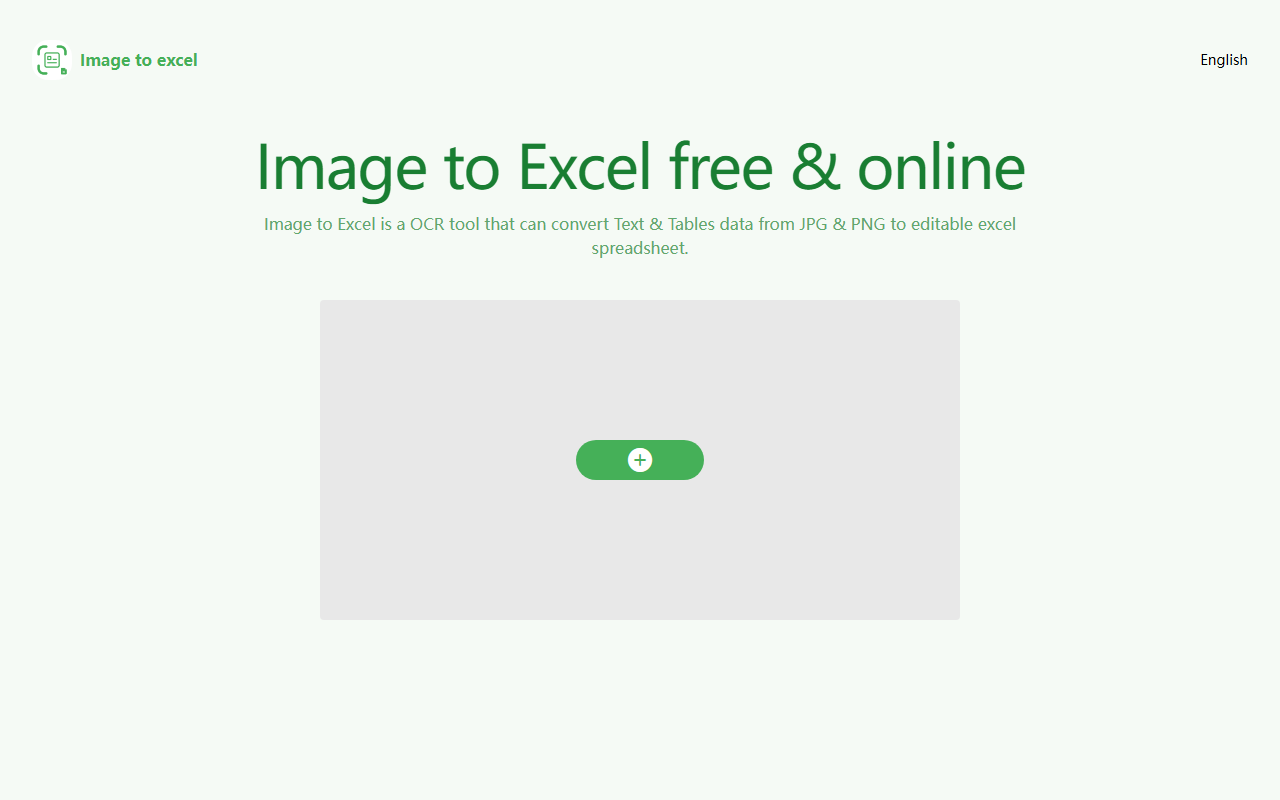
Upon visiting the iZhiyaKeji Image to Excel website, I was greeted by a clean, no-nonsense interface. The page immediately displays a drag-and-drop upload area with a prominent "Convert" button. No sign-up required — this is a truly free online tool. I tested it with a JPG of a simple data table from a financial report. After uploading, the conversion took about three seconds. The output was a downloadable .xlsx file that preserved the table structure and numeric values. The process was impressively straightforward. The site also features links to Google Play and the App Store for mobile versions, a multilingual FAQ, and a small slider showing conversion examples. This setup gives a strong first impression of accessibility and speed.
Core Features and Performance
The tool is built on OCR technology that recognizes both text and table structures in images. It supports JPG and PNG file types, and the AI engine aims for high precision. During my test, the converted Excel file maintained row and column alignment, and even detected non-table text outside the grid. The FAQ recommends images where the table is clear, flat, and correctly oriented, with text no smaller than 40 pixels. It also advises cropping out non-table areas for best results. This is a realistic limitation: while the tool handles well-lit, straight-on photos, highly distorted or low-resolution images will likely degrade accuracy. Currently supported languages are English, Simplified Chinese, and Traditional Chinese — no multilingual OCR beyond that. Compared to alternatives like Nanonets or Adobe Acrobat, iZhiyaKeji focuses exclusively on image-to-Excel conversion, trading breadth of features for simplicity and cost.
Pricing and Platform Availability
Pricing is not publicly listed on the website; the entire service appears to be free, with no visible limits on file sizes or number of conversions during my testing. This is a major strength for casual users or those with occasional needs. The tool is available as a web app, plus native iOS and Android applications, ensuring you can capture a table on the go and convert it directly on your phone. The web version works in any modern browser. There is no mention of an API or batch processing, so it is likely designed for single-file conversions. The lack of any premium tier or watermark hints that the tool might be monetized via ads (none were visible on the test page) or as part of a larger suite under the iZhiyaKeji brand.
Who Should Use iZhiyaKeji?
This tool is ideal for students, office workers, or researchers who need to quickly digitize printed tables without manual retyping. Its free, no-registration approach makes it a great choice for infrequent use. However, power users requiring batch processing, high-volume automation, or support for additional languages (like Japanese or German) should look elsewhere. The image quality requirements also mean it may not suit poorly lit or handwritten tables. If you occasionally receive PDF reports or scanned tables and want a hassle-free conversion, iZhiyaKeji delivers exactly what it promises. For a lightweight, no-cost solution, it stands out in the crowded OCR space. Visit iZhiyaKeji at https://itexcel.izhiyakeji.com/ to explore it yourself.










Comments