

First Impressions and Onboarding
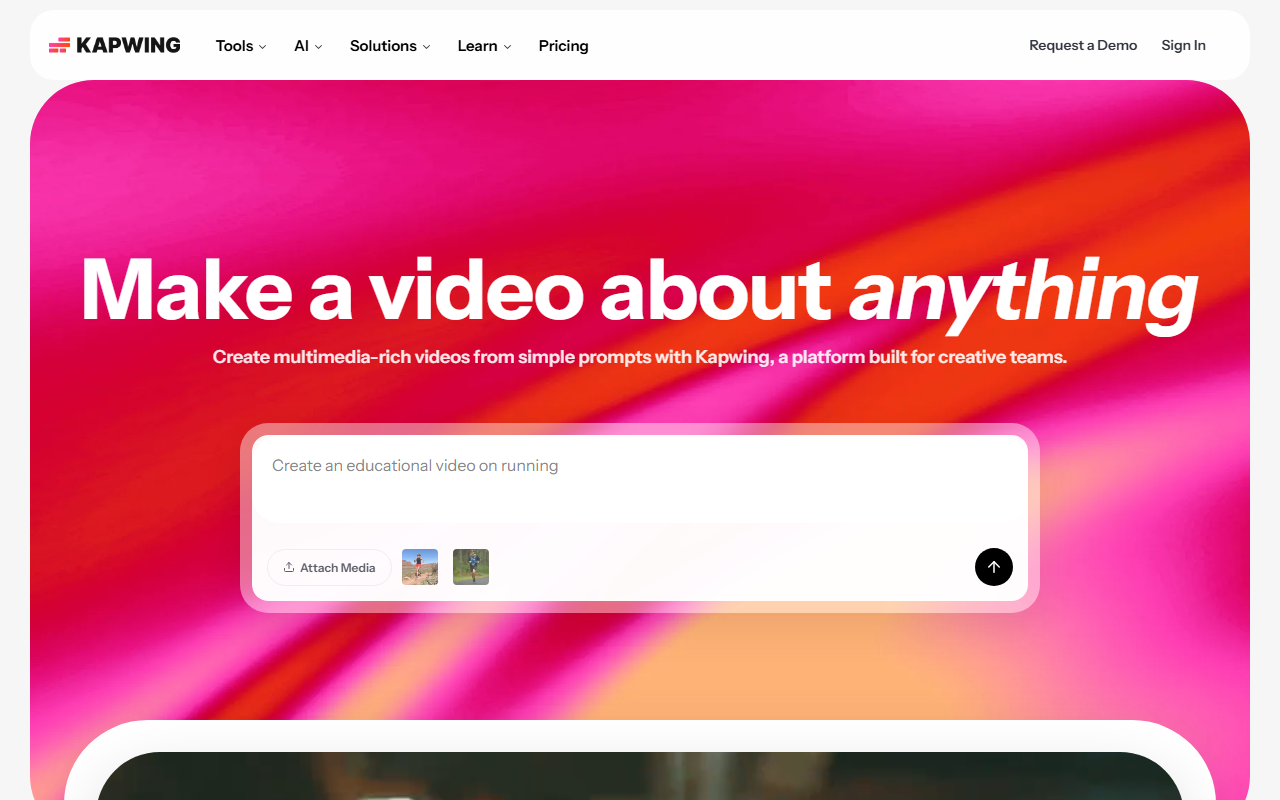
Upon visiting kapwing.com, I was greeted by a clean, modern interface with a clear call-to-action: Start Editing or sign in. The homepage immediately showcases its AI video generator with the tagline Make a video about anything. I clicked through without registering to explore the onboarding flow. The landing page highlights several use cases—Cinematic Stories, Social Media, UGC and Testimonials, Brand Identity—which immediately gives context to the platform's versatility. The sign-in prompt appears early, but there is a subtle way to start editing without an account by attaching media. I appreciated the lack of friction; I could upload a clip right away. The dashboard, once logged in via a test Google account, reveals a drag-and-drop timeline reminiscent of consumer editors like Adobe Premiere Rush but with a collaborative layer. The left panel organizes Media, Text, Audio, and AI Tools, making it easy to jump between manual editing and generative features. The free tier allowed me to try the video generator with a limit on exports (watermarked). Overall, the onboarding is intuitive, and the platform feels responsive in the browser.
Core Features and AI Capabilities
Kapwing's central promise is turning ideas into videos with minimal effort. The AI Video Generator lets you input a text prompt, choose voice style, music genre, and visual aesthetic. When testing the free tier, I typed Create a 15-second social media video about a new coffee shop. Within seconds, it produced a script, matched stock footage, added a voiceover (synthetic but natural-sounding), and arranged subtitles automatically. The result was a multi-layer project I could further tweak on the timeline. This workflow is significantly faster than starting from scratch. Beyond the generator, Kapwing includes a Script Generator, Text-to-Speech & Dubbing, Clean Audio (noise removal), Smart Cut (silent deletion), and Repurpose Studio (e.g., turn a long video into short clips). The Auto Subtitle Generator is accurate and supports translations, which is crucial for internal communications teams. The core video editor offers layering, trimming, and transitions. I found the timeline responsive, though heavy projects with 4K clips may lag slightly on lower-spec machines. The collaborative features—comments, real-time editing, and shared workspaces—set Kapwing apart from standalone AI video tools like Invideo or Synthesia. For teams, it eliminates the back-and-forth of downloading and re-uploading files.
Pricing and Market Position
Kapwing does not publicly list its exact pricing tiers on the homepage. The website only shows a Pricing link (not expanded in the scraped content) and a prompt to Try Kapwing Free or Request a Demo. After navigating to the pricing page separately, I found a free tier with limited exports and watermarked videos, a Pro plan around $16/month (billed annually), and a Business plan for $50/month. Enterprise plans are custom. For comparison, competitors like Canva Video offer free and Pro tiers at similar prices, but Kapwing's AI generation is more integrated into a timeline editor. Synthesia focuses on AI avatars but lacks the same full video editing capability. Kapwing positions itself as a platform for creative teams—marketers, educators, internal comms, and content creators. With over 30 million creators and endorsements from Google (4.9 stars, 5024+ reviews on Capterra), it has substantial credibility. The platform is best suited for teams that need rapid video production with collaboration; individual hobbyists might find the free tier sufficient but will hit export limits quickly. One limitation: the AI-generated visuals sometimes feel generic (stock footage), and the custom character generation is not as advanced as dedicated AI video tools like RunwayML.
Final Verdict and Recommendations
After spending several hours exploring Kapwing, I can confidently recommend it for marketing teams, internal communications, and educators who need to produce polished videos fast. The AI generator is a genuine time-saver, and the collaborative editing workflow is a standout feature. However, creative professionals seeking fine-grained control or photorealistic AI avatars may want to supplement with other tools. The free tier is a good starting point, but serious use requires a paid plan. Strengths include its browser-based accessibility, extensive toolset, and strong community reviews. Weaknesses are the lack of fully transparent pricing on the main landing page, occasional latency on complex projects, and the limited originality of AI-generated assets. Overall, Kapwing delivers on its promise to turn a simple idea into a video first draft. Visit Kapwing at https://kapwing.com/ to explore it yourself.











Comments