

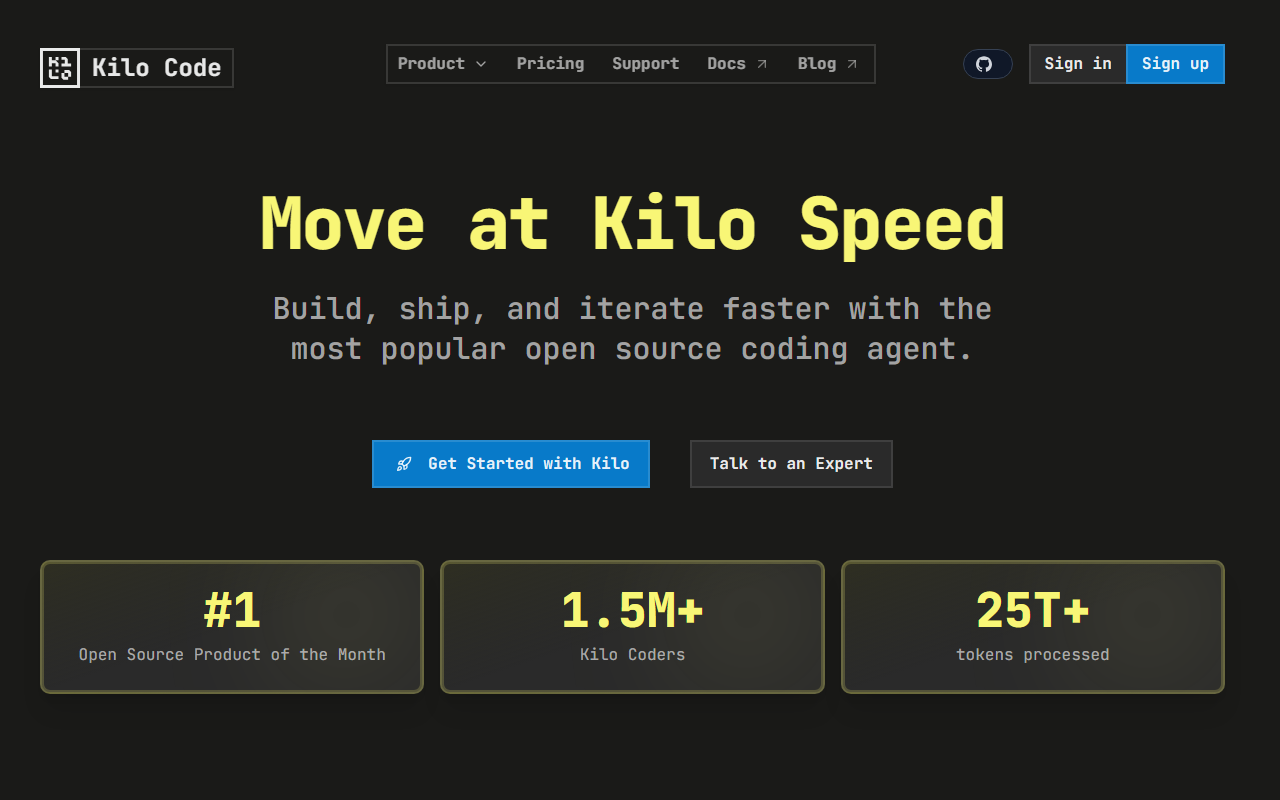
First Impressions and Onboarding
Upon visiting Kilo's website, I was immediately struck by the clarity of its value proposition: an open-source AI coding agent that works across VS Code, JetBrains, and the command line. The dashboard-like landing page presents two main paths—Kilo Code (the IDE extension) and KiloClaw (a hosted OpenClaw agent). Signing up was straightforward; I used my GitHub account and was guided to install the VS Code extension. The onboarding flow walked me through selecting a model provider (supports over 500 models via Kilo Gateway) and configuring agent modes.
When testing the free tier (Kilo Auto), I found the interface within VS Code to be clean and non-intrusive. It sits as a sidebar panel, offering six specialized modes: Code, Architect, Debug, Ask, Custom, and a new App Builder. I switched to Debug mode after deliberately introducing a bug in a Python script. The agent scanned the error stack trace, traced the relevant functions, and suggested a fix with a clear explanation—impressive speed and context awareness.
Core Features and Technical Depth
Kilo Code is built on the OpenClaw framework, an open-source foundation that allows the agent to understand your entire codebase. The technical architecture supports both local and cloud-based models through the Kilo Gateway, with zero markup on API calls. Key modes include:
- Code Mode: Writes, refactors, and ships production code with full context.
- Architect Mode: Plans complex features before coding begins.
- Debug Mode: Identifies and fixes bugs by reading errors and tracing issues.
- Ask/Custom: General Q&A and tailored workflows.
The tool integrates with VS Code, JetBrains (IntelliJ, PyCharm, WebStorm), CLI, and even Slack. KiloClaw extends this to a hosted agent that runs 24/7, connects to Telegram/Discord/Slack, and supports scheduled tasks via cron. Deployment takes under 60 seconds—no SSH, Docker, or YAML required. Security is backed by a whitepaper, and auto-restart/updates are included.
Pricing and Market Positioning
Kilo offers a free tier (Kilo Auto) with no credit card required. For KiloClaw, pricing is not publicly listed on the website beyond the mention of “zero markup” on models. However, based on typical OpenClaw hosting costs, expect a subscription model for the managed service. The open-source Kilo Code extension is completely free. Compared to alternatives like Cursor (a paid AI-powered IDE) or GitHub Copilot (subscription-based), Kilo differentiates itself with full open-source transparency and agentic autonomy across multiple platforms. It competes directly with tools like Codeium and Tabnine but wins on agent mode flexibility and model freedom.
Honest Assessment – Strengths and Limitations
Strengths: Kilo’s open-source nature (Apache-2.0 license) ensures no vendor lock-in. The multi-mode agent is genuinely useful—switching from code to debugging to planning without context loss. The hosted KiloClaw saves DevOps headaches for teams wanting a persistent agent. With 2.3M+ users and 25T+ tokens processed, community trust is evident. Integration with JetBrains beyond just VS Code is a major plus.
Limitations: The free tier is limited to auto mode and may throttle advanced workflows. Setting up custom models can be confusing for non-technical users. The agent occasionally struggles with very large codebases or highly specific frameworks. Also, pricing for KiloClaw is not transparently listed—teams needing budget predictability should contact sales first.
Kilo is best suited for solo developers and teams who want an open, customizable AI coding assistant without monthly fees for the IDE extension. Those preferring a fully integrated, opinionated experience like Cursor may find Kilo’s flexibility overwhelming. I recommend starting with the free VS Code extension to test agent modes, then upgrading to KiloClaw if you need persistent cloud agents. Visit Kilo at https://kilocode.ai/ to explore it yourself.













Comments