

Kling 4.0 on kling-4.art: What This Independent Studio Actually Delivers
Upon visiting kling-4.art, the first thing worth understanding is that this is not Kling AI's own website. A short disclaimer in the hero area states plainly that "kling-4.art is not affiliated with Kling AI." What the site actually is, then, is a third-party browser studio that wraps Kling AI's Kling 4.0 video model in a single-page generation form — no desktop install, no app-store detour, just a prompt box, an upload tray, and a render queue. The tool's stated job is narrow and practical: let you generate 3–30 second clips at up to 1080p using Kling 4.0's text-to-video, keyframe, and Omni Reference modes, then download the file. It does that job with more transparency about its own limits than most AI wrapper sites bother to offer.
First Impressions of the kling-4.art Workspace
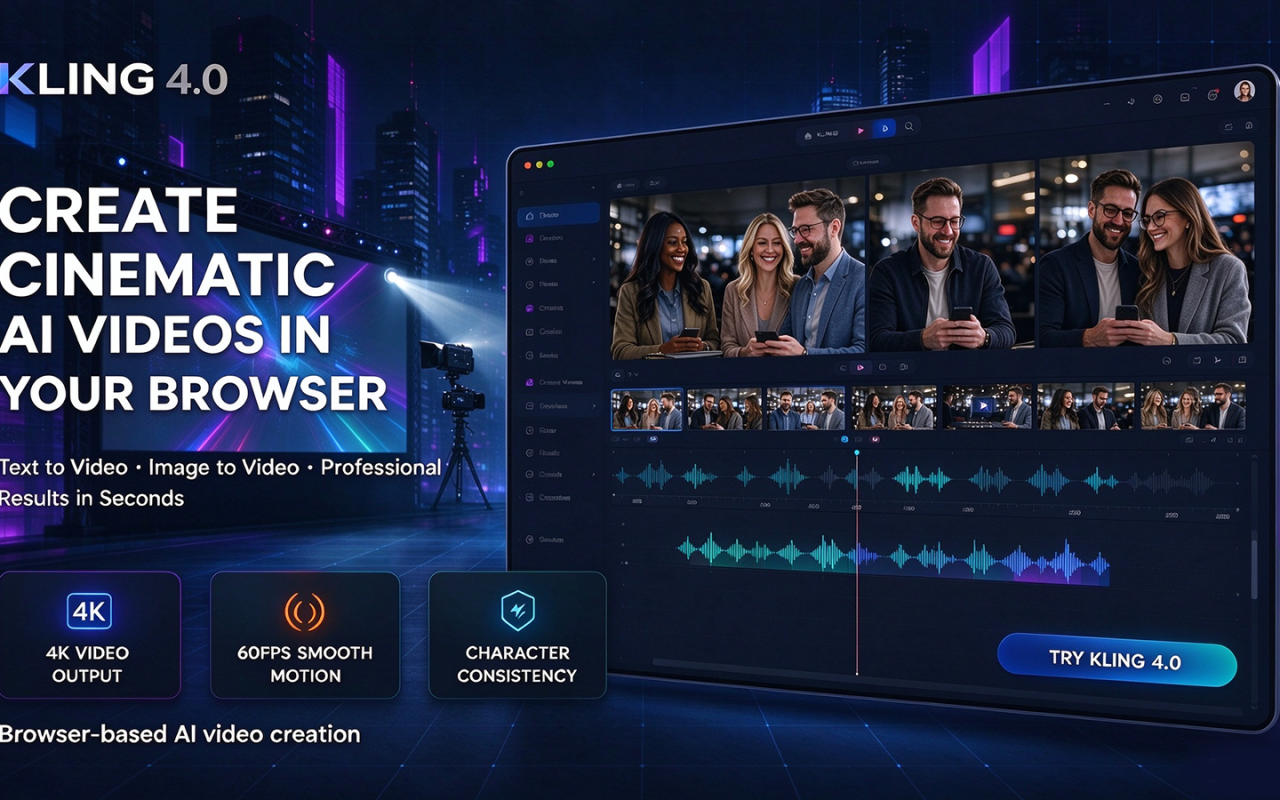
The dashboard shows a two-column layout. On the left sits the input stack: a large "Describe your video" textarea, a source-media tray split into reference images and reference videos, and an output settings block. On the right is a preview panel that plays official Kling 4.0 sample clips — "Friends Reunite," "Fantasy Heroine," "Orange Soda Ad," "Character and Scene Replacement" — each labeled with the creation method that produced it, so you can see what text-to-video, image-to-video, first-frame, last-frame, multi-keyframe, and Omni Reference output actually look like before you spend a credit. When testing the free tier, I found the form prefilled with a 5-second, 720p, 16:9 configuration and a live estimate of roughly 25 credits next to the Generate Video button. That estimate updates as you change duration or resolution, which sounds minor but is the single most useful design decision on the page: nobody has to guess what a render will cost.
Sign-in is required before uploading media or submitting a generation request, and the site says so upfront rather than after a failed submit. Finished renders appear in the preview panel with a Download button.
Keyframes, Omni Reference, and the Control Stack
This is where Kling 4.0 separates itself from earlier video models, and where the wrapper's constraints become visible. Three generation modes are exposed:
- Text to Video — a prompt alone describes subject, action, camera movement, and visual detail.
- Keyframes — a required first frame plus optional middle and last frames, up to 10 images total, letting you pin specific moments rather than hoping the model lands on them.
- Omni Reference — up to 15 combined files (10 images, 5 videos, 30 seconds of video total, shortest side at least 700 px, PNG or WebP for stills) to steer look, subject, and motion.
The honest caveat: you cannot combine Keyframes and Omni Reference in a single generation. The site says this directly in its FAQ. It also notes that Kling 4.0 as a model supports voice references, but voice uploads are not yet available in this generator — a real gap if you were planning to clone a voice and lip-sync it. Text and emoji rendering supports multiple languages, and stereo audio output is available, though the studio does not expose granular audio controls.
Credits, Pricing, and Output Limits
Pricing is not publicly listed on the website in dollar terms; the model is credit-based, with a "View pricing" link in the footer and credit costs disclosed per render. Those rates are concrete: 5 credits per second at 720p and 8 credits per second at 1080p. A 5-second 720p clip therefore runs about 25 credits, a 30-second 1080p clip about 240 — a 10x spread that should shape how you plan a project. Credits are charged at generation time, and the site is explicit that the number on the button is an estimate, so read the total before submitting.
Output settings are narrower than the model's own spec sheet. Durations run 3 to 30 seconds and aspect ratios cover 16:9, 9:16, 1:1, and 21:9, with Keyframes mode locked to Auto framing. Resolution stops at 1080p here. Kling 4.0 supports 4K and 10-bit HDR at 1080p and 4K, and the site lists 4K in the interface marked "coming soon" — but as of this review, it does not render. Anyone selling 4K deliverables should plan around that limitation rather than the model's headline capability.
How It Compares to Runway, Veo, and Kling's Own App
Against Runway Gen-4 and Google's Veo line, Kling 4.0's differentiator is duration and checkpointing: 30-second scenes and up to 10 keyframes are a broader canvas than most competitors expose in a consumer-facing form, while Runway still leads on integrated editing tooling and Veo on prompt adherence for complex physical motion. Against Kling AI's official product, kling-4.art trades features for access — you get the model without the full app, and you lose 4K and voice reference support in the process. That positioning makes it a specialist's tool rather than a generalist's: if your project is a 30-second keyframed narrative beat, Kling's approach is genuinely differentiated; if it is a five-shot sequence needing consistent characters across cuts, neither this wrapper nor the underlying model is a complete answer yet. The site does not publish user numbers, funding, or uptime statistics, so treat it as a lightweight front end rather than a platform.
Who Should Use kling-4.art — and Who Should Look Elsewhere
The genuine strength is workflow clarity: transparent per-second credit pricing, labeled official examples for each mode, and a three-step path (choose how to start, describe the scene, generate and download) that a first-time user can follow without a tutorial. The genuine limitation is that it is an unaffiliated wrapper with feature lag — no 4K, no voice uploads, no mode mixing — so your output quality is ultimately Kling's, while your ceiling is set by this site's implementation.
It fits social creators, e-commerce sellers, indie filmmakers, and ad teams prototyping 3–30 second vertical or widescreen clips on a per-render budget. Studios needing 4K masters, voice cloning, or production-grade asset management should go to Kling AI directly or to a fuller editing suite.
If you want to test Kling 4.0's keyframe and reference control without committing to a subscription, start here with a single 5-second 720p render — that 25-credit test will tell you more than any example reel.
Visit kling-4.art at https://kling-4.art to explore it yourself.











Comments