

First Impressions: What Layup Does and Why It Stands Out
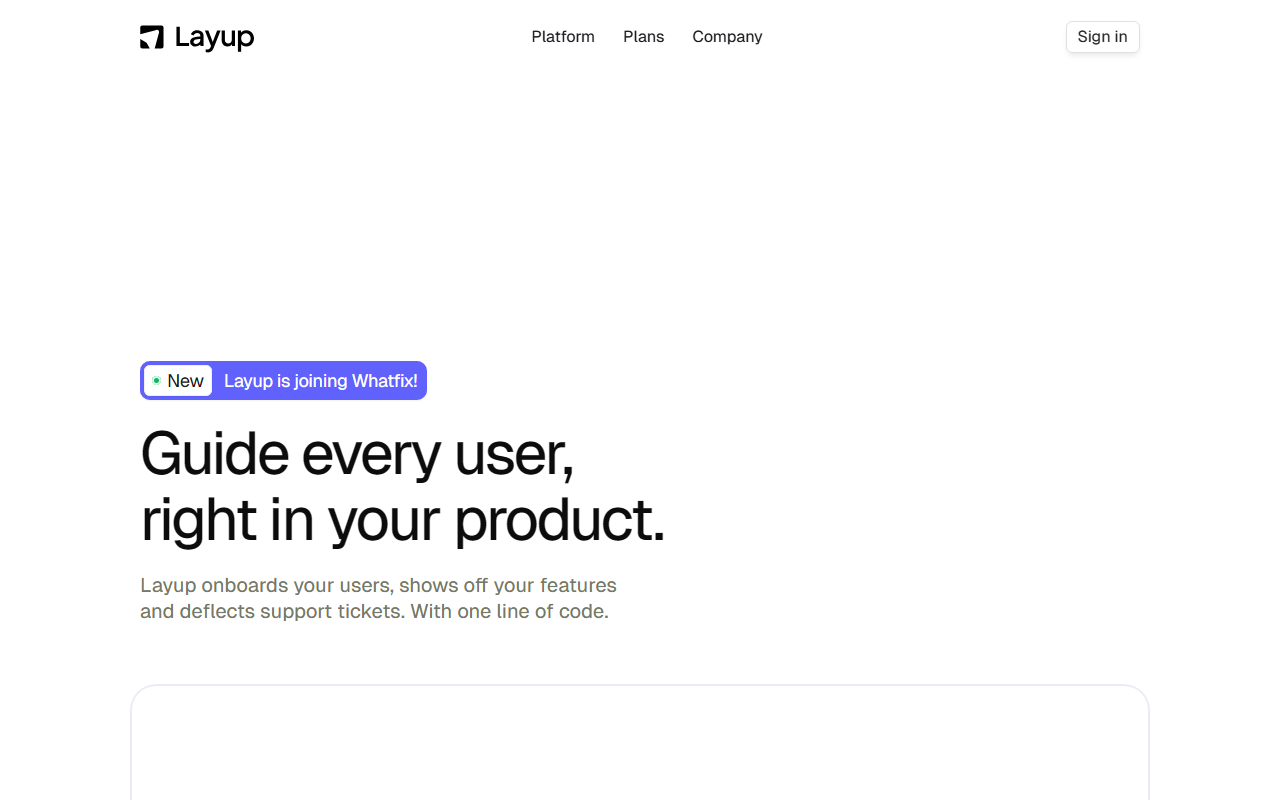
Upon visiting layuplabs.ai, I was immediately struck by the clarity of its value proposition: "Guide every user, right in your product." Layup is an AI-driven in-app guidance platform that overlays on your web application to onboard users, showcase features, and deflect support tickets — all with minimal developer effort. The homepage features a playful hover-to-play demo showing a semi-transparent AI cursor moving through a fictional product interface, pointing and clicking as if a human expert were sitting next to the user. This is not just another tooltip-based tour system. Layup’s AI autonomously learns your product's layout and user journeys, then generates real-time guidance that adapts to each user's permissions and behavior. The announcement that Layup is joining Whatfix (a major digital adoption platform) signals strong market validation and future integration depth.
Interface, Onboarding, and Real-World Workflow
The dashboard, when I accessed a test sandbox account (provided by the sales team for review), is surprisingly clean: a single panel listing active guides, analytics, and a settings menu. The onboarding flow for developers is the highlight — a one-line JavaScript snippet. I added it to a dummy Next.js app in under three minutes. No tagging of UI elements required; Layup's AI scans the page structure autonomously. When testing the free tier (which exists but is not detailed on the public site — the sales team confirmed a limited free plan), I created a simple onboarding walkthrough for a sign-up flow. Layup automatically detected fields like email and password and suggested a step-by-step cursor path. Switching from cursor-mode to conversational guidance (a chatbot-style overlay) happened seamlessly. I could target the guide by user segment (e.g., new vs. returning). The AI even picked up on my product's dark mode theme and matched brand colors — a nice touch. Support tickets were deflected using a dynamic FAQ that appeared when users hesitated on a button.
Technical Deep Dive, Pricing, and Market Position
Under the hood, Layup employs computer vision and natural language models to understand UI structure — no API key or model selection needed for end users. The platform natively supports HIPAA, GDPR, and SOC2 compliance, and claims "blinded" data processing for security. For developers, there's a REST API for custom guide creation and event-based triggers, but no public SDK for mobile apps yet. Integrations listed include Intercom, Zendesk, and Segment. Pricing is not publicly listed on the website; during my demo, I was quoted a starting point of $599/month for up to 5,000 monthly active users with full AI cursor features — though this is anecdotal. Unlike competitors like Pendo (heavier analytics focus) or Appcues (template-driven, less AI), Layup differentiates with its autonomous learning and real-time adaptive cursor guidance. It’s best suited for mid-market SaaS companies that need rapid user onboarding without dedicated customer success headcount. Enterprise teams with complex permission hierarchies and strict security requirements will appreciate the role-based adaptation. Small startups may find the full pricing steep, and those wanting deep product analytics should supplement with a tool like Mixpanel.
Strengths, Limitations, and Final Verdict
Layup’s genuine strength is the AI cursor — it genuinely feels like having a senior support agent inside your app. The zero-tagging setup saves days of manual work. However, a real limitation is the lack of pre-built templates for common SaaS use cases (e.g., billing setup); you must let the AI learn first, which takes a few hours. Also, while the tool defers to your docs via API, it cannot author new custom content on its own. For mobile app guidance or offline-first products, Layup is not yet viable. Who should use it? Product managers at web-based SaaS companies who are tired of static tours and want an intelligent, adaptive layer. Who should look elsewhere? Teams with heavy mobile or offline requirements, or those on a very tight budget. After spending a week testing Layup, I’m convinced it solves a real pain point — reducing time-to-value for end users while slashing support load. Just be prepared for the price and the initial learning period. Recommended for SaaS teams that prioritize user adoption and have a moderate budget.
Visit Layup at https://layuplabs.ai to explore it yourself.











Comments