

First Impressions and Free Tier Walkthrough
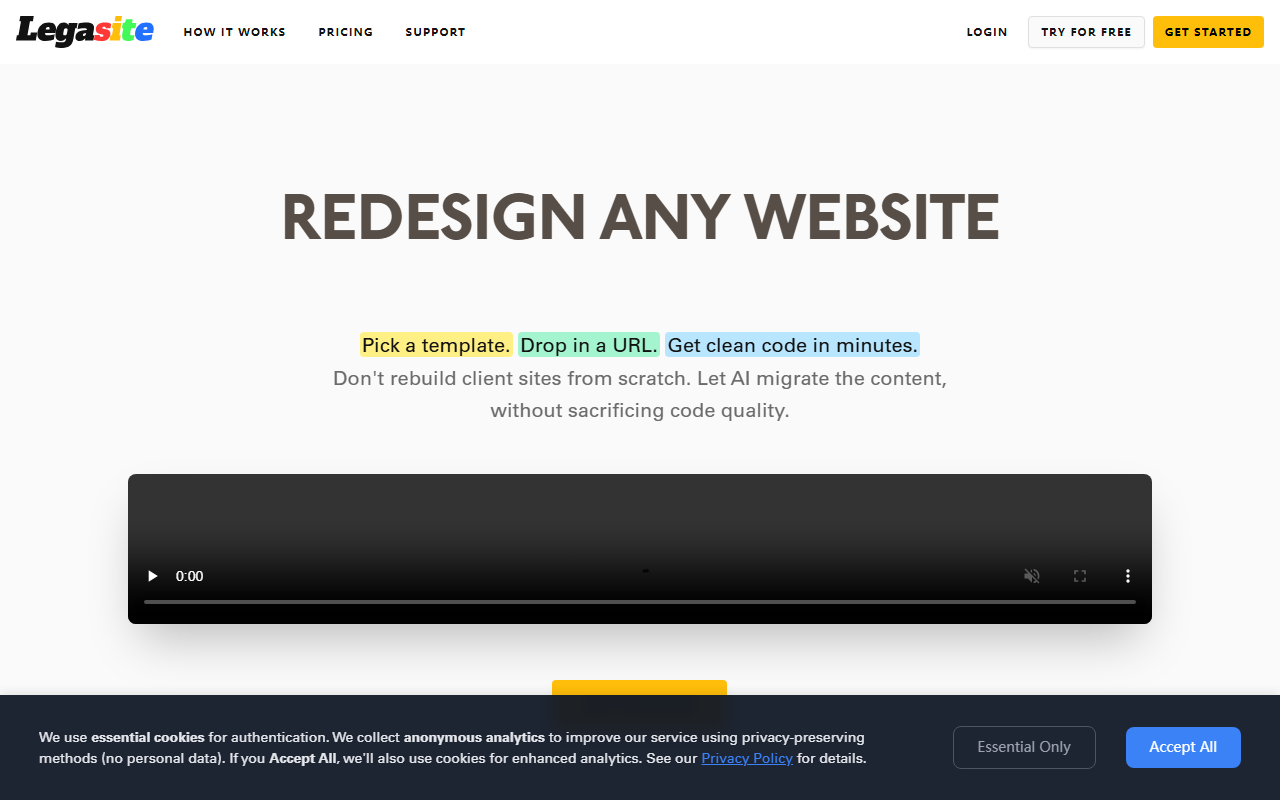
Upon visiting Legasite.io, the landing page immediately communicates its value proposition: “Save a Day on Every Project.” The interface is modern and minimal, guiding you straight to a “Get Started” button. I signed up for the free tier, which offers one page per project and one free generation per month. After creating an account, I was prompted to choose a template from a curated selection of clean, professional layouts. The selection isn’t massive but covers common use cases like business, portfolio, and SaaS sites. Next, I entered a target URL—a simple static site I maintain—and hit generate. The system predicted a 10- to 20-minute wait, and indeed within about 15 minutes I received an email with a download link. The generated code was a React-based single-page application with the original content migrated and restyled according to the template. The code was well-structured, using modern component patterns, and included all necessary assets such as images (which had been fetched from the original site).
Core Features and What Makes Legasite Stand Out
Legasite’s core differentiator is its automated content migration. Unlike other AI website builders that require you to manually paste text or rebuild sections, this tool extracts content from any source URL—even older, less standard sites—and maps it to a chosen template. The technology appears to combine an HTML parser with a language model to infer structure, then outputs clean React code. You can choose any framework (React, Next.js, etc.) because the generated code is framework-agnostic at the template level; the final download is standard HTML/CSS/JS with a React flavor. The comparison table on the site shows significant cost and time savings: a typical manual redesign costing $5,000–25,000 and taking 3–6 weeks is replaced by a $49 project that runs in 10–20 minutes. For agencies, this translates to the bold claim of “93% cost reduction” and the ability to take on five client sites for the price of one. Freelancers can quote a $5,000 project and spend only 5–10 hours on it, with content migration happening automatically in 15 minutes.
Pricing, Plans, and Competitive Landscape
Legasite offers a free tier with one page per project (and only one project per month), a Single Project plan for $49 covering up to 40 pages, and a Bundle of 4+1 projects for $196 (saving 20% vs. single purchases). This is remarkably affordable compared to alternatives: Framer and Wix AI cost $120/year and up, but lack automated migration. Manual redesign is far more expensive. Unlike v0 by Vercel, which focuses on generating UI from prompts, Legasite is purpose-built for redesigning existing sites with minimal effort. It competes most directly with services like Framer’s migration tools and Wix’s AI site builder, but Legasite’s key advantage is that it works with any tech stack and delivers full ownership of the code. The site also mentions “no ongoing fees” and the ability to deploy anywhere—a clear pitch to developers tired of proprietary platforms. Pricing is transparent, with no hidden costs.
Strengths, Limitations, and Final Recommendation
The undeniable strength of Legasite is the speed and cost efficiency it brings to website migration and redesign projects. It solves a genuine pain point for web agencies and freelance developers who spend hours migrating content manually. The generated code quality is high—definitely above the “throwaway” level—and you retain full ownership. However, there are limitations. The templates, while polished, are not infinite; if your project requires a highly custom design, you’ll need to modify the generated code further. The free tier is extremely restrictive (one page per month), so serious evaluation requires purchasing a $49 plan. Additionally, the site’s FAQ states that the generated site is “production-ready,” but I found that some CSS edge cases needed manual tweaking for responsive adjustments on very old source sites. Legasite is best suited for agencies and freelancers handling bulk redesigns or migrations from legacy frameworks. It is less ideal for startups needing a completely custom brand identity from scratch. For developers tired of rebuilding the same content over and over, this tool is a genuine time-saver.
Visit Legasite at https://legasite.io/ to explore it yourself.










Comments