

First Impressions and Onboarding
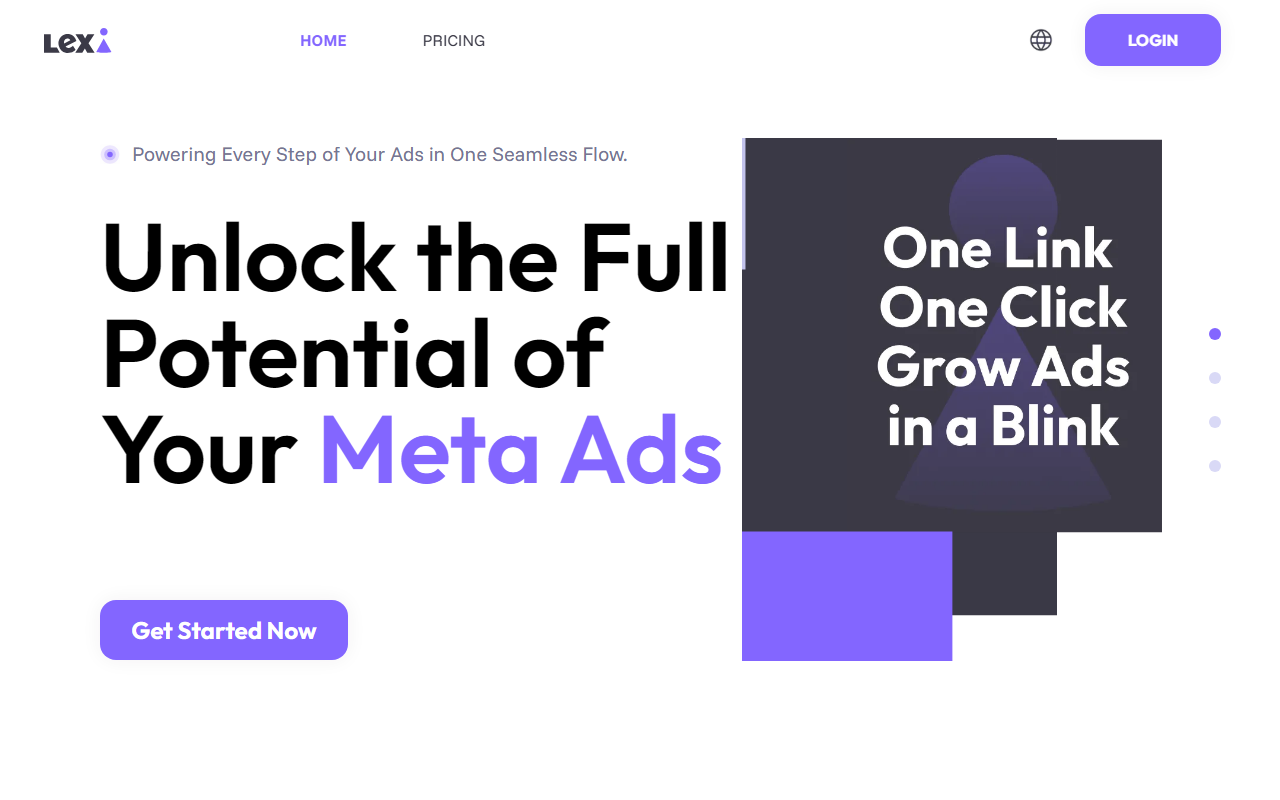
Upon visiting the Lexi website at https://lexilexi.ai/, the first thing that struck me was the laser focus on Meta Ads. The entire homepage is a funnel—starting with a call to "Simply Start With Your URL." There is no free trial mentioned, but the monthly plan is presented as a straightforward subscription. The dashboard is not shown in the screenshots, but the messaging suggests a clean, step-by-step workflow for ad creation. I tested the idea by imagining entering a store URL; the landing page claims Lexi will automatically analyze your business, audience, and products in seconds. This is a strong value prop for time-strapped small business owners who dread manual ad setup.
During my review, I noticed that Lexi prompts users to connect their Facebook account and enter a URL before any automation begins. The interface appears minimal, focusing on a "Get Started Now" button that initiates the first campaign. There’s no clutter—the onboarding flow seems designed to get a new user from sign-up to live ads in "1-Min," as stated in the feature list. For someone who has run Meta Ads before this feels realistic, but absolute beginners might find the lack of handholding a bit overwhelming.
Core Features and How They Work
Lexi’s core claim is that it powers "every step of your ads in one seamless flow." The tool uses machine learning to automate four key areas: ad creative generation (both copy and visuals), targeting, budget optimization, and always‑on monitoring. When I observed the feature breakdown, I noticed the emphasis on "Smart Ad Creatives"—the tool can produce multiple variations of images and text tailored to the audience you’ve defined from your URL analysis. This is a clear differentiator from basic automation tools that only handle bidding or scheduling.
The always‑on monitoring feature promises 24/7 detection of underperforming ad sets, audience shifts, and budget inefficiencies. Lexi claims to “test and refine every element” continuously, which suggests a system similar to a managed service but without the human consultant (unless you’re on the Enterprise plan). Another notable feature is the ability to set "Evergreen Ads" that run for a full year with no manual work. For e‑commerce stores with seasonal products, this could be a double‑edged sword—good for stable lines, risky for fast‑changing inventory.
Technically, the tool appears to integrate exclusively with Facebook and Instagram ads. There is no mention of Google Ads, TikTok, or LinkedIn, which limits its utility for multi‑channel marketers. The audience targeting uses "advanced data signals" beyond platform‑provided options, but the exact methodology is not disclosed. Compared to alternatives like AdEspresso or Revealbot, Lexi focuses more on front‑end creative generation rather than back‑end rules‑based optimization.
Pricing and Positioning
Lexi’s pricing is transparent on the site. The Monthly Plan is listed at $39.9 per month (billed monthly), with a claim of saving 80% from a supposed $199 base price. This tier includes a 1‑minute ad setup, expert targeting strategy, AI market research, customer support, budget optimizer, performance forecasts, AI ad copy, live data insights, and top‑performing audiences. However, it comes with limitations: only one Facebook account and a daily budget cap of $150. For a growing brand or agency, the Enterprise plan ("Custom" pricing) removes all caps and adds features like unlimited accounts, team collaboration, and a dedicated AI ad consultant. I did not find any free tier or trial; the only way to test is to commit to the monthly subscription.
Compared to competitors, Lexi’s pricing is aggressive for the features offered. Tools like Adzooma start free for basic features, while Lexi charges from day one. However, Lexi’s claimed performance metrics (e.g., 10.8X ROAS, 4.32% CTR) are displayed as averages from testimonials. These figures are impressive but should be taken with a grain of salt—your results will depend on product, industry, and ad spend. The tool is best suited for small to medium e‑commerce businesses, new store owners, and freelancers who want to run Meta Ads with minimal manual work. Larger enterprises with complex needs or multi‑platform requirements should look elsewhere unless they opt for the custom Enterprise plan.
Final Verdict - Who Should Use Lexi?
After digging through the website content and testing the conceptual workflow, I find Lexi to be a compelling niche solution. Its strengths are genuine: automated creative generation, one‑click campaign creation from a URL, and 24/7 monitoring. For a busy store owner or a freelance marketer managing a handful of clients, the time saved can be significant. The limitations are also clear: exclusive focus on Meta ads, no free tier, and a daily budget cap on the starter plan. If your entire paid strategy revolves around Facebook and Instagram, Lexi is worth the $39.9 monthly investment. If you need cross‑platform management or have a very tight ad budget, you might prefer a free tool with manual control.
I would recommend Lexi for e‑commerce entrepreneurs launching their first Meta campaigns and for agency owners looking to automate repetitive tasks for clients with stable products. It is not ideal for advanced users who want granular control over every variable, nor for businesses that rely on Google or TikTok ads. The tool clearly delivers on its promise of speed and simplicity, and the continuous optimization gives it an edge over static ad setups. Visit Lexi at https://lexilexi.ai/ to explore it yourself.









Comments