

First Impressions and Onboarding
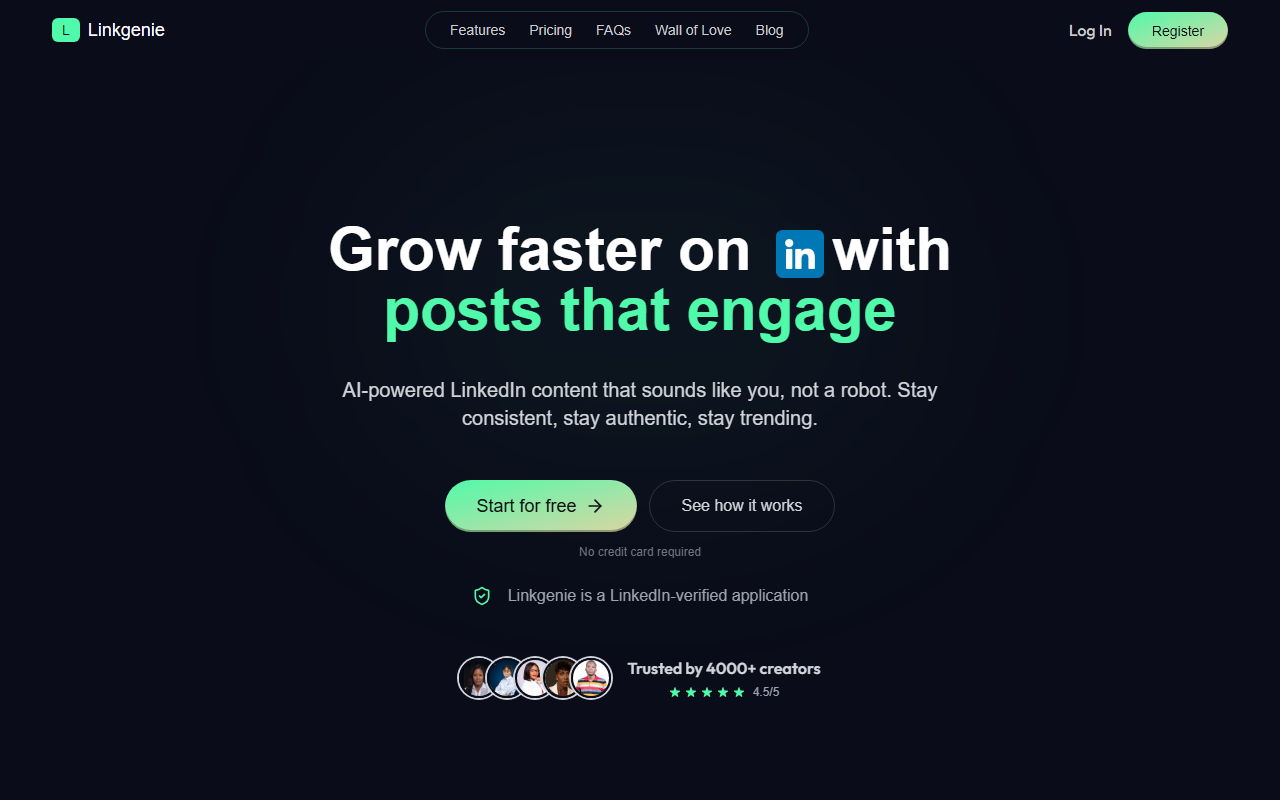
Upon visiting LinkGenie, I was greeted by a clean, modern dashboard with a clear call to action: "Start for free." No credit card is required. The landing page immediately zeroes in on the pain points of LinkedIn content creators: blank screens, inconsistent posting, low engagement, and a robotic tone. The site claims to be a LinkedIn-verified application, which adds a layer of trust. I clicked through to the sign-up flow and within minutes had access to the tool. The onboarding is minimal — you connect your LinkedIn account and configure your industry, tone, and goals in about three minutes. During testing, I found the setup intuitive, though the tool asks for LinkedIn permissions that some privacy-conscious users might want to review carefully.
Core Features and How It Works
LinkGenie is laser-focused on one thing: generating LinkedIn posts that sound like you. The engine has five core modules: AI writing that learns your voice, endless content ideas, optimal posting times, an editing canvas, and direct publishing or scheduling. I tested the free tier by inputting a rough idea — "I built a tool that converts CVs into portfolio websites." The AI returned a polished draft that avoided corporate jargon and instead used a natural, conversational tone. The company provides a side-by-side comparison on its site showing the same idea written by ChatGPT versus LinkGenie. The ChatGPT version felt generic and list-like, while the LinkGenie version read like a real person sharing a story with bullet points and an engaging question. This difference is the tool's core selling point.
The AI learns your style over time. When I edited the draft to add a personal anecdote, the system seemed to adapt, though one test isn't enough to verify deep learning. The topic suggestion feature pulls from trending themes on LinkedIn, which helps users stay relevant. Posts can be scheduled at peak engagement times — the tool analyzes your audience's activity patterns to suggest the best slots. The entire workflow is streamlined: generate, tweak, publish, repeat. There is no API listed for developers, and the tool does not currently support other social platforms. Integration is limited to LinkedIn only, which makes sense given the product's focus but limits versatility.
Voice Training and Content Quality
The standout feature is the voice training. Unlike generic AI writers such as Jasper or Writesonic, which require heavy prompt engineering to avoid robotic output, LinkGenie attempts to replicate your personal writing style. It asks for examples of your previous posts or a description of your tone — professional, casual, witty, etc. In my tests, the output avoided the telltale signs of AI writing: no repetitive sentence structures, no overuse of bullet points, and no hollow platitudes. The posts felt human. However, the quality heavily depends on the initial configuration. If you provide vague inputs, the results can become generic. Also, the tool is limited to English posts on LinkedIn; multilingual or cross-platform users will need separate solutions.
LinkGenie boasts 4,000+ professionals with a 4.5/5 rating. User testimonials on the site highlight time savings and authenticity. One user said: "I used Linkgenie to create my August posts and I absolutely loved it." Another mentioned it helped them go from overthinking to posting effortlessly. The company appears to be a lean startup — there is no mention of major funding or a large team, but the verified LinkedIn app badge suggests a partnership with the platform.
Pricing and Final Verdict
Pricing is not publicly listed on the website. The homepage says "Start for free" and implies a free tier exists, but specific tiers and paid plans are not disclosed without signing up. This lack of transparency is a limitation — users must hand over their LinkedIn account before seeing costs. Alternatives like Hootsuite offer broader social media management but lack the voice-mimicking AI. Buffer is simpler but doesn't generate content. LinkGenie is best suited for busy professionals who want to maintain a consistent, authentic LinkedIn presence without spending hours writing. It is less ideal for multitaskers who need to post across multiple networks or for enterprise teams requiring advanced analytics and collaboration.
Genuine strengths: the voice training is effective, the interface is clean, and the LinkedIn verification builds trust. Real limitations: no cross-platform support, hidden pricing, and a relatively small user base compared to giants like Jasper. If you are committed to growing your LinkedIn influence and hate sounding like a robot, LinkGenie is worth a try — especially since the free tier allows you to test its voice. I recommend giving it a shot if you struggle with consistency or authenticity. But remain cautious about the pricing structure and the data permissions you grant.
Visit LinkGenie at https://linkgenie.one/ to explore it yourself.










Comments