

First Impressions and Interface
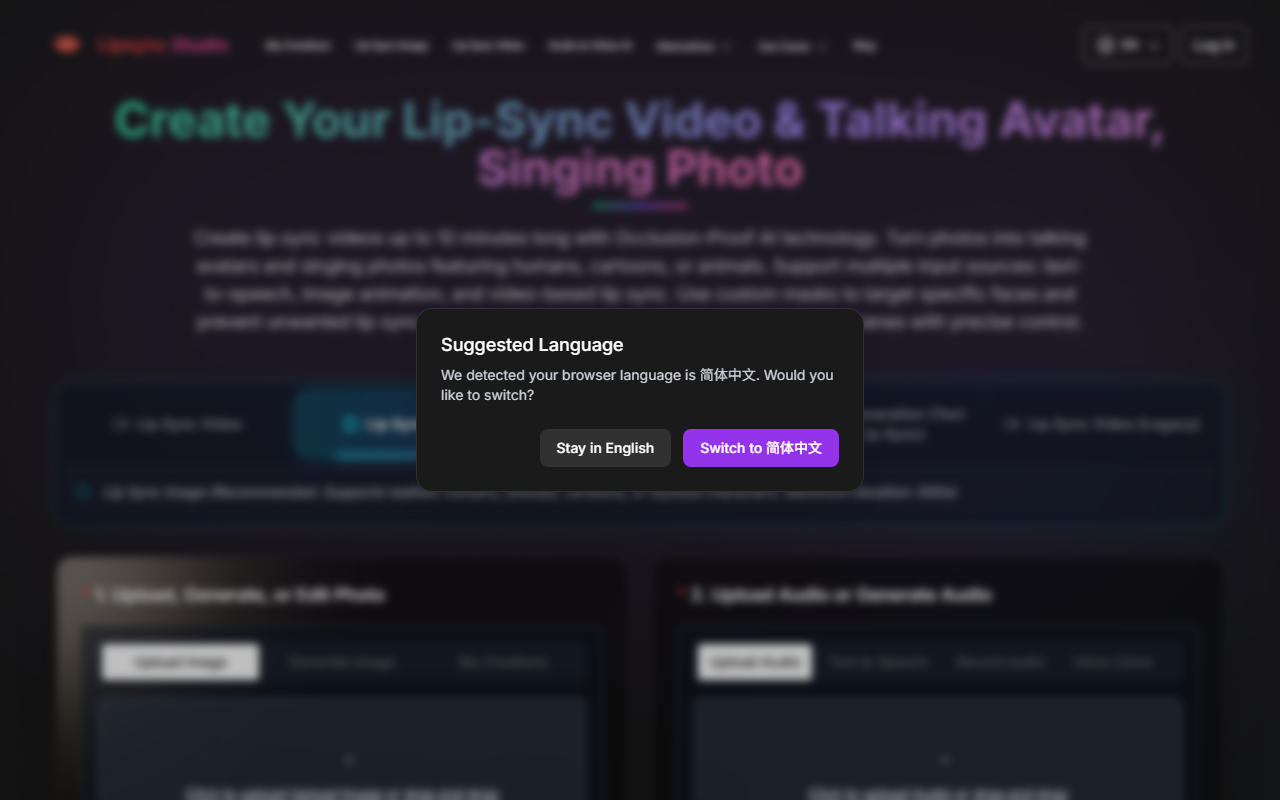
Upon visiting LipSync Studio, I was greeted by a clean, step‑by‑step interface designed to minimize friction. The homepage presents two primary sections: “Upload, Generate, or Edit Photo” and “Upload Audio or Generate Audio.” Below these, a resolution selector ranges from 360p to 4K, and a prominent “Generate” button sits ready. The free tier immediately caught my attention—logging in grants 16 credits daily, which translates to roughly 16 seconds of 360p video. Navigating through the sample gallery, I saw examples of talking avatars, singing photos, and multi‑speaker conversations. The experimentation flow is intuitive: drag‑and‑drop an image, select or generate audio, then hit generate. I tested the free quota by uploading a sample photo and using the built‑in text‑to‑speech feature. The result was a short lip‑sync clip that, while low‑resolution, showed reasonably natural mouth movements. The interface also offers advanced options like custom masks to isolate a specific face in multi‑person scenes—a feature that sets this tool apart from many competitors.
Core Features and Technology
LipSync Studio’s flagship claim is “Occlusion‑Proof AI technology,” which the site says outperforms wav2lip and latentsync in handling face angles, shadows, and obstructions. The tool supports multiple input sources: text‑to‑speech, image animation, and video‑based lip sync. You can create videos up to 10 minutes long, which is generous compared to many free alternatives that limit clips to 30 seconds. The multi‑speaker mode is especially intriguing—users can upload separate audio tracks for left and right characters to produce podcast‑style conversations. The custom mask feature allows you to target specific faces, preventing unwanted lip‑sync on background individuals. The technology appears to leverage a proprietary model; the site does not disclose the underlying architecture, but the results in the sample gallery (humans, cartoons, animals) demonstrate versatility. For realistic humans, the “Recommended” mode uses a newer model that produces higher‑quality animation. However, I noticed that free‑tier outputs are limited to low resolutions (360p), which may not be suitable for professional use without upgrading.
Pricing and Value
LipSync Studio operates on a credit‑based pricing model. The free tier offers 16 credits per day—enough for one short 360p test or a few seconds at higher resolutions. Paid plans start at the Standard tier, listed at $49.99/month or $39.99/month when billed yearly (20% discount). For that, you receive 16,000 credits annually (12,000 base + 4,000 bonus), refreshed each year. The Pro tier costs $99.99/month or $79.99/month yearly, offering 33,000 credits annually. This credit system means heavy users may quickly consume their quota, especially if generating long or high‑resolution videos. For reference, a 10‑minute 1080p video would cost hundreds of credits, making premium plans essential for serious creators. The lack of a pay‑per‑use option or unlimited subscription could be a drawback. Compared to competitors like Synthesia (which offers unlimited video generation starting at $30/month for a single avatar), LipSync Studio’s pricing feels less straightforward and potentially more expensive per unit of output. Still, the ability to lip‑sync any face—including cartoons and pets—adds unique value for viral content creators.
Who Should Use LipSync Studio?
LipSync Studio is best suited for social media managers, independent content creators, and educators who need to produce short, engaging lip‑sync videos or singing photo memes for platforms like TikTok, Instagram Reels, or YouTube Shorts. The multi‑speaker mode also appeals to podcasters wanting visual animated versions of their episodes. However, the limited free tier and credit‑heavy pricing mean casual users may find the tool restrictive. If you require high‑volume production or professional‑grade 4K output daily, the cost adds up quickly. In such cases, alternatives like D‑ID or HeyGen (which offer monthly subscriptions with longer generation limits) might be more economical. LipSync Studio’s strength lies in its occlusion‑proof AI and support for diverse character types—features that wav2lip‑based tools often struggle with. For creators who experiment with cartoon or animal avatars, this tool is a standout. Yet, the opaque credit system and lack of unlimited plans may frustrate power users. Overall, I recommend it as a creative playground for short‑form viral content, but not as a primary tool for enterprise‑scale video production.
Visit LipSync Studio at https://lipsync.studio/ to explore it yourself.










Comments