

First Impressions and the Core Problem
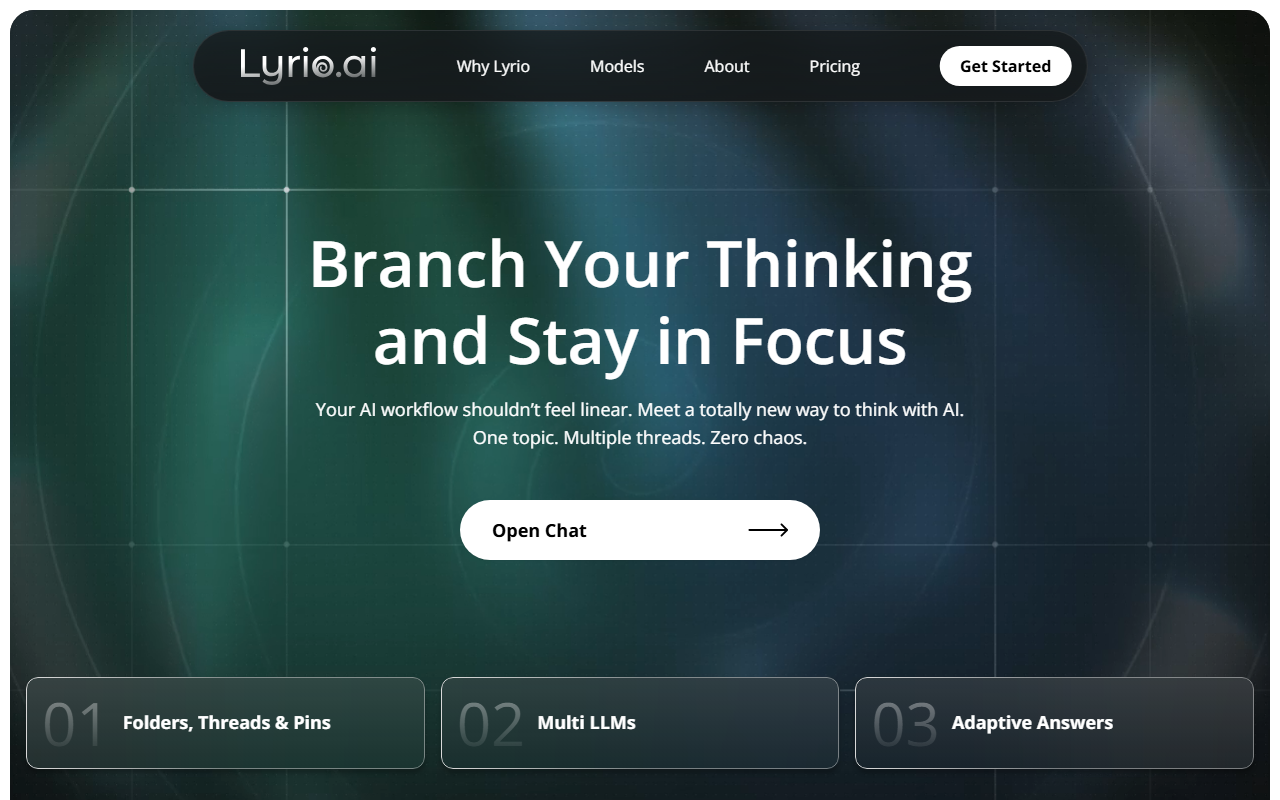
Upon visiting Lyrio, the landing page wastes no time articulating a pain point I’ve felt deeply: AI chat is linear, but thinking isn’t. The dashboard itself is clean, featuring a left-side thread list and a central workspace that feels more like a mind map than a chat window. After signing up for the free Starter plan, I immediately created a thread titled “Exploring Edge Cases in Prompt Injection.” Within seconds, Lyrio suggested a “multi-thread branch” to explore “Defense Mechanisms” in parallel. That was my first concrete interaction, and it genuinely impressed me. Unlike a typical ChatGPT session where I’d lose the original context if I asked a side question, Lyrio kept both branches intact, visually connected. The interface shows each thread as a card-like node, and you can collapse or expand them. It solves the specific problem of research fragmentation—where insights from one conversation don’t feed into another unless you manually copy-paste.
Key Features: Threads, Canvas, and Multi-Model Support
Lyrio’s headline feature is Threaded AI Research. You can branch any conversation into parallel directions without losing the full conversation history. When testing, I branched a thread on “Transformer Efficiency” into two sub-threads: “Energy Consumption Benchmarks” and “Sparse Attention Mechanisms.” The full context—both my original prompt and the AI’s responses—traveled with each branch. This is not just a cosmetic change; it’s architectural. The tool uses what they call “Reliable Memory Architecture,” which means every pinned message and unresolved question remains searchable. The Canvas Document Creation feature allows you to convert an entire thread—including all branched sub-threads—into a structured document. I exported a synthesized report on my research as a Markdown file with a single click. Another standout is the ability to choose the underlying LLM: ChatGPT, Gemini, Grok, and more. The context remains intact even when you switch models mid-thread—a clear advantage over switching tabs in a linear tool.
Pricing: Lyrio offers a free Starter Plan (always free) with “basic features,” and a 7-day free trial of Premium features. Exact monthly pricing is not publicly listed on the website, which is a minor transparency issue. For a tool that positions itself as a serious workspace, I’d expect clear pricing tiers. The Premium features likely include unlimited threads, advanced export options, and priority model access.
Strengths and Limitations
Lyrio’s greatest strength is its persistent context management. Unlike ChatGPT or Claude, where conversations become unusably long and lose earlier context, Lyrio lets you control exactly what the AI draws from. You can pin a key insight and later ask the AI to “refer to pin from Thread A” without re-explaining. For long-term research projects, this is revolutionary. The multi-thread branching is also genuinely innovative—it matches how researchers actually think, exploring tangents without losing the main path.
However, there are real limitations. The tool is overkill for simple tasks like drafting an email or a quick answer. The interface has a learning curve; the first ten minutes I spent figuring out how to navigate branches without accidentally creating a new one (hint: there’s a “flat mode” toggle that linearizes the view, but it’s not obvious). Additionally, the free tier feels restrictive after the premium trial ends—I couldn’t create more than 5 active threads without hitting a paywall. For casual users, the cognitive overhead of managing branches may outweigh the benefits compared to a simple linear chat. Also, the website lacks a clear API section, which may deter developers who want to integrate Lyrio into custom workflows.
Conclusion and Recommendation
Lyrio is best suited for professionals who manage complex, long-form research: product managers doing competitive analysis, strategists writing reports, researchers synthesizing literature, and software architects tracing technical decisions. If your workflow involves jumping between topics, revisiting old insights, and producing structured documents, Lyrio will save hours per week. For anyone whose AI usage is limited to quick Q&A or simple content generation, stick with ChatGPT or Claude.
Compared to other “AI workspaces” like Notion AI or Mem, Lyrio’s branching and persistent context are more advanced, but it lacks Notion’s database and collaboration features. The tool feels early-stage—smooth but with occasional UI quirks (e.g., the pin button sometimes doesn’t register a click on the first try). Still, for its niche, it’s the best I’ve tested. I recommend trying the free trial with a real project—if you find yourself frustrated by linear chat’s context loss, Lyrio will feel like a breath of fresh air.
Visit Lyrio at https://lyrio.ai/ to explore it yourself.










Comments