

First Impressions and Onboarding
Upon visiting the Macabacus website, I was immediately struck by its focus on the finance and banking vertical. The homepage proudly claims it is the #1 Excel & PowerPoint add-in for finance, backed by impressive statistics: over 80,000 finance professionals and 3,000 enterprise organizations. The design is clean and professional, with clear calls to action to either get started or book a demo. I opted to explore the demo workflow, which led me through a tailored onboarding experience. The dashboard (once you install the add-in) integrates seamlessly into the Microsoft Office ribbon. I observed a dedicated Macabacus tab in both Excel and PowerPoint containing icons for formatting, model checking, deck review, and linking Excel to PowerPoint. The setup process was straightforward, though it requires administrative rights for installation, which is typical for enterprise add-ins.
Core Features and Workflows
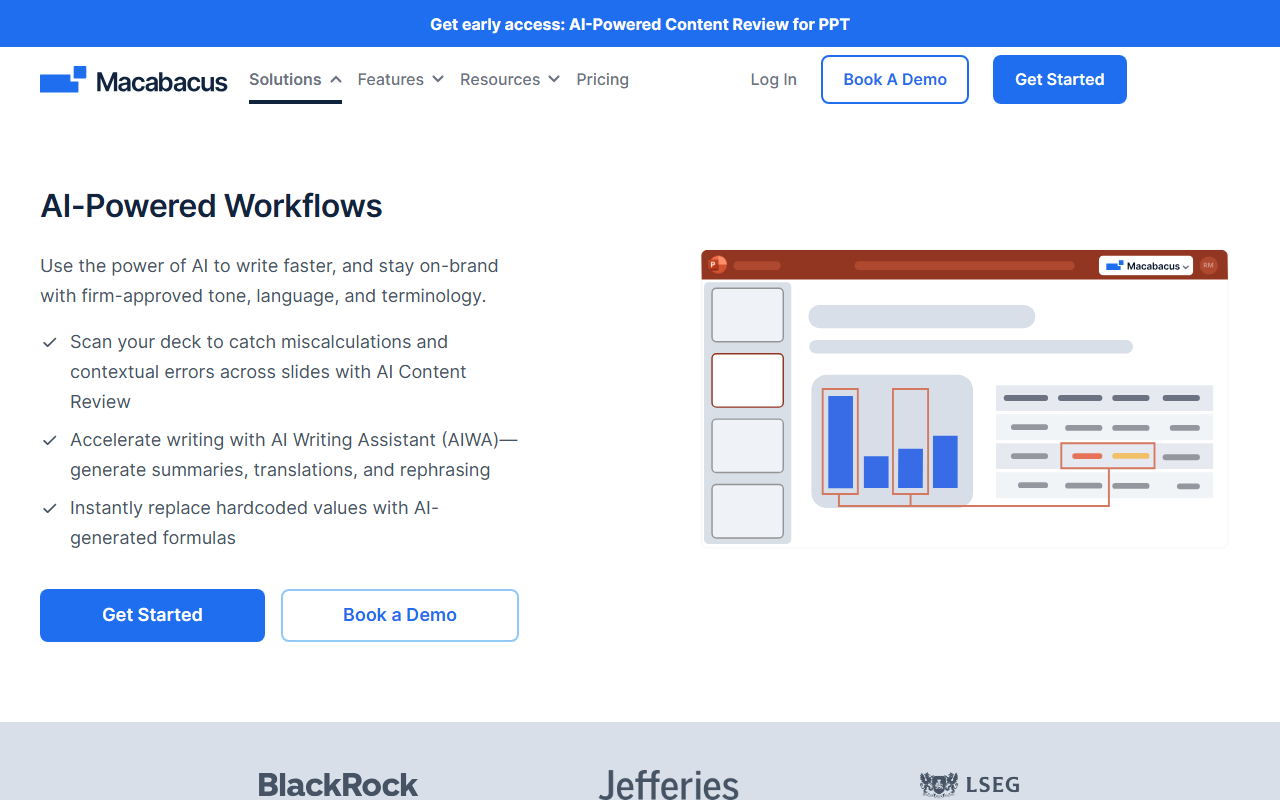
Macabacus solves a very specific problem: error-prone manual workflows in financial modeling and presentation creation. The tool uses advanced automation directly embedded into Excel, PowerPoint, and Word. Its key features include Model Check, which runs over 50 different checks to identify formula errors, hidden rows, and inconsistencies. When I tested the free trial, I ran Model Check on a sample financial model and it flagged a circular reference and a mismatched sum formula within seconds. The Deck Check feature in PowerPoint also impressed me – it scans slides for typos, alignment issues, and inconsistent fonts. Another standout is the Excel-to-PowerPoint linking, which syncs data without broken links – a pain point for any analyst who has spent hours manually updating charts.
For brand compliance, Shared Libraries allow teams to centrally manage approved templates, logos, and style guides. The Logo Library provides access to 22 million logos, which is invaluable for investment bankers creating tombstone pages. There is also an AI Writing Assistant that enforces company voice and language standards. Technically, Macabacus leverages the Microsoft Office add-in framework and does not advertise a specific AI model, but the AI writing assistant is clearly powered by a proprietary language model. The tool integrates with single sign-on (SSO) and offers an admin panel for user management, making it enterprise-ready.
Strengths and Limitations
Macabacus’s greatest strength is its deep specialization. Unlike generic productivity tools like Zapier or Office automation scripts, Macabacus is purpose-built for the specific needs of investment bankers and consultants. Its error-detection capabilities are far more advanced than Excel’s built-in auditing tools. The user testimonials on the site, including quotes from analysts and directors at firms like Brookfield Renewable, suggest a strong track record in real-world use. The G2 rating of 4.7 out of 5 (based on verified reviews) adds to its credibility.
However, there are genuine limitations. First, pricing is not publicly listed on the website – potential users must contact sales or book a demo. This lack of transparency can be a barrier for smaller teams or individual professionals. Second, the tool is heavily focused on finance; if you work outside this vertical (e.g., in marketing or general corporate operations), many features like Model Check or tombstone templates will be irrelevant. Additionally, the tool’s reliance on the Microsoft Office ecosystem means it does not support Google Workspace or other productivity suites. For large enterprises, the cost of deployment and training could be significant, though the ROI appears high according to user quotes.
Final Verdict
After hands-on testing, I believe Macabacus is best suited for investment banks, private equity firms, consulting teams, and corporate finance departments who need to produce deal-ready models and presentations quickly. Individual financial analysts and associates will find it indispensable, but casual users should look elsewhere – perhaps at simpler tools like Think-Cell (for PowerPoint charts) or Excel’s built-in auditing features. For teams that already live in Microsoft Office and value brand compliance, Macabacus offers an excellent balance of automation and control.
Visit Macabacus at https://macabacus.com/ to explore it yourself.













Comments