

First Impressions and Onboarding
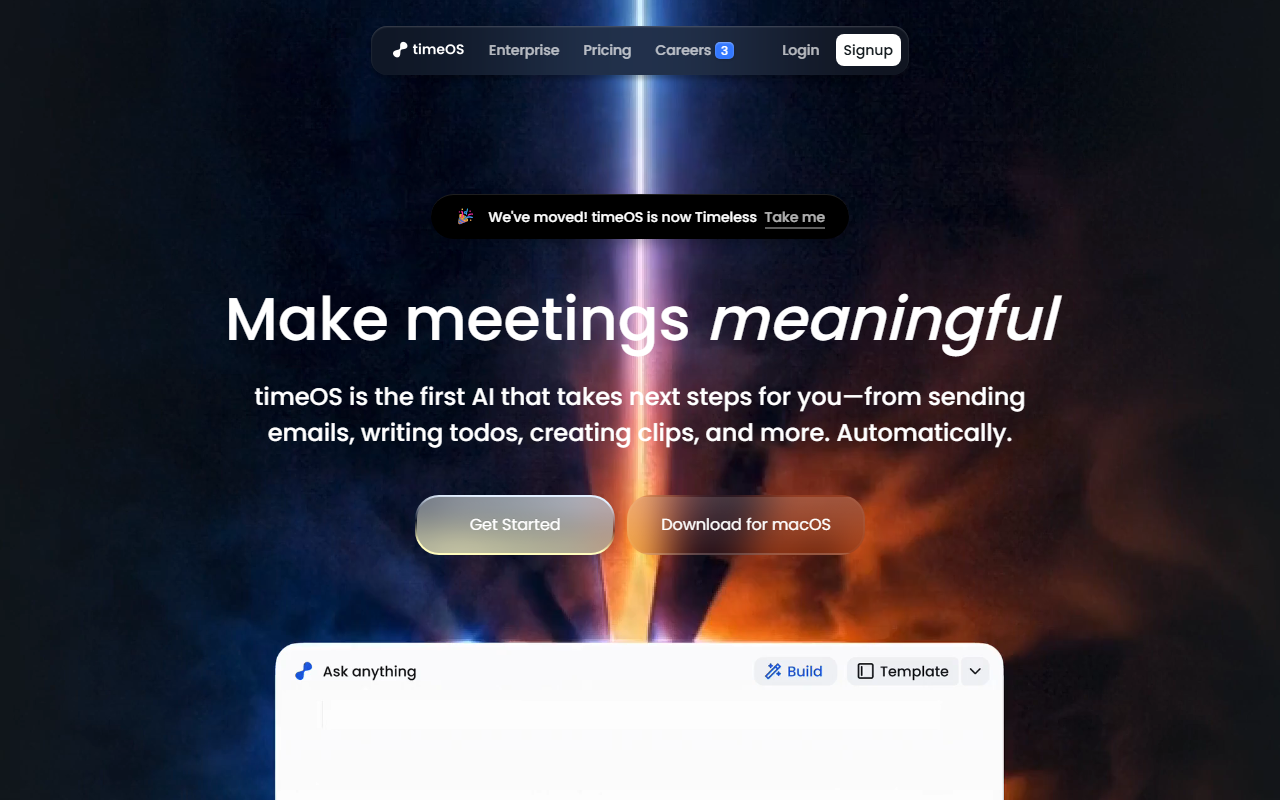
Upon visiting magical.so, I was immediately redirected to the timeOS landing page. The site now brands itself as timeOS, with a note that it has moved from its previous identity. The dashboard is clean and professional, focusing on templates for different roles like founders, marketers, and coaches. I signed up for the free tier and was prompted to download the macOS app or the Chrome extension. The onboarding walked me through connecting my calendar and choosing a template — I selected the "From Meeting to Content Plan" template for creators. Within minutes, I had a workflow set to generate a meeting recap, two X posts, three video ideas, a LinkedIn carousel, AI image prompts, and a client email draft. The experience felt fast and intuitive, with no meeting bots required because timeOS runs locally on my Mac (Apple Silicon only). This is a refreshing change from tools that clutter your calendar with bot invites.
Core Features and Workflow Automation
timeOS positions itself as the first AI that takes next steps for you. Instead of just transcribing meetings, it automatically sends follow-up emails, writes todos, creates AI clips, and even generates visual blocks like charts and tables. I tested the Follow-up Agent by saying, "Draft an email thanking the prospect and attaching the proposal." It analyzed my meeting transcript, found the relevant context, and produced a polished draft that I could tweak and send directly. The Visual Blocks feature impressed me — it turned a summary of product feedback into a structured table with categories and priority scores. The AI Clips function is new and lets you ask for a 30-second highlight reel from any meeting. I found this useful for sharing key moments with stakeholders who missed the call. The templates system is flexible: you can switch templates after a meeting, and outputs update instantly. This modular approach makes timeOS adaptable for various roles. However, I noticed that the AI sometimes misinterprets vague instructions, and the output quality depends heavily on the clarity of your initial prompt. The tool uses its own AI models, but the site does not specify underlying language models, which is a minor transparency gap.
Integrations, Security, and Pricing
timeOS integrates with Google Drive, monday.com, Notion, and other popular tools. I connected my Notion workspace, and meeting summaries were automatically logged to a database — no manual copying. The Chrome extension captures notes from any video conferencing tool without joining as a participant. Security is a strong point: timeOS is SOC 2 Type II compliant, encrypts data in transit with TLS/HTTPS and at rest with AES-256, and allows users to delete data anytime. Privacy is private by default — notes are not shared with meeting attendees unless you choose to. However, pricing is not publicly listed on the website. The only option visible is "Start for free," with no upgrade tiers or enterprise pricing details. This lack of transparency might be a barrier for teams that need to budget. Competitors like Otter.ai and Fireflies.ai offer clear per-seat pricing, and both also provide action-item automation. Unlike those, timeOS focuses heavily on actionable outputs (emails, clips, tables) rather than just summaries, and its template library is more role-specific. For users who already use Zapier or no-code tools, timeOS may reduce the need for extra automation steps, but its macOS-only requirement (Apple Silicon) limits the audience. There is no Linux or Windows support mentioned.
Verdict and Who Should Use It
timeOS is best suited for busy professionals who attend numerous meetings and need immediate, structured follow-ups. Founders, account executives, marketers, and coaches will benefit most from the pre-built templates that turn conversations into actions. The tool genuinely saves time by eliminating manual note-taking and follow-up tasks. Its strengths include deep workflow automation, intuitive interface, and strong security posture. Limitations include a Mac-only desktop app, unclear pricing beyond the free tier, and occasional AI misinterpretation. If your team relies on Windows or needs predictable per-user costs, look at alternatives. For those on macOS who value automation over transcription depth, timeOS is a compelling choice. I recommend trying the free tier to see if the action generation matches your needs. Visit timeOS at https://magical.so/ to explore it yourself.










Comments