

First Impressions and Onboarding
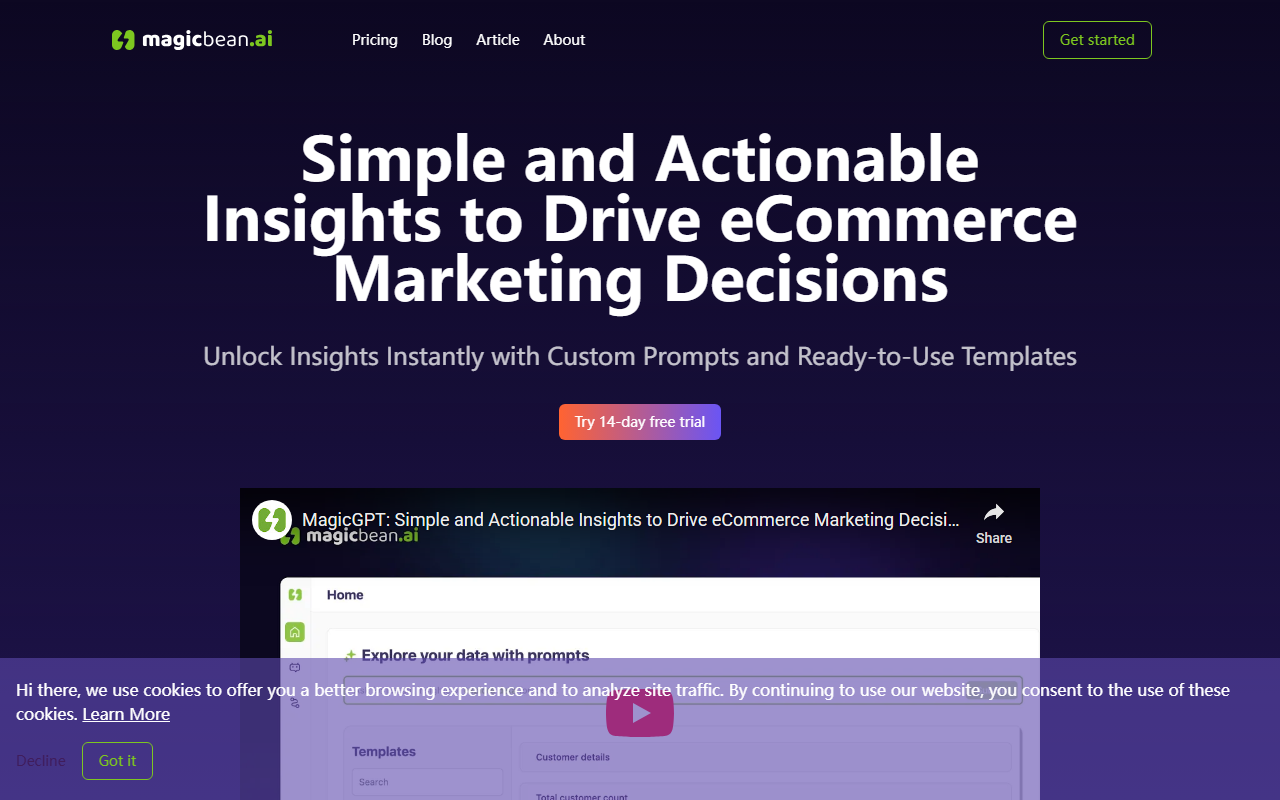
When I first landed on Magicbean's homepage, the clean interface immediately signaled a tool built for non-technical marketers. The header offers a pricing page, a blog, and an article section, plus an "About" link. The call-to-action is clear: "Get started" and a 14-day free trial. I appreciate that the site explains the workflow in three steps: ask a business question, get an answer in seconds, and visualize the result. There's also a section on using pre-built templates to speed up reporting. During my test run, I signed up for the free trial (no credit card required) and was guided through connecting a sample Shopify dataset. The onboarding wizard asked me what kind of data I wanted to analyze — sales trends, customer behavior, or growth opportunities — and then presented a simple text prompt box.
The dashboard shows a left sidebar with options: New Prompt, Templates, Reports, and Integrations. The layout is intuitive but sparse. I clicked "New Prompt" and typed: "Which products had the highest return rate last month?" Within about five seconds, Magicbean returned a brief text answer plus a bar chart showing return rates by SKU. The response was accurate but not deeply granular — it didn't offer drill-down options unless I asked follow-up prompts. For a first interaction, it felt fast and useful, though the lack of interactive filters suggested I'd need to refine queries manually.
Core Features and Technical Details
Magicbean is essentially a natural-language interface on top of a bundled data warehouse and an LLM (likely OpenAI-based, though not explicitly stated). It connects to eCommerce platforms like Shopify, WooCommerce, and BigCommerce via fully managed integrations. The tool extracts order, product, and customer data into a centralized schema, then allows users to ask questions in plain English. The ability to visualize results — bar charts, line graphs, pie charts — is built-in, and users can save reports or export them as PDFs.
The template library is a standout feature. Templates like "Monthly Sales Report," "Customer Lifetime Value Analysis," and "Inventory Turnover" come pre-populated with prompts and visualization settings. You click a template, tweak the parameters (e.g., date range, product category), and get a finished report in seconds. This drastically reduces the time spent creating recurring reports. However, there's no API listed for programmatic access, and the platform does not support custom SQL queries — only natural language and the predefined templates. That limits flexibility for advanced users who want to build custom metrics or join disparate datasets.
In terms of security, Magicbean's FAQ mentions encryption at rest and in transit, and they comply with GDPR and CCPA. Data is stored in a cloud data lake, likely AWS or GCP, though they don't specify the provider. The platform is purely web-based; no mobile app is available as of this review.
Pricing and Market Positioning
Magicbean offers three tiers. The Starter plan is $16/month (billed monthly) and includes 1 user, up to 1,000 orders per month, and email support. The Pro plan is $66/month for up to 5 users and 3,000 orders. The Platinum plan is $166/month for unlimited users and orders, plus chat support. An annual discount of 17% reduces the monthly cost if you pay yearly. For a small eCommerce store doing a few hundred orders a month, the Starter plan is affordable. But the order caps are strict — if you exceed them, you'd likely need to upgrade or face throttling, which isn't clearly documented.
Compared to competitors like Obviously AI (which is more general-purpose and allows SQL) or Zepl (enterprise-focused), Magicbean is specifically tailored to eCommerce marketers. It lacks the depth of a full analytics platform like Tableau or Looker, but for quick answers and templated reports, it fills a niche. Medium-sized eCommerce teams with non-technical staff are the ideal audience. Data analysts or enterprises with complex data needs should look elsewhere.
Strengths, Limitations, and Final Verdict
Magicbean's strengths are clear: speed, simplicity, and a focus on actionable insights. The templates cut hours off reporting, and the natural-language interface means anyone on the marketing team can query data without writing a single line of code. The 14-day free trial lets you test with real data before committing.
However, limitations exist. The platform is tied exclusively to eCommerce — if your business uses custom data sources or multiple non-eCommerce platforms, you're out of luck. The order-based pricing can be restrictive as your business grows. Also, the AI sometimes misinterprets complex multi-part questions; for example, when I asked "Show me sales by region and the top 3 products in each," it returned a flat table instead of nested groups. You have to break such questions into separate prompts. There's also no collaborative editing or commenting features, so team reporting workflows are limited.
Who should try Magicbean? ECommerce store owners, marketing managers, and small to mid-size teams that need quick, repeatable insights without technical overhead. If you need deep ad-hoc analysis, custom data modeling, or enterprise scalability, consider a tool like Looker or Domo.
Visit Magicbean at https://magicbean.ai/ to explore it yourself.













Comments