

First Impressions and Interface
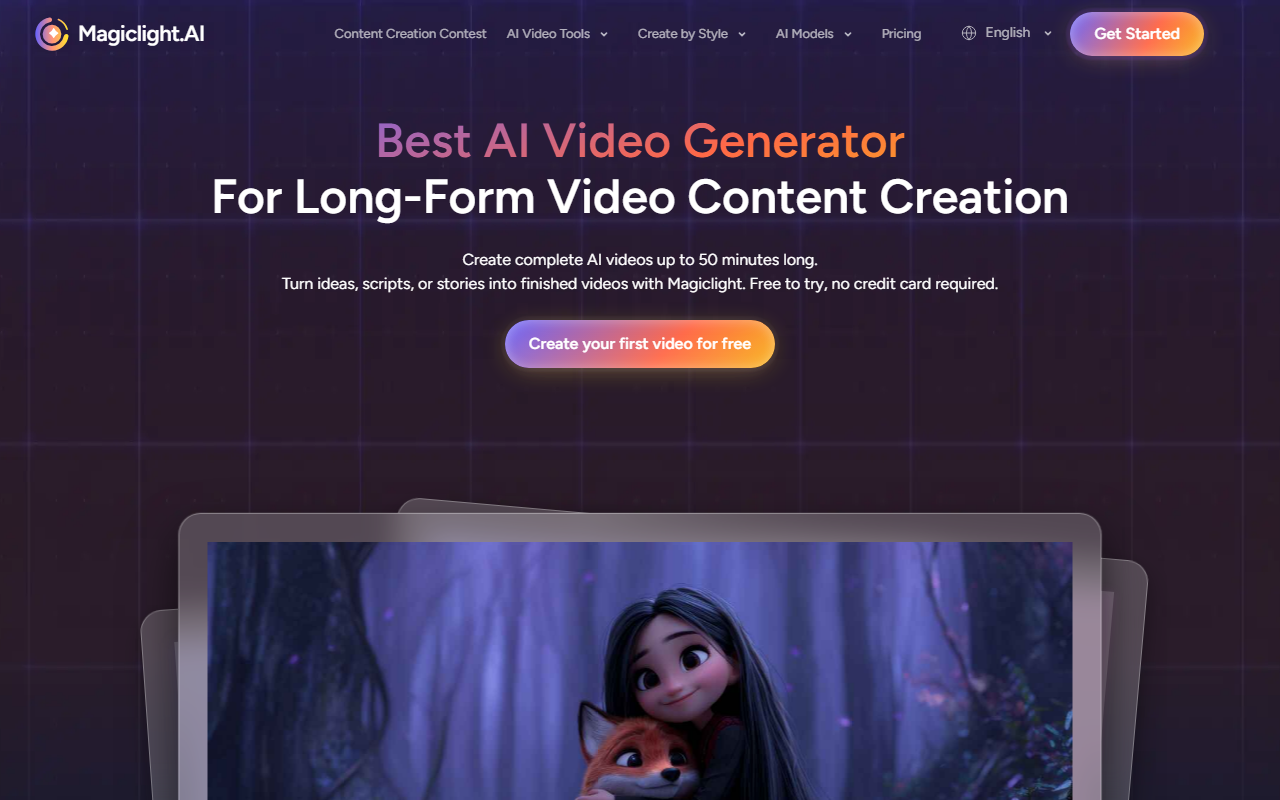
Upon visiting Magiclight.AI, the landing page immediately signals its focus on long-form, narrative video creation. The dashboard presents a clean, template-driven interface with clear buttons for generating jingles, kids stories, one-click videos, animated cartoons, religious stories, image-to-video, and explainers. I opted to test the free tier—no credit card required—by clicking the "Generate" button under "Kids story." The tool prompted me to enter a brief description, and within a few minutes, it produced a multi-scene animation with consistent characters and smooth transitions. The process felt guided, not overwhelming, which is a strong selling point for non-technical creators.
Key Capabilities: Long-Form Coherence and AI Characters
Magiclight.AI differentiates itself by handling videos up to 50 minutes long, a feature most AI video generators can't match. The tool uses story templates to structure the narrative, reducing the friction of starting from scratch. I tested the script-to-video workflow by pasting a short story; the AI parsed the text, generated character descriptions, and assembled scenes with consistent visual identity across shots. The "AI-Powered Characters" feature ensures continuity—the same protagonist appears with the same look and personality throughout the entire video. Scene transitions are handled automatically, adjusting lighting, perspective, and style to maintain coherence. This is a genuine technical achievement for long-form content.
Beyond core generation, Magiclight offers a suite of integrated tools: text-to-video, AI animation generator, AI avatar video generator, music-to-video, image-to-video, AI video editor, voice cloning, lip-sync, and subtitle generation. All tools work within a single workflow, so you can refine output without switching platforms. The underlying AI model is not publicly specified, but the results suggest a transformer-based architecture optimized for narrative consistency rather than mere clip generation.
Who Is Magiclight For? Strengths and Limitations
Magiclight is best suited for creators who need full-length, story-driven videos with minimal manual effort. It shines in domains like kids' educational content, religious storytelling, explainers, and marketing narratives where character consistency and scene flow are critical. The platform claims over 20 million creators and 30 million videos generated, indicating a substantial user base, though many testimonials focus on personal, non-commercial use. Competitors such as RunwayML excel in short, creative clips, while Synthesia specializes in avatar-based presentations—Magiclight occupies a unique niche for long-form animated storytelling.
However, the tool has limitations. Style variety is constrained; generated videos lean toward a friendly, cartoonish aesthetic that may not suit brands needing photorealistic or cinematic looks. While the free tier is generous, pricing beyond that is not publicly listed on the website, making it difficult to assess value for heavy users. Additionally, the user-generated testimonials on the site are heavily focused on kids stories, so the versatility for other genres may be less tested. The audio quality from AI voice cloning and lip-sync is decent but can occasionally feel robotic in longer segments.
Final Verdict and Recommendation
Magiclight.AI is a thoughtfully designed tool for anyone who needs to produce complete, watchable narrative videos without a production team. Its ability to maintain character consistency across 50-minute pieces is a genuine differentiator in a market cluttered with short-clip generators. The free tier lets you evaluate the quality before committing, and the integrated toolset reduces workflow fragmentation. I recommend Magiclight for educators, storytellers, and small business owners creating explainer content. If you require photorealistic output or highly stylized cinematic effects, look elsewhere. Visit Magiclight.AI at https://magiclight.ai/ to explore it yourself.










Comments