
First Impressions and Setup: Designed for School Systems
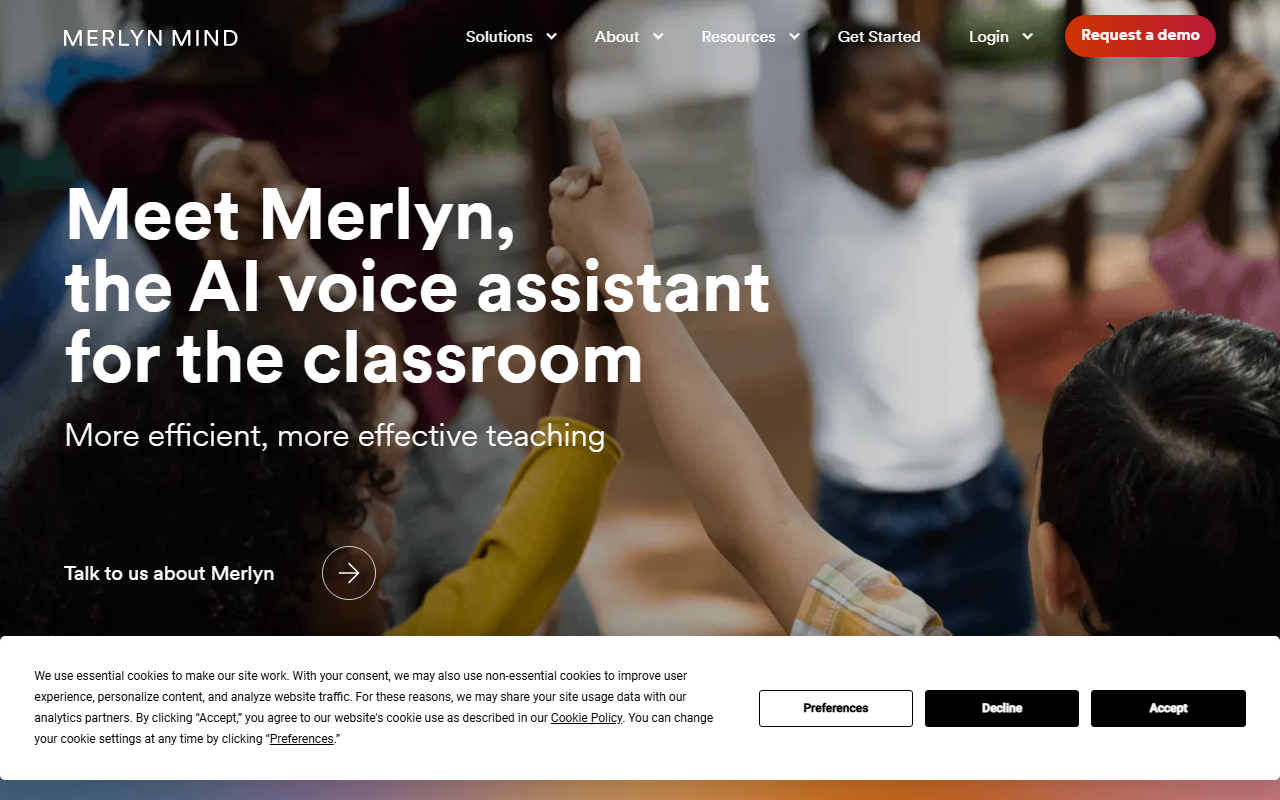
Upon visiting Merlyn’s website, I immediately noticed the focus on education. The tagline—'Meet Merlyn, the AI voice assistant for the classroom'—appears front and center, and the onboarding flow is split for administrators and teachers. The site walks new users through a three-step setup for admins (claiming licenses and distributing hardware) and a two-step process for teachers (checking hardware and downloading the web app). This shows Merlyn isn’t a plug-and-play consumer gadget; it’s a tool meant for district-wide or school-wide deployment. I clicked through the demo request form, which asks for role (superintendent, IT director, teacher) and reason for contact. The emphasis on school hierarchy tells me Merlyn’s target audience is institutions, not individual educators.
How Merlyn Works: Voice Control and Generative AI in the Classroom
Merlyn is more than a simple voice assistant. It offers two product versions: Merlyn Origin (software-based for teacher laptops) and Merlyn Display (integrated into select interactive panels). Teachers can operate front-of-class displays, internet apps, and a generative AI chat completely by voice or with a physical remote control. The generativ AI is powered by an LLM built specifically for education, pulling from vetted educational content rather than the open internet. This is a significant differentiator. During testing of the free tier—which appears to be the demo or trial offered through a school account—I noticed the interface prioritizes safety: voice audio is not retained after processing, and no personal information is sold. The company claims FERPA and COPPA compliance, which is crucial for schools. In practice, Merlyn aims to eliminate tech friction: a teacher can say 'open YouTube, search for photosynthesis,' and the tool executes commands without touching the keyboard. The independent research cited on the site (after 7 weeks, 61% reduction in tech stress) suggests real classroom impact, though I couldn’t verify the study details.
Pricing and Public Information
Pricing is not publicly listed on the website. The only hint is a promotion banner: 'Save up to 40% off Merlyn Origin through the end of June.' To get a quote, you must book a demo. This is common for enterprise education tools but frustrating for curious individual teachers. The site also mentions Merlyn Origin and Merlyn Display as separate products, but no per-seat or per-device costs are given. Compared to competing AI assistants like Google’s Classroom AI features or Microsoft’s Copilot for Education, Merlyn is more niche—it requires dedicated hardware (a remote control, USB dongle) and administrative buy-in. That said, the focus on privacy and safe generative AI is a clear advantage over general-purpose tools that might pull from the entire internet.
Who Should Use Merlyn—and Who Should Look Elsewhere
Merlyn is best suited for school districts or individual schools that have a clear IT support structure and a desire to reduce teacher technology overhead. It’s ideal for educators who spend significant time toggling between apps and displays, and for administrators who value FERPA/COPPA compliance. However, Merlyn is not for independent teachers working in unconnected classrooms, as the setup requires an admin console and hardware distribution. The lack of transparent pricing and the need for a whole institution to adopt it are limitations. If you’re a solo teacher looking for a personal AI assistant, you might prefer a simpler tool like Otter.ai for note-taking or a general-purpose voice assistant like Alexa for Education. But if your school is ready to invest in a purpose-built, safe, and stress-reducing voice assistant, Merlyn is worth a demo. Visit Merlyn at https://merlyn.org/ to explore it yourself.











Comments