

First Impressions and Onboarding
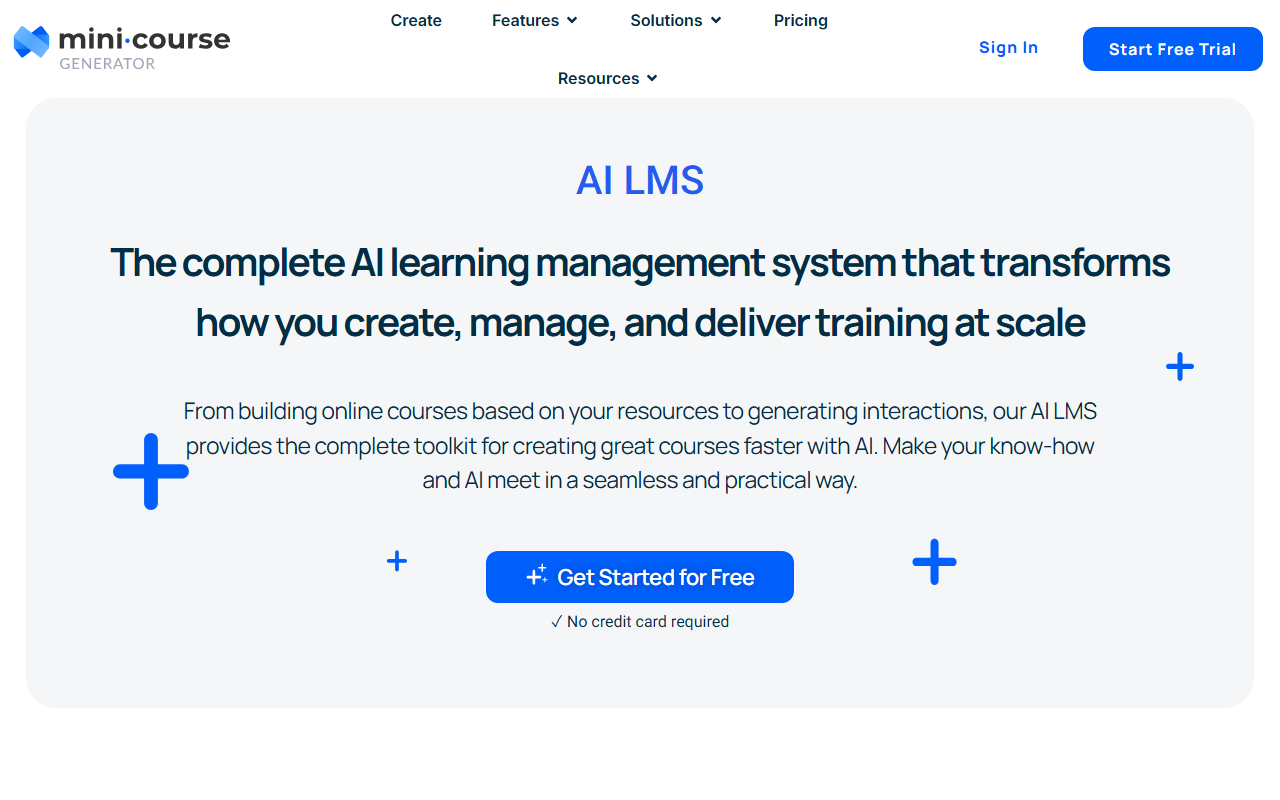
Upon visiting the MiniCourseGenerator (MCG) website, I was greeted by a clean, modern interface that immediately emphasizes simplicity. The homepage positions MCG as the "simplest eLearning authoring software that anyone can use," and the free trial — with no credit card required — made it easy to dive in without commitment. The sign-in button and start-free-trial call-to-action are prominent, and the wall of love testimonials from product managers, trainers, and consultants reinforces trust. I signed up and was taken to a dashboard that felt refreshingly uncluttered compared to bloated alternatives. The onboarding wizard asked me to define a course goal, and within minutes I was generating a structured mini-course outline using the AI Course Creator.
Core Capabilities and Workflow
MCG focuses on solving the problem of overwhelm that often accompanies building online courses. The platform combines three key components: an AI Course Creator (which generates modules and content from a simple prompt), an AI Interaction Builder (for adding quizzes or interactive elements), and a drag-and-drop block editor that lets you place text, images, videos, and integrations from services like ThingLink, Spotify, NotebookLM, Gamma, Synthesia, and Canva. This ability to weave external media into a cohesive course sets it apart from simpler tools like Gumroad or basic WordPress plugins. The dashboard shows four layout options for the learner interface — from navigational to card-type views — and a landing page builder. I tested the free tier by creating a course on "Introduction to Market Research." The AI generated a three-module structure almost instantly. I then edited the content in the block editor, which felt smooth and responsive. You can also collaborate with colleagues, issue certificates and badges, set up automations via Zapier, Make, or Pabbly, and export courses as SCORM packages or PDFs.
Target Audience and Market Position
MCG is clearly built for growth-driven course creators, corporate trainers, coaches, consultants, and community owners who want to rapidly turn expertise into revenue or training without technical hurdles. The website highlights use cases: selling to individuals and organizations, customer education for online products, and training business partners. Unlike heavyweight platforms like Thinkific or Kajabi, MCG focuses on simplicity and micro-learning — hence "mini" courses. It competes more directly with tools like CourseLit or FeatherLMS but with a stronger emphasis on AI and drag-and-drop ease. The claim of being trusted by over 20,000 training providers suggests a sizable user base, though I couldn't verify that number independently. Pricing is not publicly listed on the website; the site only offers a free trial. This lack of transparent pricing could be a hurdle for budget-conscious users who need to compare plans upfront.
Strengths and Limitations
The genuine strength of MCG is its speed and ease of use. You can go from idea to a publishable mini-course in under an hour, which is a massive time-saver for busy professionals. The AI interaction builder is notably flexible — it goes beyond multiple-choice to let you create nuanced interactions that engage learners. The white-label option mentioned in a testimonial is also appealing for agencies. On the flip side, MCG may not satisfy those needing deep customization or advanced analytics. The drag-and-drop editor, while intuitive, felt limited when I tried to design complex branching scenarios. Additionally, the platform seems optimized for short courses (under an hour of content), so if you're building a full university-style course, you might outgrow it quickly. The lack of publicly available pricing also erodes trust — I had to request a quote during the trial to see paid plans, which isn't ideal for quick decision-making. Finally, some integrations (like Synthesia avatars) require separate subscriptions, adding hidden costs.
Final Verdict and Recommendation
MiniCourseGenerator is an excellent choice for individual creators, startups, and corporate trainers who need a no-fuss tool to launch bite-sized courses fast. Its AI-first approach genuinely reduces the friction of course creation, and the ability to embed rich media from other platforms makes it versatile. However, if you need robust reporting, advanced gamification, or plan to scale large student communities, consider platforms like Teachable or LearnDash. Try MCG's free trial to see if its simplicity matches your workflow. Visit MiniCourseGenerator at https://minicoursegenerator.com/ to explore it yourself.










Comments