

First Impressions and Onboarding
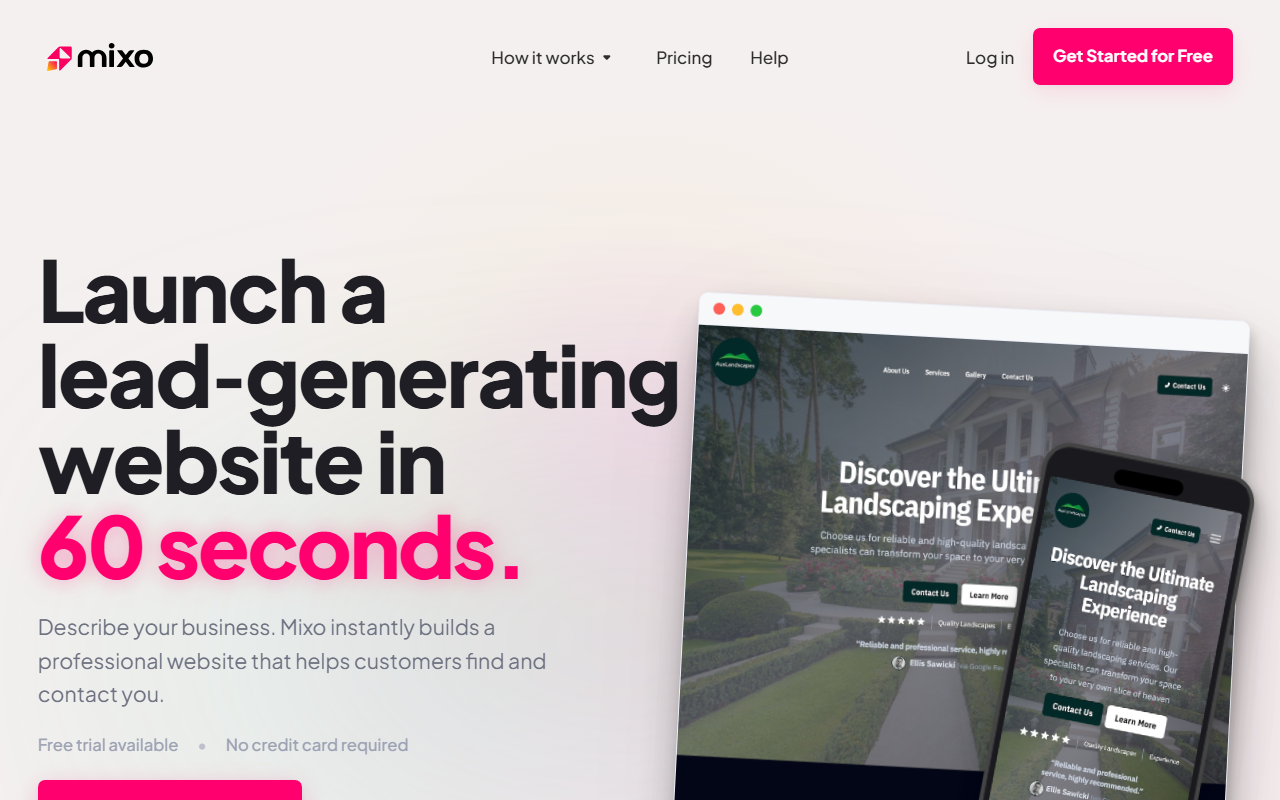
Upon visiting Mixo, the landing page immediately communicates speed and simplicity. I clicked the "Get Started for Free" button, and within seconds I was asked to describe my business in a single sentence. I typed "Coffee shop in Austin with live music events." The AI processed my input, and less than 60 seconds later, I had a fully rendered website with pages, a contact form, SEO metadata, and even a built-in analytics dashboard. The interface is clean and minimal, clearly designed for non-technical users. There's no confusing setup wizard—just a single text field and a "Generate" button.
What Mixo Does Well
Mixo solves a very specific problem: getting a basic, professional-looking business website online in under a minute. The generated site included a home page, about us, services, events, and contact pages, all with placeholder text that matched my coffee shop description. The AI also inserted a contact form and basic SEO tags, which is impressive for a zero-configuration tool. For a small business owner who needs a quick online presence, this is genuinely valuable. I also liked the built-in enquiry tracking and the ability to export contacts—these features turn a simple website into a lead-generation asset.
The tool supports 40+ languages and serves 300+ industries, so it's globally accessible. With 750,000+ businesses trusting Mixo and a 4.8/5 Trustpilot rating, the user base is a strong endorsement. Integrations with payment gateways, email marketing, and analytics tools are mentioned, though I didn't test them during my free trial. Unlike traditional website builders like Wix or Squarespace, Mixo requires zero design or coding skills—just a sentence and you're live.
Limitations and Who Should Look Elsewhere
However, Mixo's simplicity comes with trade-offs. Customization is severely limited. I could edit the generated text and swap images, but I couldn't change the layout, adjust spacing, or add custom CSS. The resulting site looks clean but generic—many business websites will end up with similar templates. For users who need a unique brand identity or advanced functionality (e.g., e-commerce, membership areas, complex forms), Mixo is not the right fit. I also noticed that the AI generated some fluff content; the "About Us" page had vague language like "We love our customers and great coffee." You'll need to revise the copy yourself.
Pricing is not publicly listed on the website beyond the free plan. While the free plan is generous (no credit card required), I suspect paid tiers unlock more customization, custom domains, and removal of Mixo branding. But without clear pricing, it's hard to evaluate long-term value. Competitors like Wix offer more control for a monthly fee, while Carrd is cheaper for simple landing pages. Mixo's sweet spot is the absolute beginner who wants a live website in under a minute and isn't fussy about design.
Final Verdict
Mixo delivers exactly what it promises: a lightning-fast website builder for small businesses that need a minimal online footprint. It's excellent for solopreneurs, plumbers, lawyers, or anyone who just wants a page that says "Here I am, contact me." But if you're a designer, marketer, or anyone who needs full creative control, you'll outgrow it quickly. I recommend trying the free plan to see if the generated site meets your needs—you might be surprised at how much heavy lifting the AI does. For a quick lead-generation site, Mixo is hard to beat.
Visit Mixo at https://mixo.io/ to explore it yourself.










Comments