

First Impressions and Onboarding
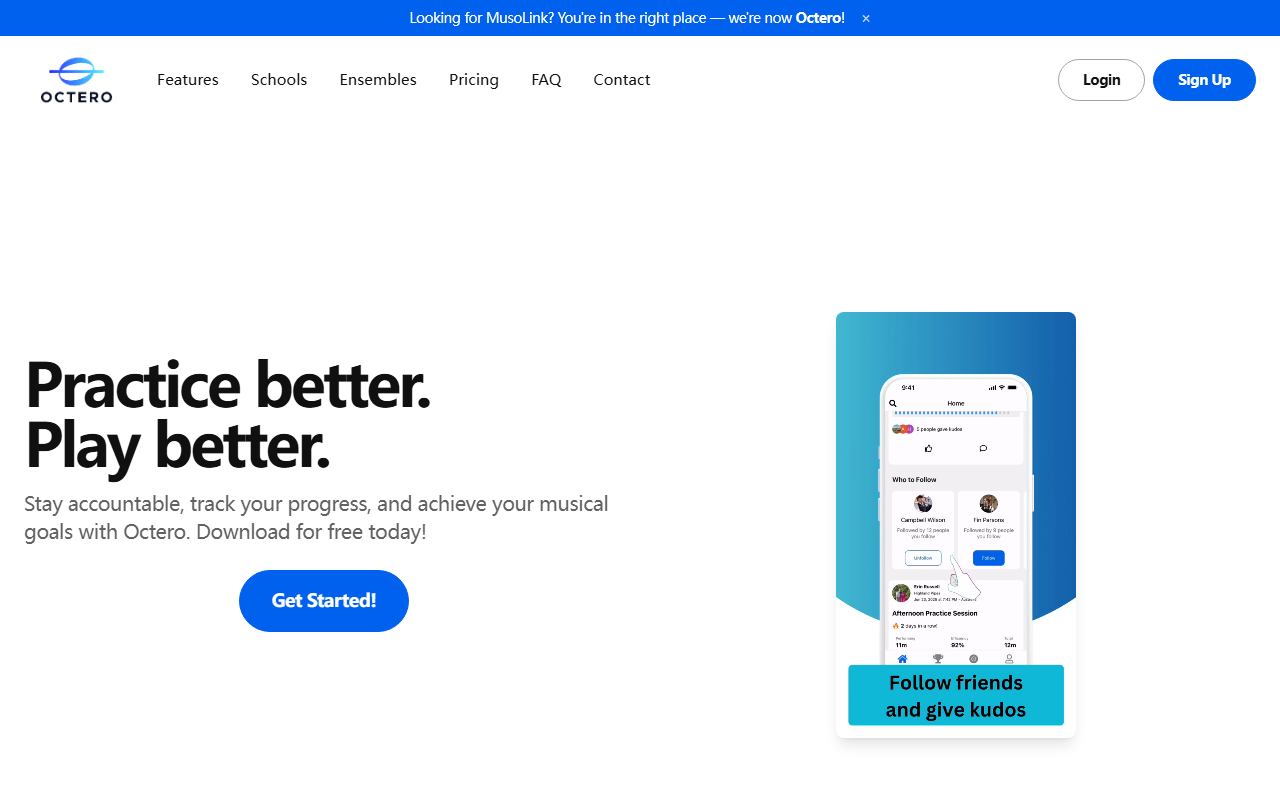
Upon visiting the site at musolink.com, I was greeted by a clear rebranding notice: "Looking for MusoLink? You're now Octero!" The homepage is clean, with a login/sign-up button and a prominent call to action to download the app for free. There is no web version; Octero is strictly a mobile app. I clicked through and signed up for the free tier. The onboarding was minimal — a short prompt to allow microphone access for the AI detection. The dashboard, once inside, shows a simple practice matrix, recent activity from friends, and your weekly stats. Everything is intuitive, with no tutorials needed.
How Octero Uses AI for Practice Tracking
Octero’s core differentiator is its automatic practice detection. The app uses AI to identify your instrument and track when you are actually playing versus resting. I tested this with a guitar: I placed my phone nearby, strummed a chord, and waited. After about 10 seconds, the app registered “playing.” When I stopped, it switched to “resting.” No buttons, no timers — it just worked. According to the FAQ, the AI works with any instrument, from pianos to drums. I did notice occasional false triggers from background noise, but it was surprisingly accurate overall. This eliminates the friction of manual logging, which is a game-changer for musicians who want to focus on playing.
Social Accountability and Competitive Features
Octero is designed around social motivation. You can follow friends, see their practice sessions in real time, and send “kudos.” Testimonials from the site highlight this: April Fraser says seeing friends’ practice keeps her motivated. I tried following a few test users, and the leaderboard showed weekly practice totals in ascending order. The competitive element is lighthearted — it's more about camaraderie than intense rivalry. For teachers, there are private groups and real-time insights into student practice. Mark Saul, a music teacher, credits Octero for his band’s world championship win. This feature is especially valuable for ensemble directors who need visibility across a group. The free tier includes all core social features, but the $5.99/month Premium removes ads.
Pricing, Limitations, and Final Verdict
Pricing is straightforward: Free (all core features with ads) and Premium at $5.99/month (ad-free). Private groups for schools require a custom quote. There are no annual discounts listed, which is a minor limitation. Octero is app-only (iOS and Android), with no desktop or web access — inconvenient if you prefer practicing with a laptop. Privacy appears well-handled: recordings are only shared with chosen friends, and data is encrypted. Unlike competitors like Yousician (which teaches you songs) or Moises (which isolates tracks), Octero focuses purely on practice tracking and accountability. It does not provide instructional content or feedback on your playing. This tool is best for musicians who already know how to play but struggle with consistency. Teachers will love the classroom oversight. If you need structured lessons or ear training, look elsewhere. Strengths: effortless AI tracking, strong community features, affordable pricing. Limitations: no web interface, no instructional content, premium is a bit expensive for what it adds. I recommend trying the free tier — if automatic tracking and social accountability resonate with your practice style, Octero will likely become an indispensable habit.













Comments