
First Impressions and Core Features
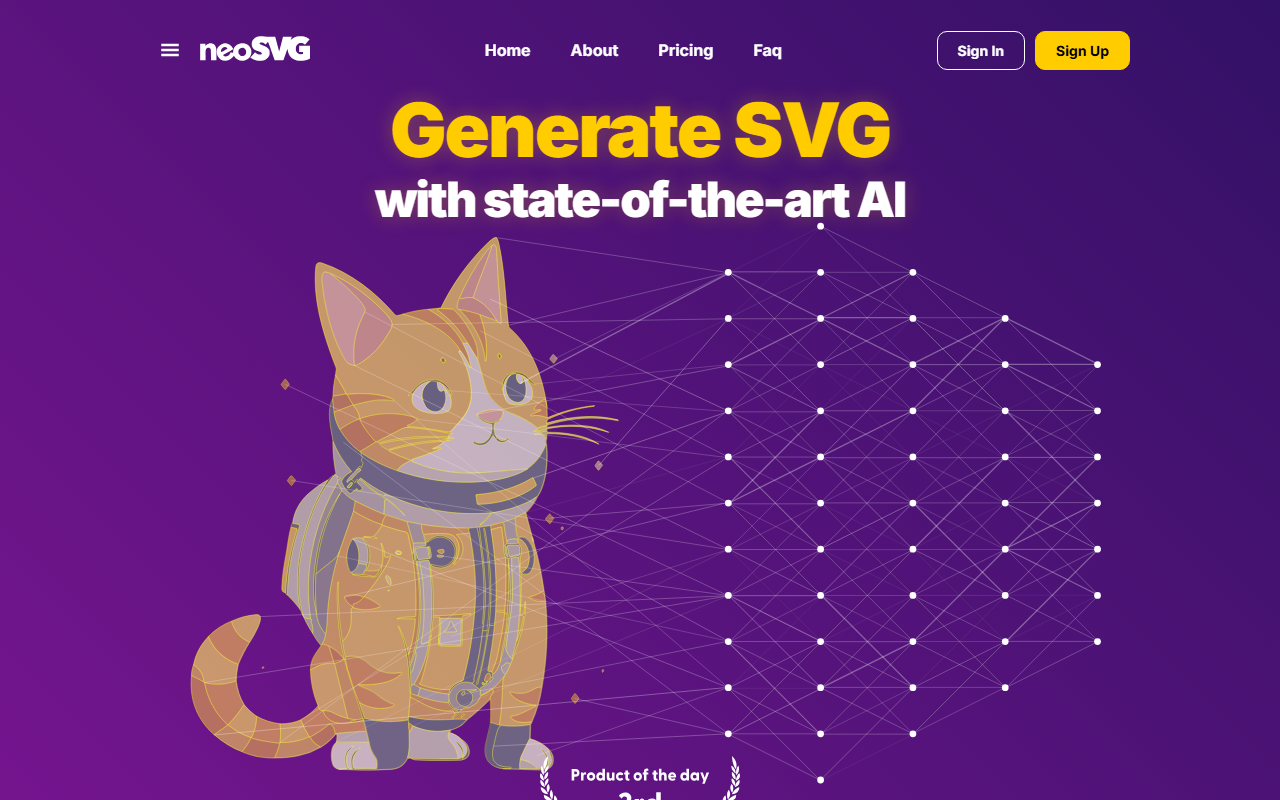
Upon visiting neosvg.com, the landing page immediately presents two primary actions: Generator and Vectorizer. The design is clean and modern, with a prominent call-to-action to try neoSVG. The dashboard – which I accessed after signing up for a free account – shows a credits balance at the top, followed by tabs for generating SVGs from text prompts or uploading images for vectorization. The onboarding flow is smooth: a quick tutorial explains that each generation or vectorization consumes a certain number of credits based on the quality tier (Base, Pro, Ultra). I tested the Generator with a simple prompt: "An astronaut cat." Within seconds, neoSVG produced a stylized SVG that was indeed clean, with smooth curves and minimal file size – exactly as advertised. The Vectorizer performed similarly well when I uploaded a low-resolution PNG logo; the output retained sharp edges and discrete color shapes, far superior to typical auto-trace tools.
Technical Performance and Models
neoSVG relies on its proprietary neoSVG 5 model, which the site describes as the result of "years of research." The tool reconstructs shapes, colors, and curves to generate structured SVG code rather than messy point clouds. During my tests, the generated SVGs were fully editable in vector editing software like Adobe Illustrator and Inkscape. The tier system allows users to choose between speed (Base), balanced (Pro), and maximum quality (Ultra). Base generations are fast and suitable for prototyping, while Ultra delivers pristine geometry for production-ready assets. The site does not disclose the underlying AI architecture (e.g., whether it uses transformers or diffusion models), but the output quality suggests a specialized pipeline optimized for vector primitives. An API is mentioned in the pricing FAQ for enterprise users, but it is not publicly documented on the main pages.
Pricing and Value Proposition
neoSVG offers three subscription tiers. The Starter plan is $15 per month (discounted from $25) for 1,000 monthly credits, which breaks down to 1,000 Base vectorizations, 200 Pro vectorizations, or 33 Ultra generations. The Professional plan at $35 per month (from $65) grants 3,000 credits, and the Enterprise plan at $95 per month (from $150) includes 10,000 credits. Credits are consumed differently per feature: for example, a single Ultra generation costs 30 credits, while a Base vectorization costs 1 credit. This granular system allows cost control but can be confusing. Notably, there is no free tier; only a short trial after sign-up. Compared to alternatives like Vectorizer.io (which charges per image or subscription) or the open-source SVGcode, neoSVG stands out for its text-to-SVG capability and consistently clean vector output. However, for casual users who only need occasional conversions, the monthly commitment may be overkill. neoSVG is best suited for professional designers, small agencies, and teams that produce high volumes of scalable vector graphics for branding, web, and print.
Strengths, Limitations, and Final Verdict
Strengths: The primary advantage of neoSVG is the quality of generated SVGs – they are lightweight, editable, and scale without loss. The dual functionality (generate from text or vectorize from images) covers a wide range of workflows. The neoSVG 5 model delivers noticeably better curve handling than average auto-tracers. The interface is user-friendly, with clear credit tracking. Limitations: The lack of a true free tier may deter trial users. The credit system can be hard to budget, especially for projects that mix generations and vectorizations. The website does not list an API publicly, so automation may require enterprise negotiation. Additionally, prompt-to-SVG generation still struggles with complex compositions involving multiple objects or text – in my test, "an astronaut cat with a detailed spaceship" resulted in a simplified silhouette. For users who need photorealistic vectors or complex illustrations, other tools like Adobe Illustrator’s AI features may be more flexible. Recommendation: Designers and agencies who regularly need clean, reproducible SVG assets will find neoSVG excellent. If you value speed, quality, and editable output, start with the Professional tier. Avoid if you only need occasional vectorization or have a tight budget – look for per-image alternatives instead. Visit neoSVG at https://neosvg.com/ to explore it yourself.











Comments