

First Impressions and Onboarding
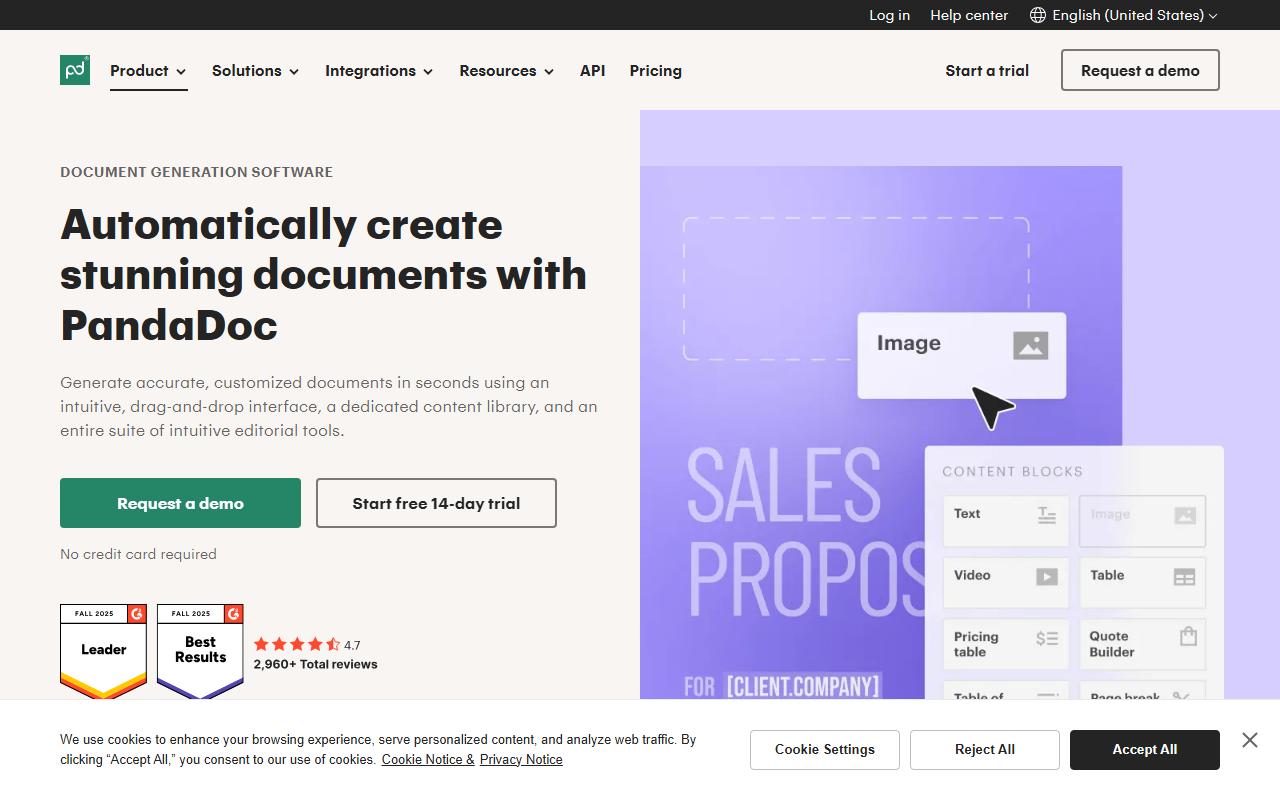
Upon visiting PandaDoc’s website, I was immediately struck by the emphasis on speed and integration. The homepage highlights a 40% faster document process and a G2 #1 rating across proposals, eSignature, and contract management. The navigation is dense but well-organized, with separate sections for Product, Solutions, Industries, and Integrations. I clicked through to the “Start a trial” button, which led to a standard sign-up form. The free trial gives access to most features, though some advanced capabilities like custom branding and analytics are locked behind paid plans. The onboarding flow guides you through creating your first document with drag-and-drop templates—a smart way to demonstrate value quickly. I tested the template library and found over 200 pre-built documents, from NDAs to sales proposals, each professional and editable.
Core Features and Workflows
The heart of PandaDoc is its 360-degree document lifecycle management. The drag-and-drop editor allows you to insert smart content blocks that pull data from CRM fields (e.g., HubSpot, Salesforce), automatically populating customer names, pricing, and product details. This reduces manual errors and speeds up proposal creation. I was impressed by the “Rooms” feature, which acts as a digital workspace where buyers and sellers can collaborate, share files, and track progress—ideal for complex deals. The eSignature component supports signing order, identity verification (via two-factor authentication or SSO), and even online notarization. The analytics dashboard provides real-time views of document opens, time spent per page, and sign-off completion. For sales teams, the CPQ (Configure, Price, Quote) module is a standout: it enforces rules-based pricing and pulls product catalogs directly into quotes. Automation workflows handle approval chains and follow-up reminders, reducing manual follow-through.
Pricing, Integrations, and Market Position
PandaDoc does not publicly list its pricing on the website. You must contact sales or start a trial to see costs. This is a common enterprise pattern but can be frustrating for small teams wanting upfront numbers. Based on G2 reviews and industry knowledge, plans start around $19/month for Essentials and scale to Enterprise with custom quotes. The free trial offers core features but limits document sends and templates. Integrations are extensive: native connectors for HubSpot, Salesforce, Pipedrive, and Slack, plus an embeddable API for custom workflows. Payment gateways like Stripe, Square, and PayPal are supported. Compared to DocuSign or Adobe Sign, PandaDoc is more of a full document management platform rather than just an eSignature tool. It competes directly with Proposify and Qwilr for proposal-focused teams. Its strength lies in the unified creation-to-payment pipeline, but the lack of transparent pricing and the steep learning curve for advanced features may deter solopreneurs.
Verdict: Who Should Use PandaDoc?
PandaDoc is best suited for growing businesses and enterprise teams that handle a high volume of proposals, contracts, and legal documents. Sales, HR, and legal departments will benefit most from the automation and CRM sync. The smart content and CPQ features are game-changers for sales ops. However, individual freelancers or very small teams may find the complexity and cost prohibitive—lighter alternatives like HelloSign or simpler proposal tools might suffice. A notable limitation: the editor can feel sluggish with large documents, and some users report a learning curve for approval workflows. Nonetheless, PandaDoc’s security certifications (HIPAA, SOC 2, UETA) and robust audit trails make it a trustworthy choice for regulated industries. If your team needs to reduce document cycle time and can invest in setup, this tool delivers genuine ROI. Visit PandaDoc at https://pandadoc.com/ to explore it yourself.











Comments