

First Impressions and Interface
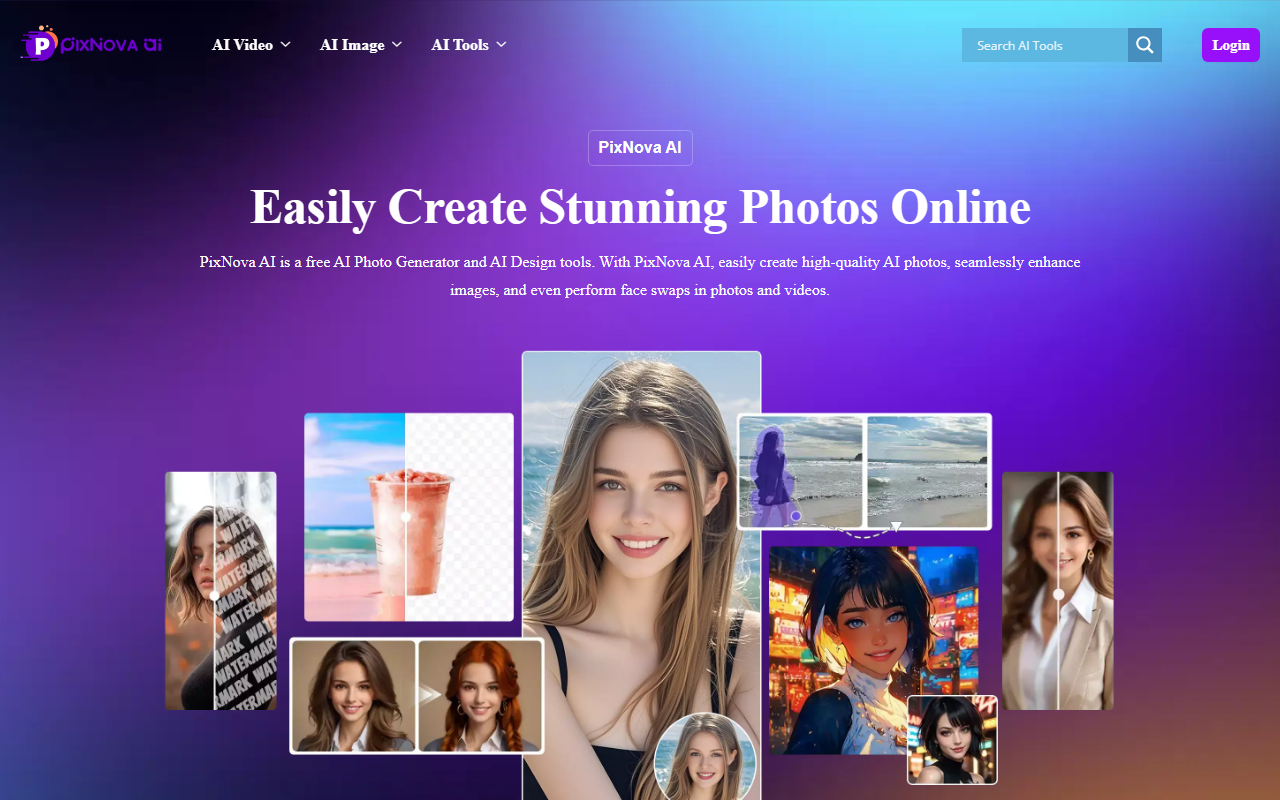
Upon visiting PixNova AI, I was greeted by a clean, modern dashboard that immediately lists dozens of tools across categories: AI Editor, AI Video, AI Fun, AI Room, AI Image, AI Transcriber, and Lip Sync Tools. The navigation is straightforward – each category expands to reveal specific tools like “AI Image Upscaler,” “AI Baby Generator,” or “Seedance 2.0” video generator. I appreciated that the homepage highlights a handful of featured free tools, making it easy to jump right in without hunting through menus. The interface is clearly designed for speed and simplicity, with “Start for Free” buttons on every tool card.
Feature Set and Workflow
The platform truly lives up to its “all-in-one” claim. I tested the AI Image Upscaler by uploading a low-resolution 800x600 pixel photo. The process was effortless: click upload, choose upscale factor (2x or 4x), and wait about 10 seconds. The result was a noticeably sharper 4x image with reduced noise, though fine details like text were slightly blurred – acceptable for social media but not print-quality. Next, I tried the AI Object Remover on a photo with a distracting sign. The inpainting engine filled the area convincingly, matching textures and lighting, though it struggled with complex backgrounds containing multiple objects. The tool is 100% free and unlimited, which is remarkable compared to competitors that offer limited free credits. Other notable tools include the AI Headshot Generator, which quickly turned a casual selfie into a professional-looking portrait by adjusting lighting and facial features, and the AI Baby Generator, a fun feature that blends two faces into a realistic baby prediction.
Performance and Limitations
While PixNova AI excels in breadth and accessibility, its depth is limited. The AI-generated images for tools like “Text to Image” and “Anime Art Generator” are decent but lack the artistic refinement of premium generators like Midjourney or DALL·E 3. I noticed that some outputs, especially in the “AI Fun” category (e.g., AI Clothes Changer or AI Hairstyle Changer), produce cartoonish or inconsistent results. The video generation features, such as Text to Video, are still in early stages – the sample clips I reviewed had jerky motion and unnatural transitions. Additionally, the platform currently offers no API access or batch processing, which limits its utility for developers or power users. Privacy is claimed but not detailed beyond a one-liner; there is no visible privacy policy link on the main pages I browsed.
Pricing and Recommendation
Pricing is not publicly listed on the website beyond a bold claim that all tools are “100% Free and Unlimited.” During my tests, I did not encounter any paywalls or usage caps, which makes PixNova a fantastic starting point for casual users, hobbyists, or content creators on a tight budget. However, for professional designers or studios needing consistent high-quality outputs, dedicated tools like Adobe Photoshop’s AI features or Remini for enhancement will be more reliable. In summary, PixNova AI is a generous, easy-to-use suite for quick edits, fun transformations, and basic video generation. If you need a free, no-commitment AI photo editor, give it a try.
Visit PixNova AI at https://pixnova.ai/ to explore it yourself.










Comments